
Embed Outline
See headings from embedded notes in one outline.
Find notes through text in their Markdown embeds.
MIT · no telemetry · core features free
Desktop app tests do not prove phone or tablet behavior. Live GitHub sign-in and payment were not tested.
Directory facts fetched from community.obsidian.md/users/theluckystrike.
You build review notes from embeds and need to find the review from a phrase in its source.
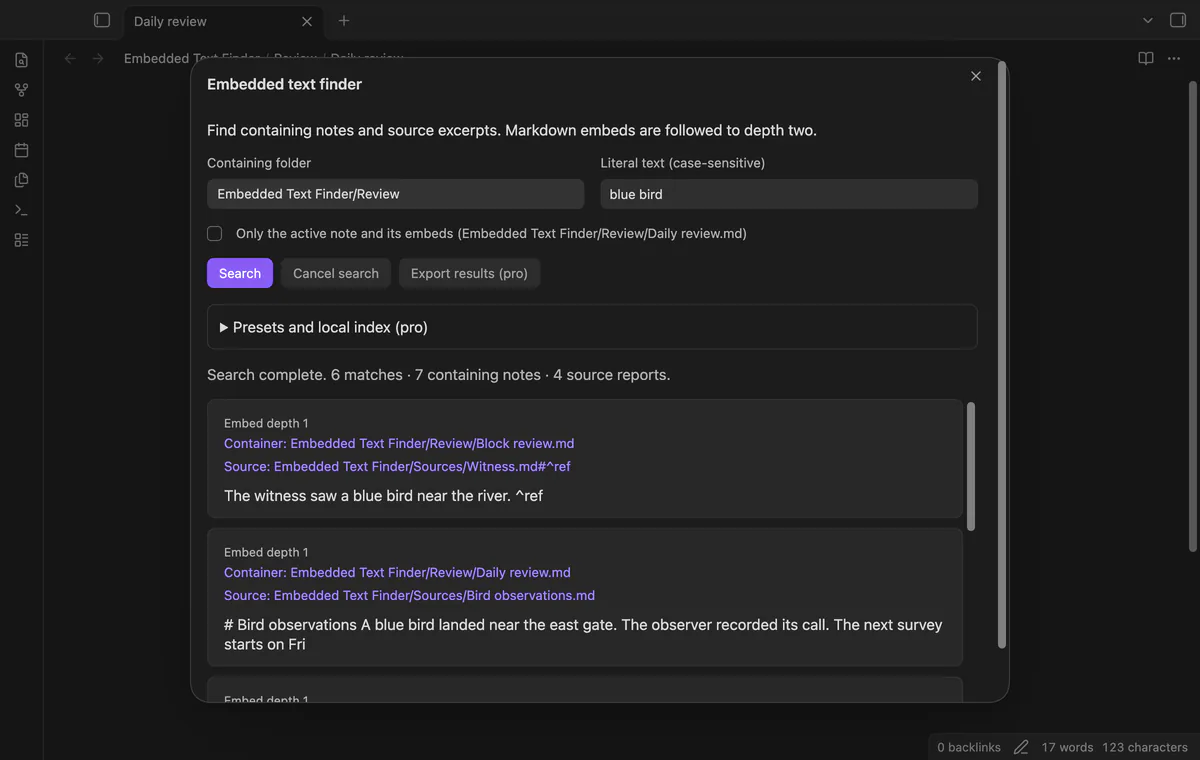
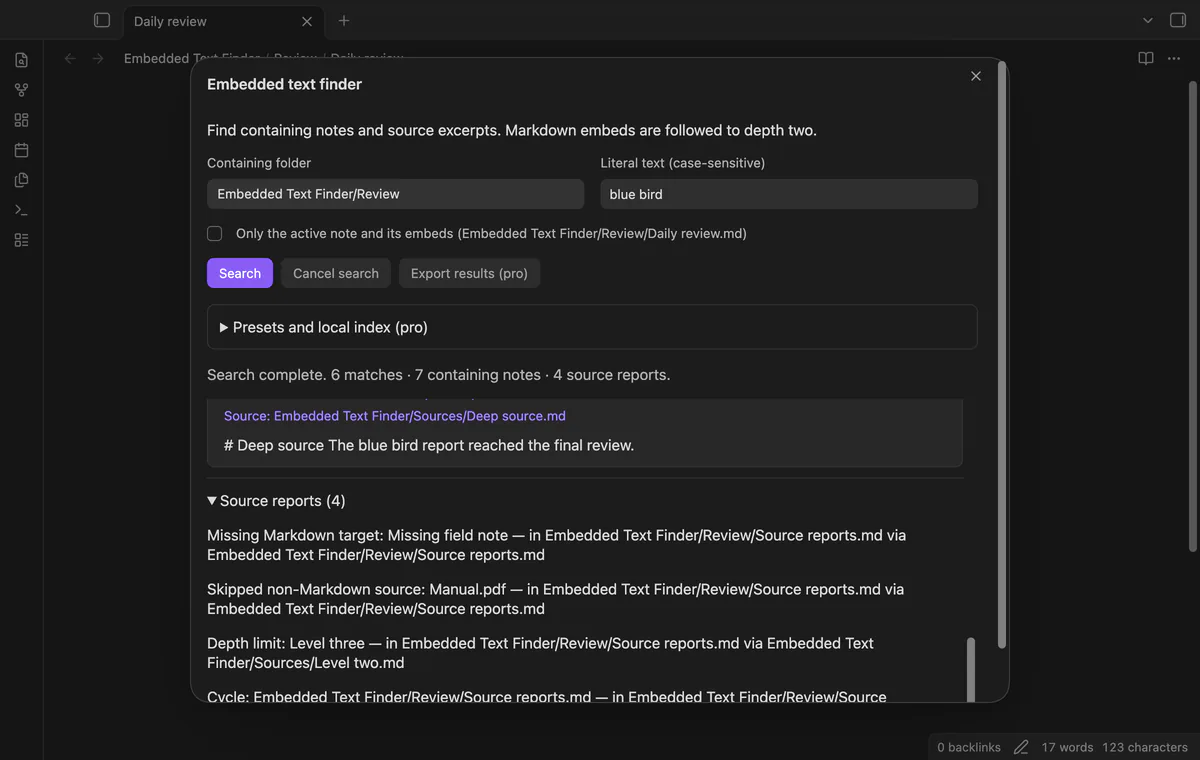
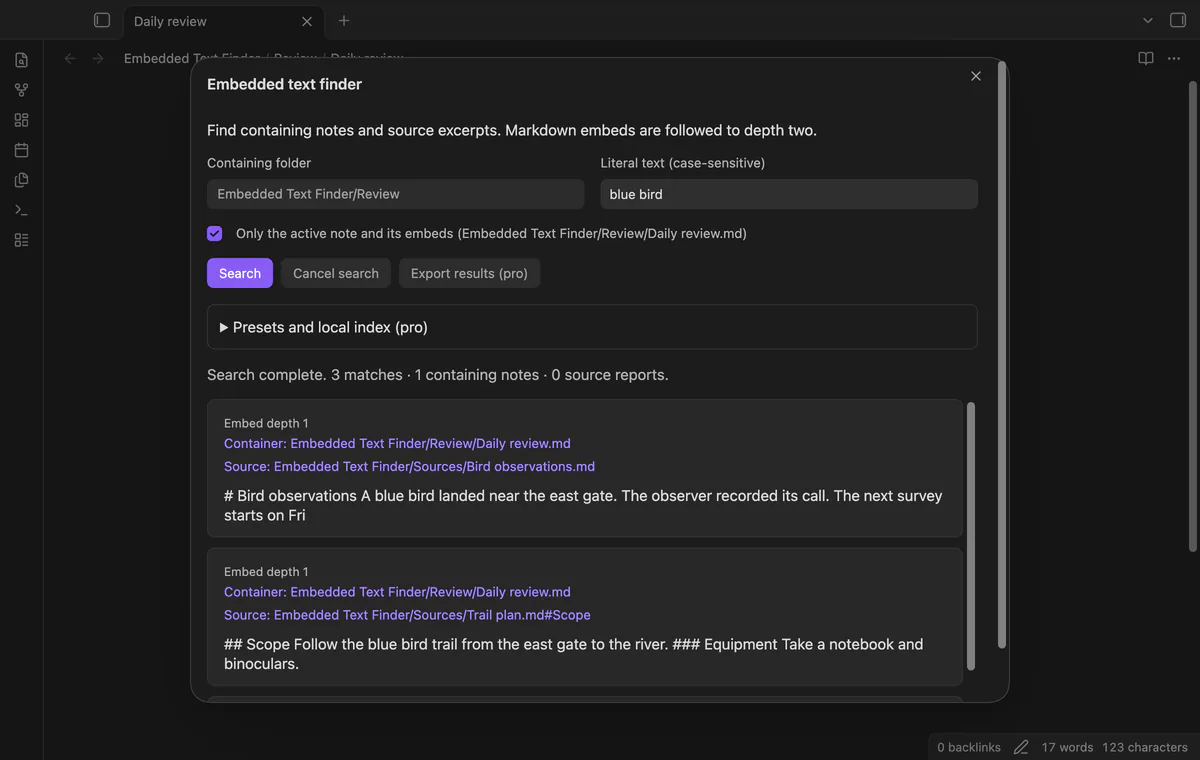
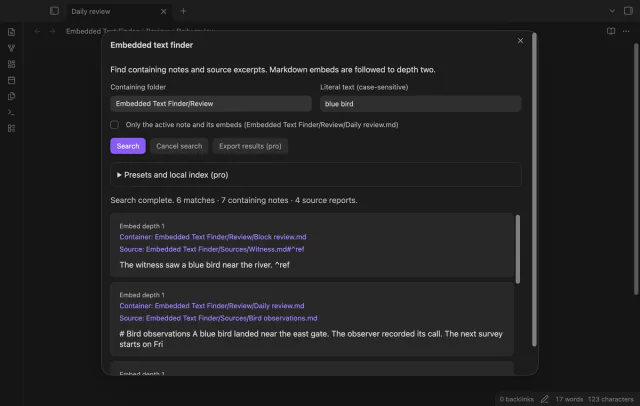

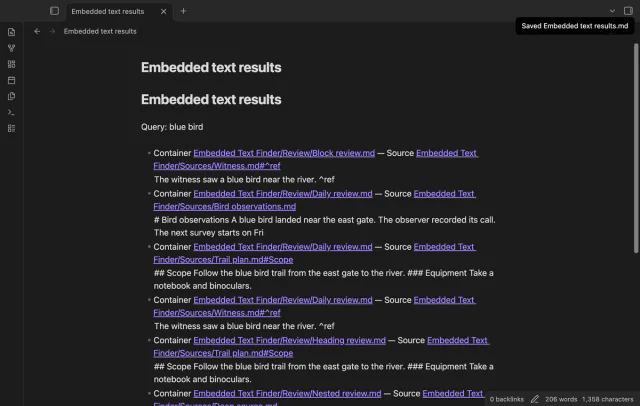
Your review note may contain only an embed link, while the phrase you remember lives in another note. Embedded Text Finder follows static Markdown wikilink embeds and returns the containing note beside the matching source. Open either path from the result.
 Play demo
Choose a folder and enter literal, case-sensitive text. Subfolders count as containers, and source notes can sit elsewhere in your vault. Each source range returns its first matching excerpt once per container.
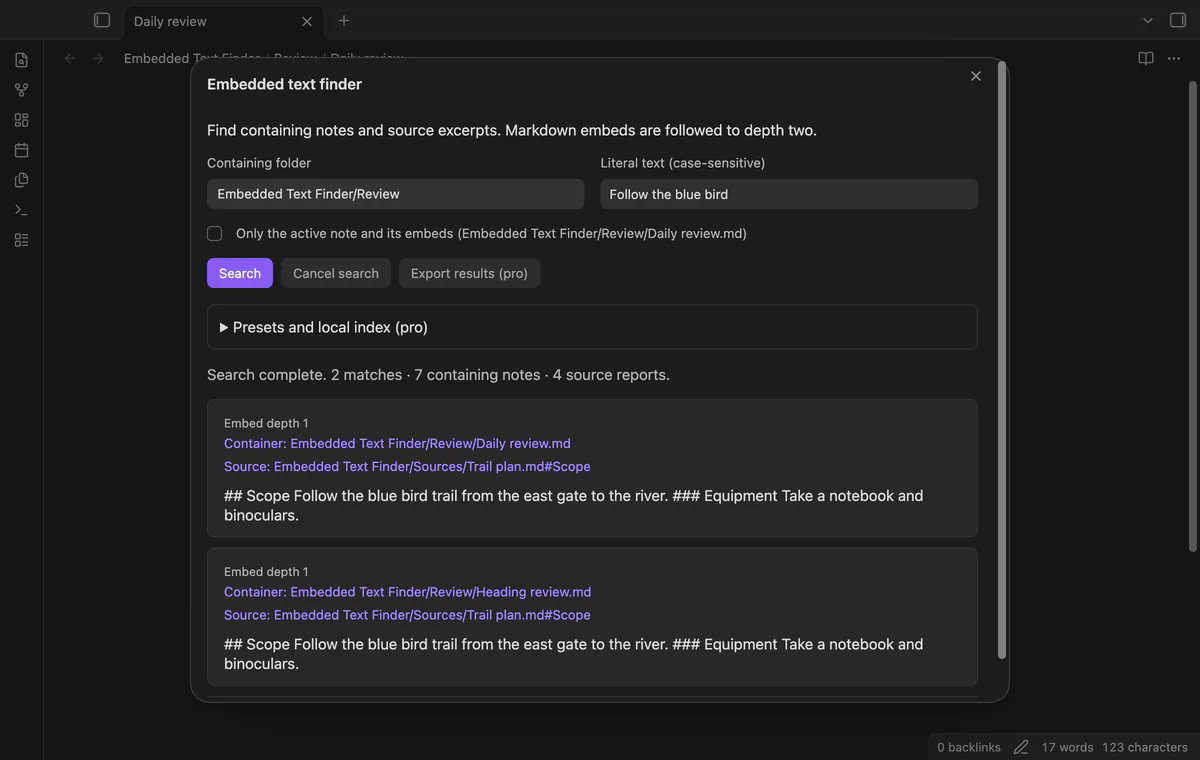
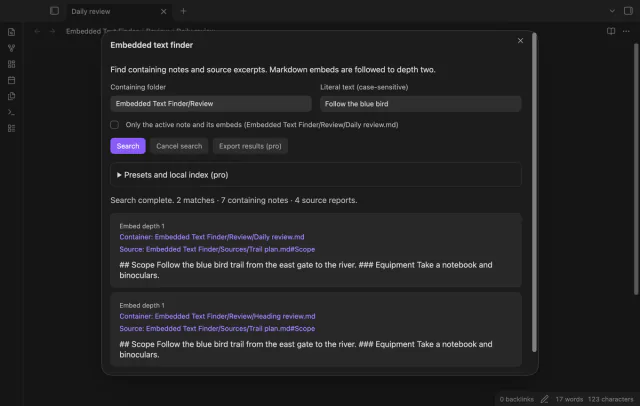
A heading embed searches that section and its lower-level headings. The source button keeps the heading link. Basic headings starting with hash characters are supported.
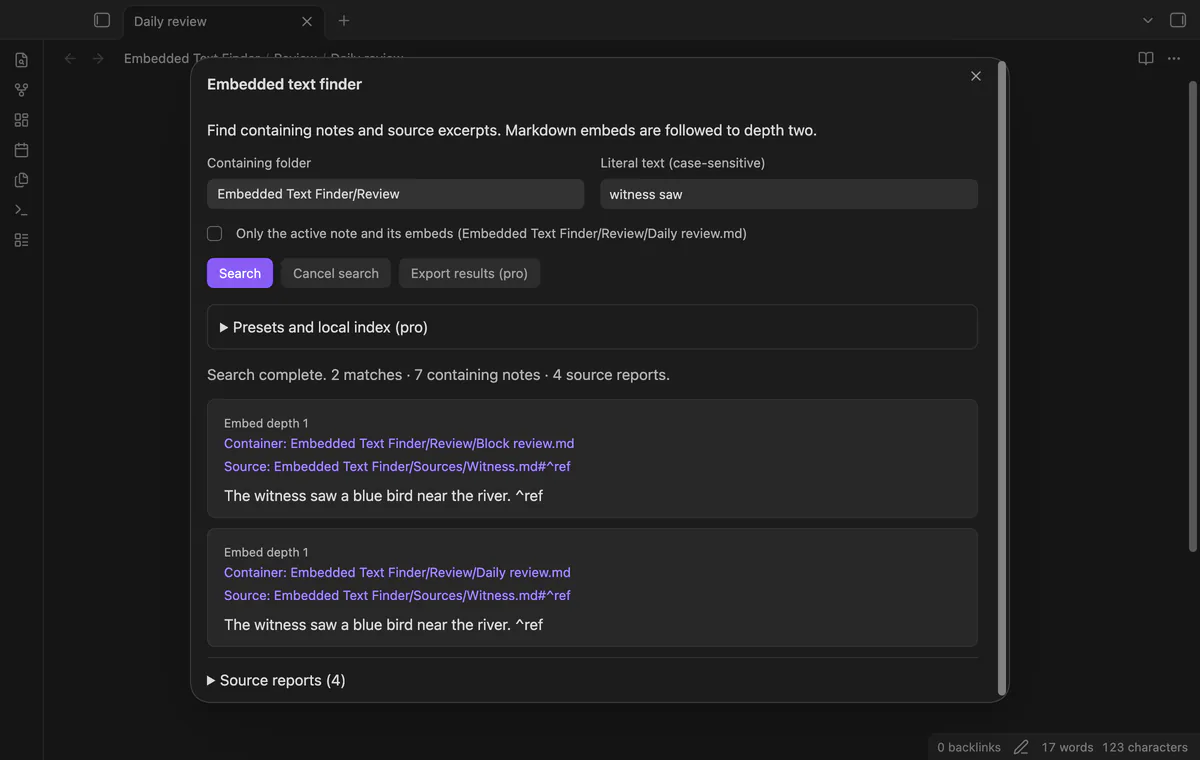
A block embed searches the referenced block using Obsidian metadata. Text outside that block does not count. The source button opens the block.
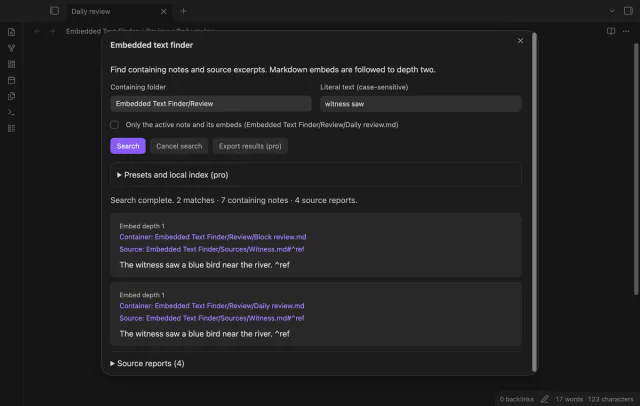
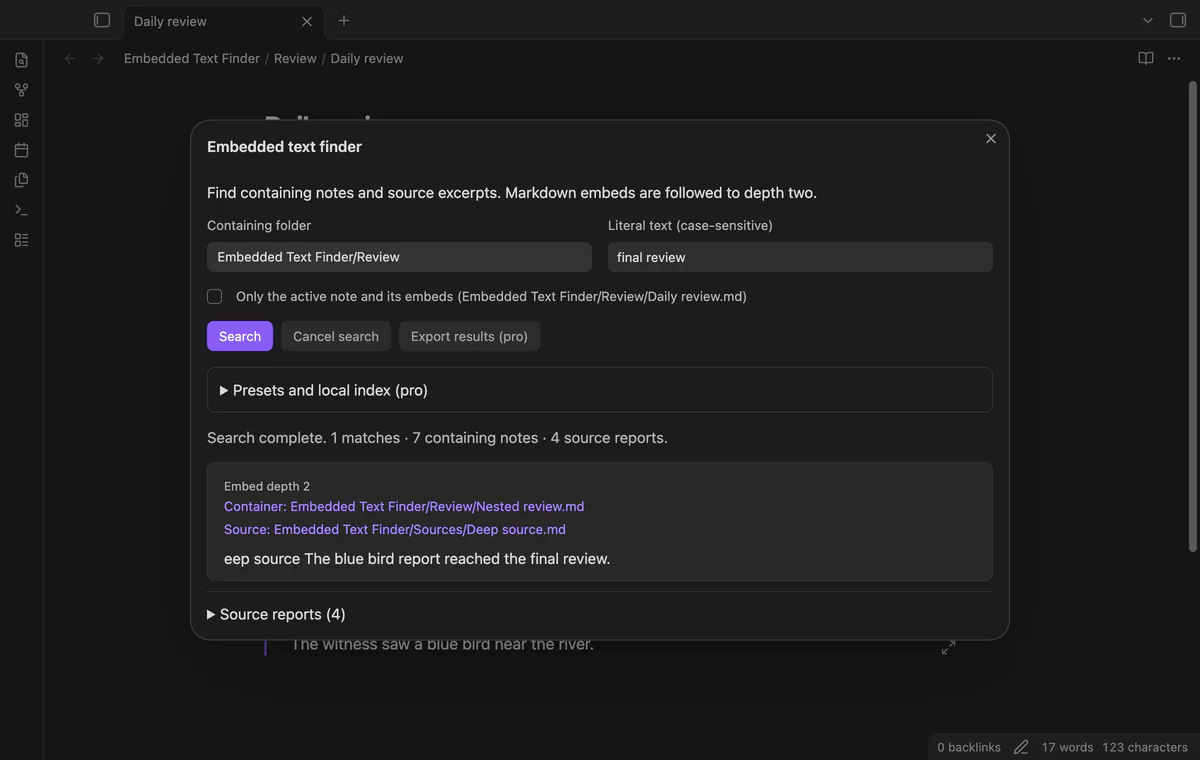
A note can embed a relay note that embeds the matching source. Expansion stops at depth two and reports a third level. The depth label tells you where the excerpt came from.
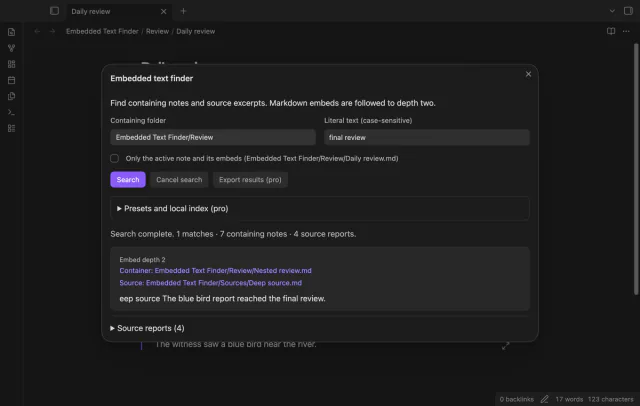
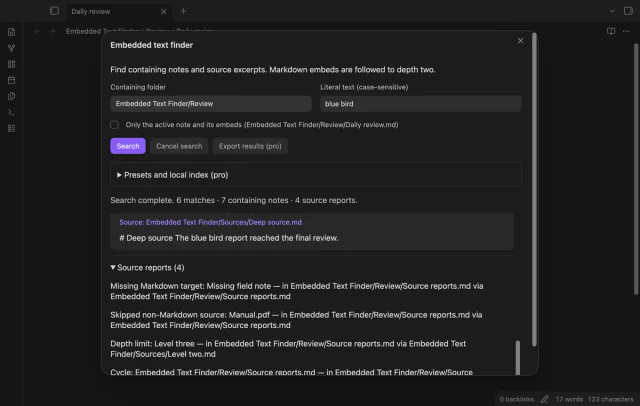
Read reports for missing targets, skipped media, read failures, unresolved sections, cycles and depth limits. Code examples, frontmatter and comments are excluded. Cancel search stops further work and labels the list as partial.
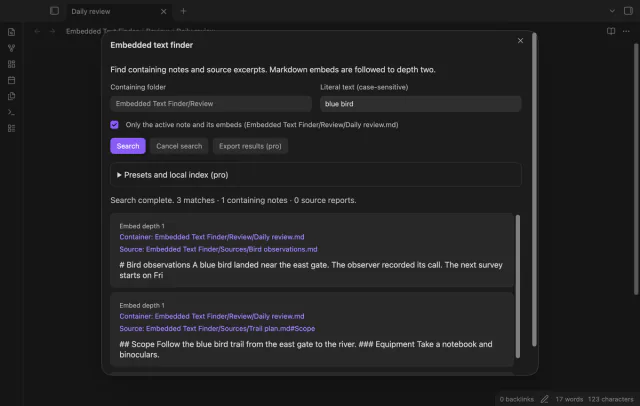
Search the note you have open and its embeds with the active note command. Each result identifies the embedded note that holds your text. The command needs an open Markdown note.
Pro costs $5 a month or $15 one time through GitHub Sponsors. One sponsorship turns on Pro in every plugin that has it.
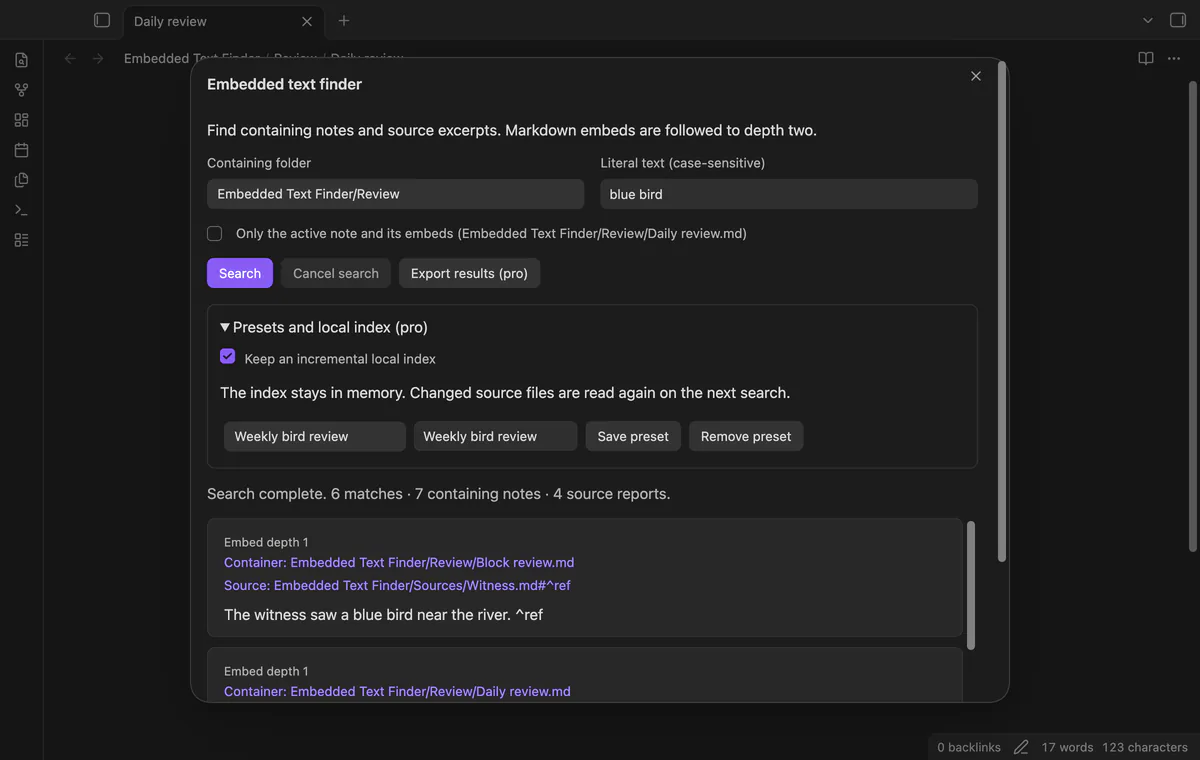
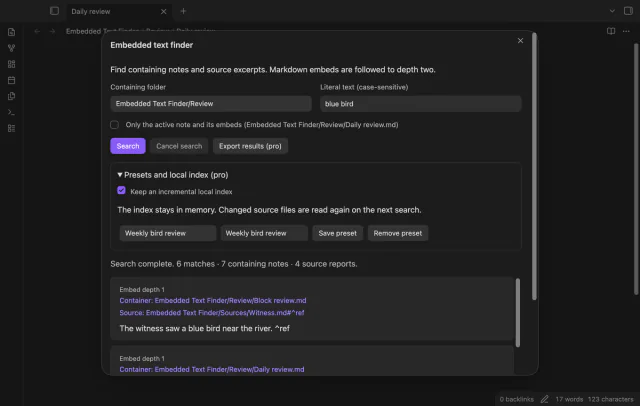
Save up to 50 named folder and query presets. The optional index keeps parsed documents in memory and reads changed sources again on your next search. Rename events clear the index.
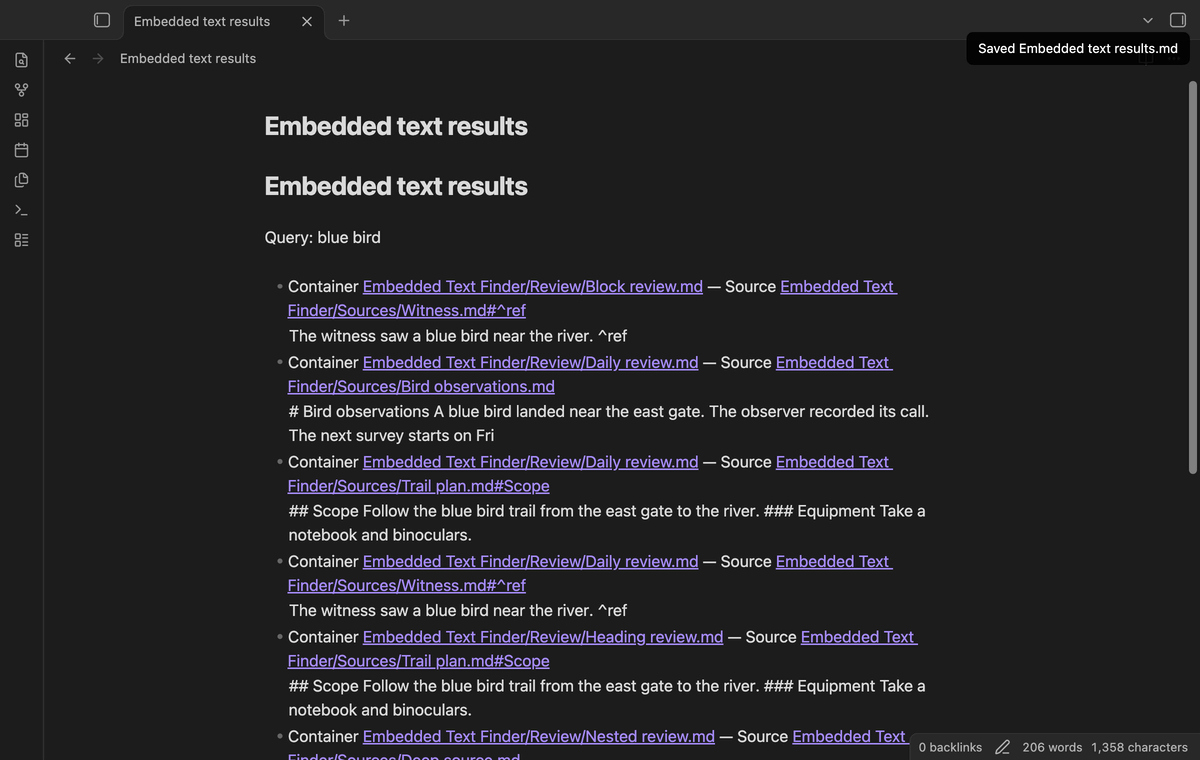
Export creates a new Markdown note with container and source links, including heading or block suffixes. A cancelled search keeps its partial-result label. Export leaves source notes unchanged.
needs
steps
Run Find text in notes and embeds from the command palette.
Select the containing folder and enter your phrase with the same letter case as the source.
Select Search, or press Enter in the text field.
Select Container or Source to open a result, and read source reports for gaps.
If the app can't find a new plugin yet, try again later. Obsidian says a plugin that passes the review shows in the app within 24 hours.
Need a change for your team? I build custom Obsidian plugins and features.
It searches basic static Markdown text and follows wikilink embeds. PDF text, Canvas, HTML rendering, Dataview output and remote content are outside this version.
Basic hash-style headings are supported, but Setext and formatted heading validation are outside this version. A missing or stale section gets one retry before the plugin reports it.
The index stays in memory and builds on demand. Disabling it, signing out or closing Obsidian clears it.
Free searches need no account. Pro adds presets, the optional memory index and Markdown export.
Before GitHub sign-in, the plugin sends nothing; sign-in sends a public client ID and read:user to github.com, then polls for authorization. api.github.com receives an authenticated query for your account, sponsorship tier and total payment; no note content, file names or vault data leaves. Successful checks last 7 days; failed checks retry after 6 hours, and Refresh requests an earlier check.
Tell me what is broken in Embedded Text Finder, or what it should do next.
Embedded Text Finder 1.2.0, MIT license
MIT · no telemetry · core features free
See headings from embedded notes in one outline.
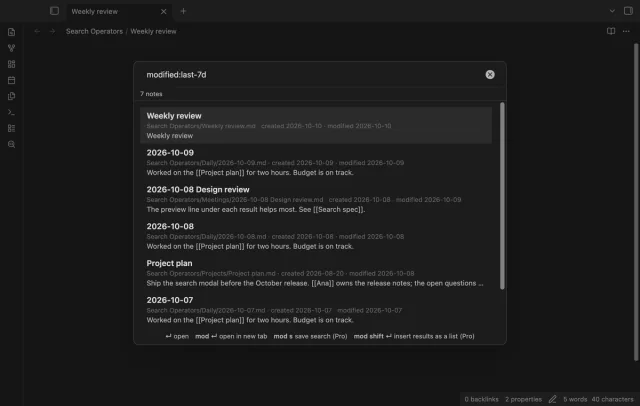
Find notes by date and links, with a preview for each result.