Discussion Brief Cards
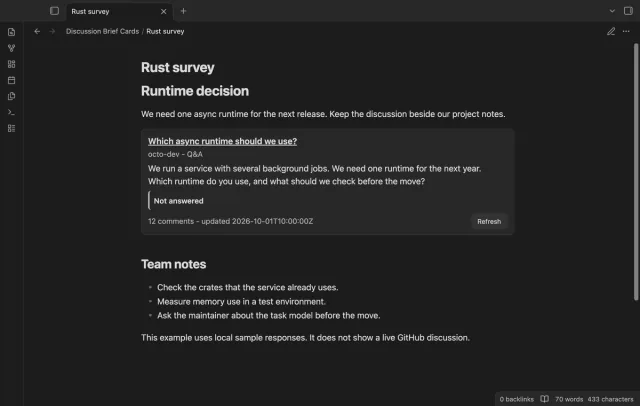
Read GitHub discussions beside project notes.
Read Enterprise issues as text cards with local copies.
MIT · no telemetry · core features free
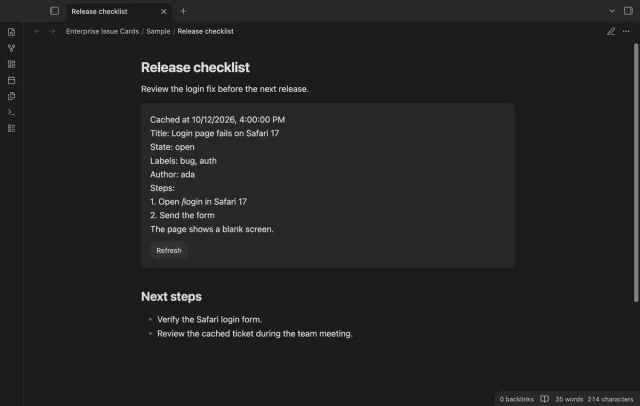
Mac desktop checks use local issue responses; no live Enterprise Server or physical mobile device was tested.
Directory facts fetched from community.obsidian.md/users/theluckystrike.
You keep project notes for work tracked on a GitHub Enterprise Server and need issue details beside the plan.
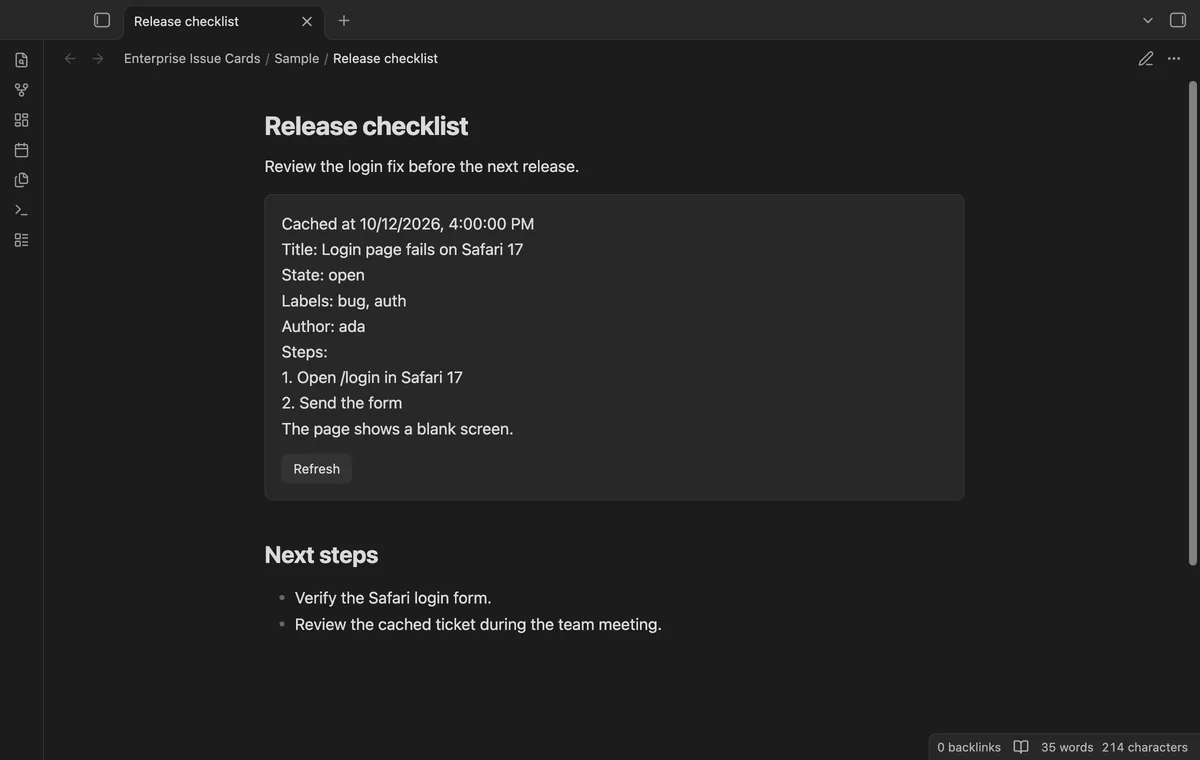

Put an Enterprise issue URL in a ticket block to show its title, state, labels, author and body. The card keeps a local copy with a fetch time. A previously fetched issue remains readable when the server is offline.
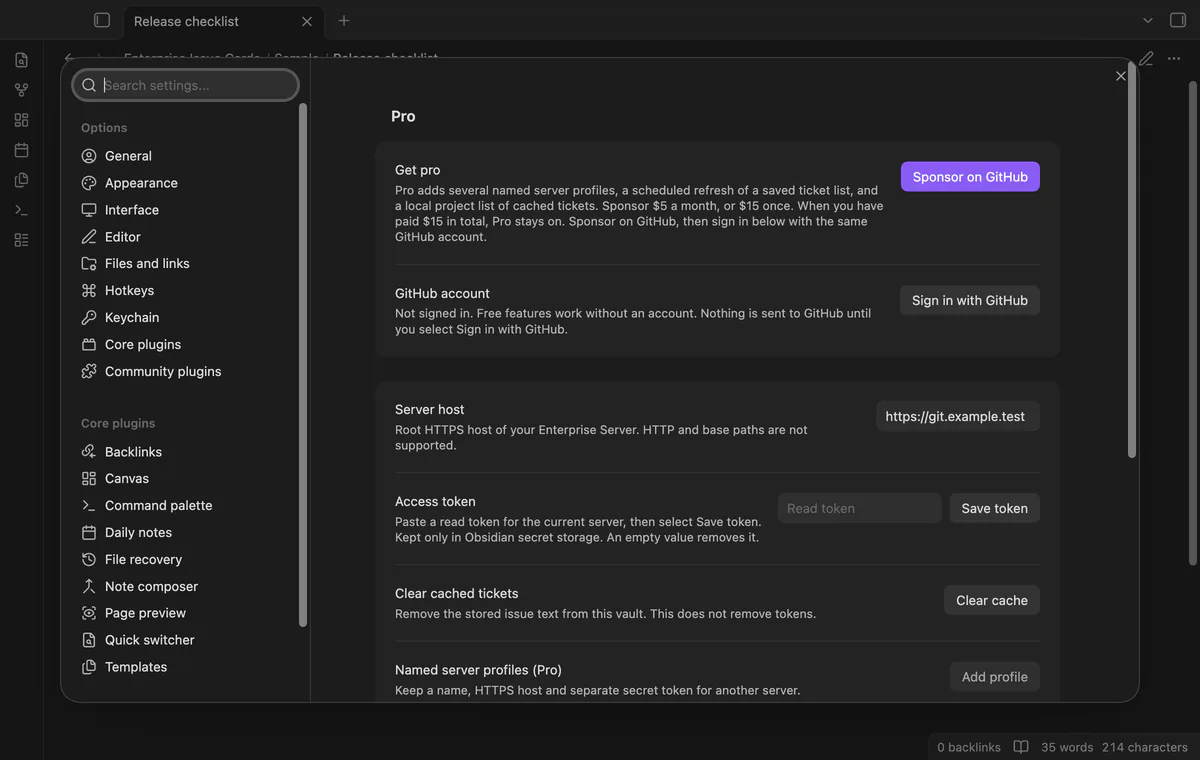
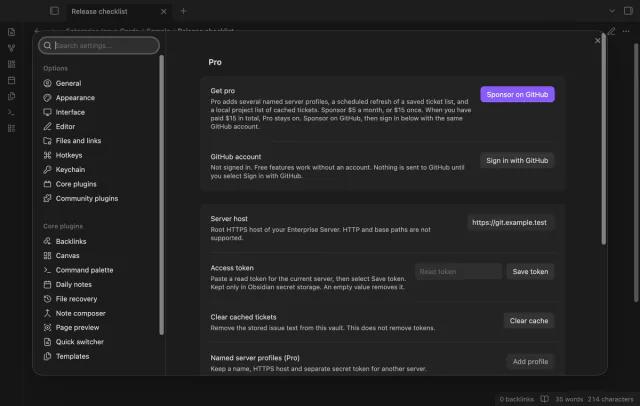
Set your server's root HTTPS host and save a read token in Obsidian secret storage. The free version supports one primary server.
 Play demo
The issue fields appear as plain text, with body line breaks preserved. Image syntax and HTML stay text instead of creating images or scripts. The original ticket block stays in your note.
Set a root HTTPS server host and save its read token in Obsidian secret storage. HTTP and base paths are rejected. The plugin checks an issue URL against an authorized host before requesting it.
A cached card doesn't fetch again when it renders. Concurrent reads of one issue share a request. Select Refresh to update the local copy and open cards for that issue.
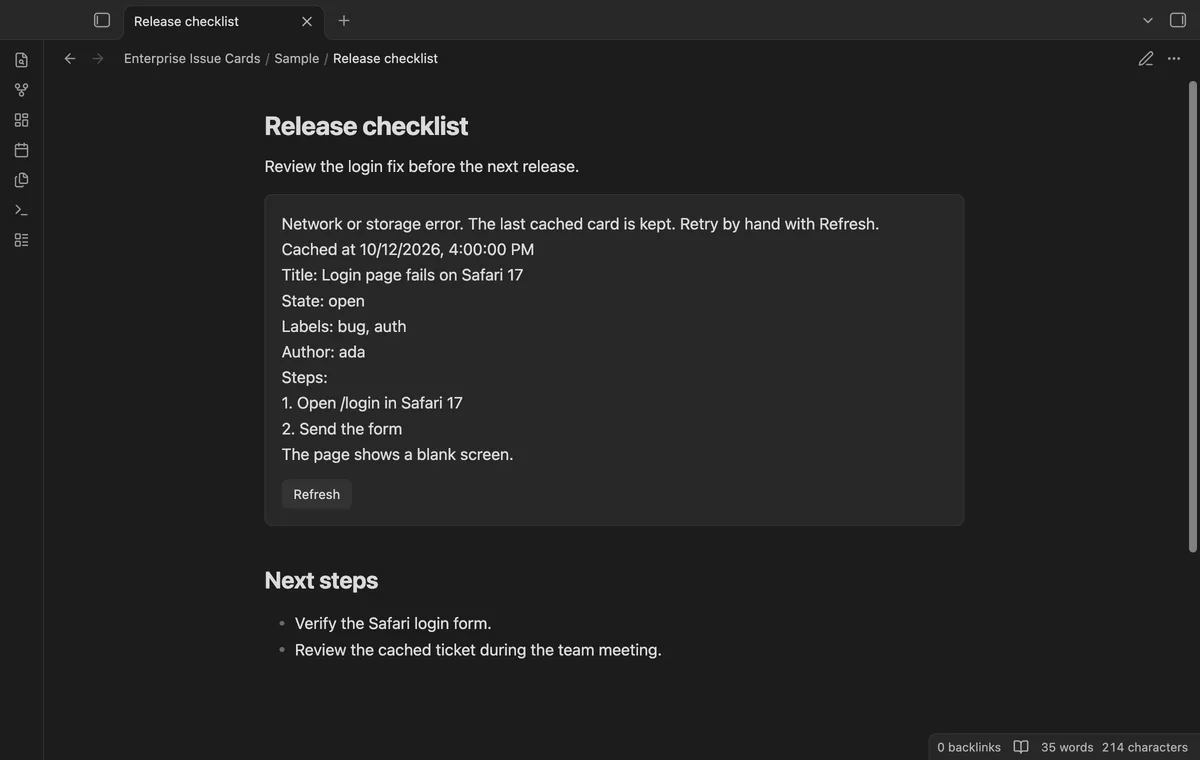
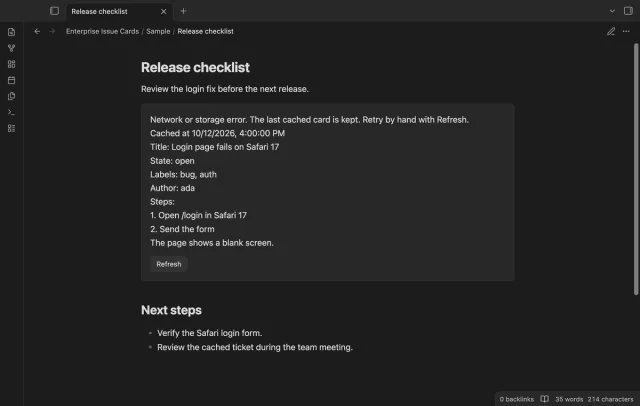
Access, rate-limit and network errors keep cached fields and show a message; a 404 removes that issue from the cache. Rate limits pause automatic reads for at least an hour in the current session. Manual retry remains available.
One primary server, cached cards and manual refresh are free; additional server profiles and saved-list tools need Pro.
Pro costs $5 a month or $15 one time through GitHub Sponsors. One sponsorship turns on Pro in every plugin that has it.
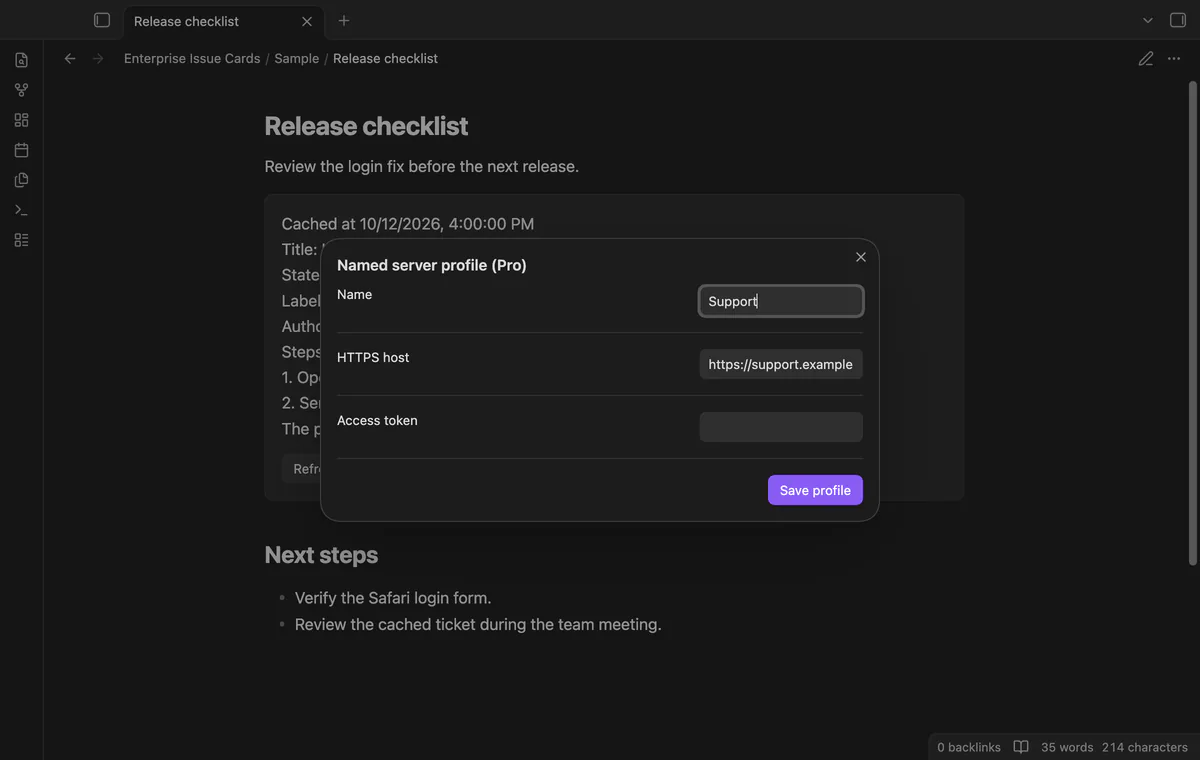
Add named HTTPS server profiles with separate tokens by host. Removing a profile stops its use for cards but leaves its secret in Obsidian storage. Additional hosts stop working when Pro turns off.
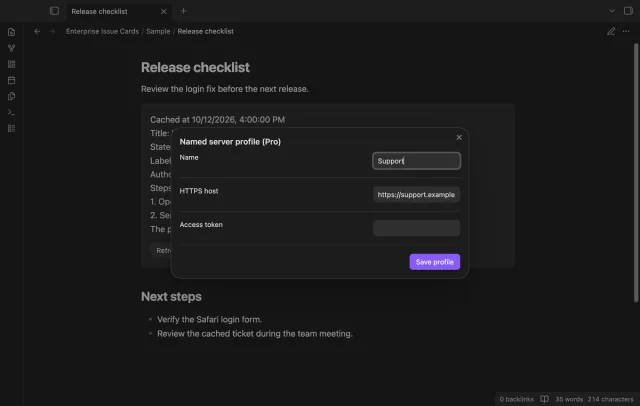
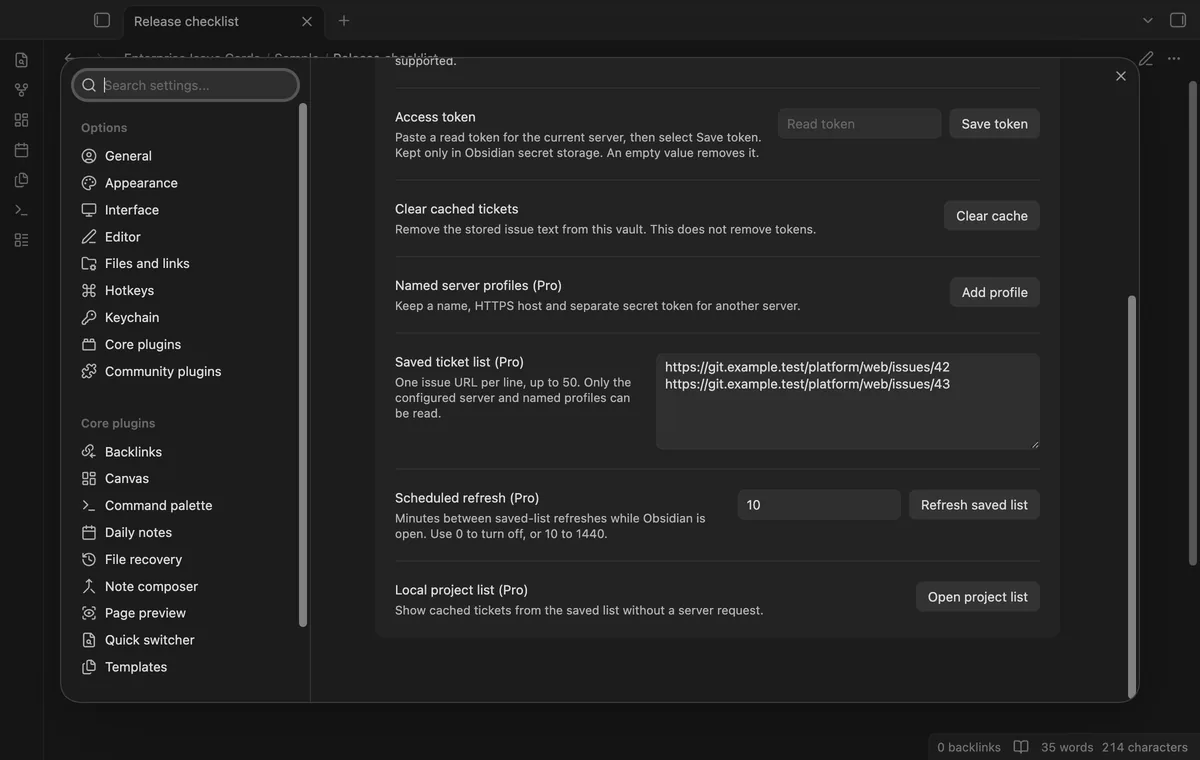
Refresh a saved list of up to 50 distinct issue URLs while Obsidian is open. Set 10 to 1440 minutes between operations, or 0 to stop scheduling. Reads run in sequence with a one-second pause.
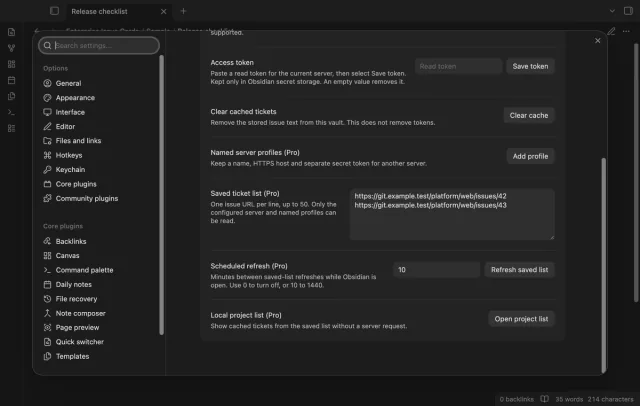
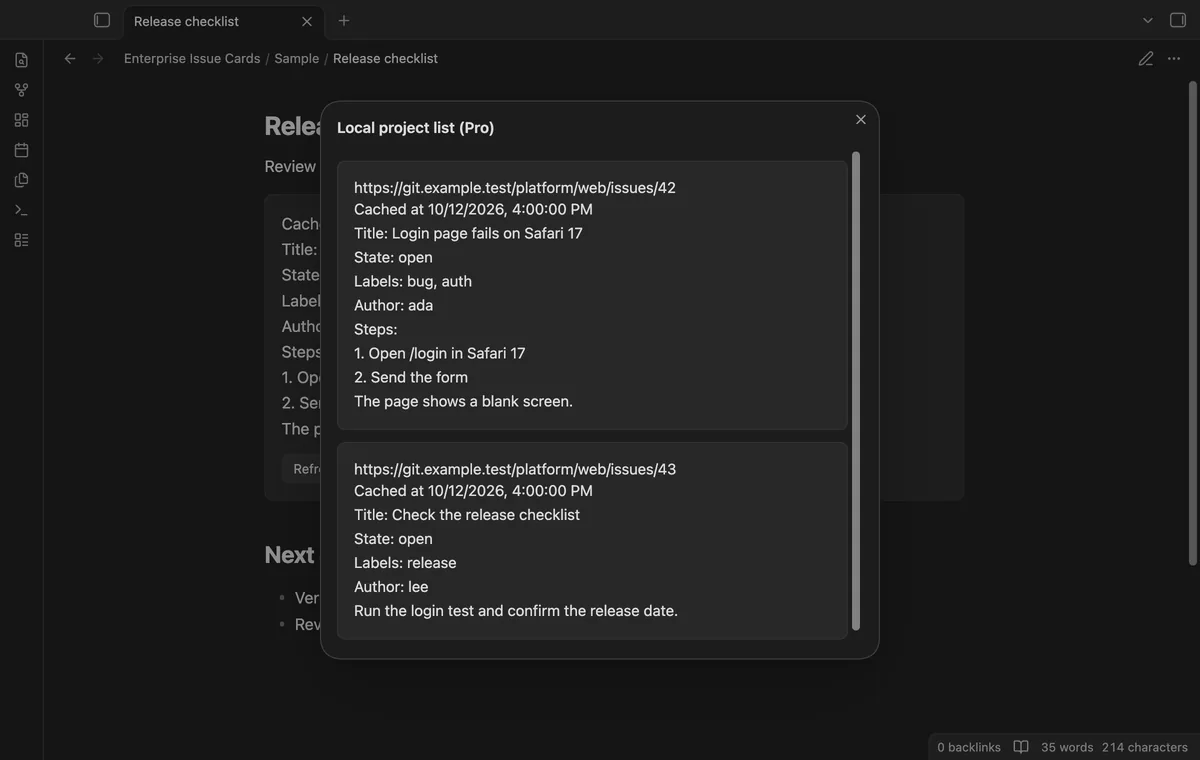
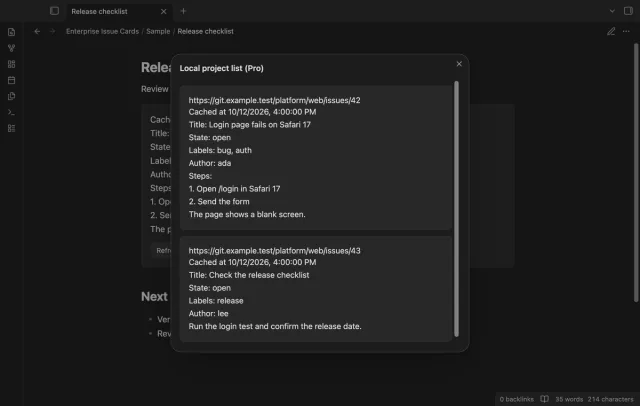
Open the project list to read cached fields and fetch times for saved URLs. Opening it sends no issue request. Tickets without a cached copy show a message.
needs
steps
Install Enterprise Issue Cards from Community plugins and enable it.
In its settings, enter the root HTTPS server host without an API path.
Paste an approved read token and select Save token.
Write a fenced code block with the language ticket and an issue URL on its first nonempty line.
Open Reading view to fetch an uncached card, or select Refresh to update an existing copy.
If the app can't find a new plugin yet, try again later. Obsidian says a plugin that passes the review shows in the app within 24 hours.
Need a change for your team? I build custom Obsidian plugins and features.
Public GitHub issue fetching is outside this build. The plugin targets the issue REST endpoint on your configured GitHub Enterprise Server.
Cached titles and bodies live in the plugin's data.json. A backup or vault sync can copy that file. Server tokens use Obsidian secret storage instead of saved plugin settings.
The body stays plain text, including image syntax and HTML. The plugin reads issues and doesn't edit them or change your note text.
No live Enterprise Server was available for the reported tests. Unit and app checks use local responses, fake tokens and cached sample issues.
The issue's cached copy is removed. The card shows a missing-issue message, so check the URL and whether your token can read the private issue.
Uncached cards, manual Refresh and Pro saved-list refreshes send the server token, owner, repository and issue number to your configured HTTPS Enterprise hosts. Sponsors sign-in sends a client ID, scope and device code to github.com; sponsorship queries send your token to api.github.com. GitHub checks follow sign-in, Refresh or cache expiry; issue reads can precede sign-in, without note names, local paths or surrounding text.
Tell me what is broken in Enterprise Issue Cards, or what it should do next.
Enterprise Issue Cards 1.1.0, MIT license
MIT · no telemetry · core features free
Read GitHub discussions beside project notes.
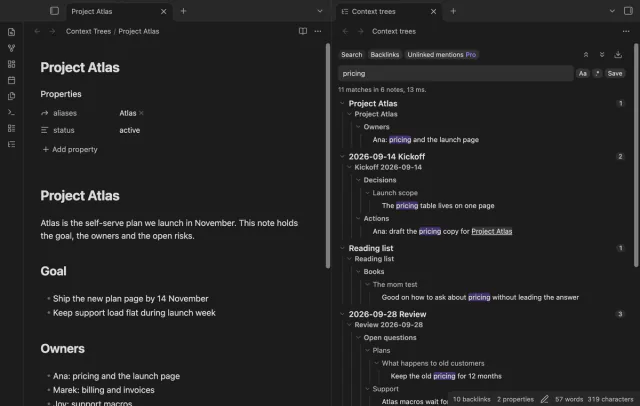
Show parent headings and lists in search results.