Heading Link Sync
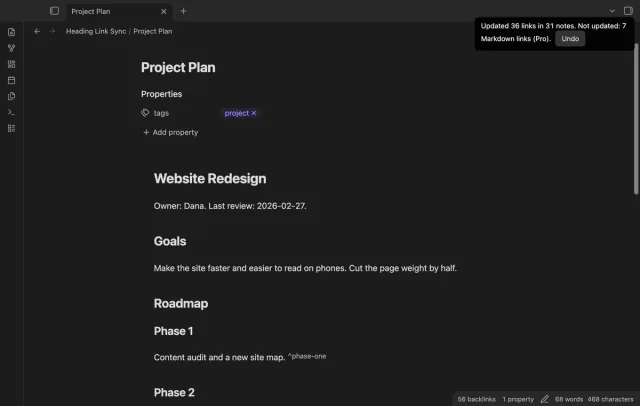
Update heading links and embeds when you edit a heading.
Compare timestamp units and time zones before you insert a date.
MIT · no telemetry · core features free
The README reports desktop app tests. Physical phones and tablets were not tested.
Directory facts fetched from community.obsidian.md/users/theluckystrike.
You want to convert selected Unix timestamps inside notes in your vault.
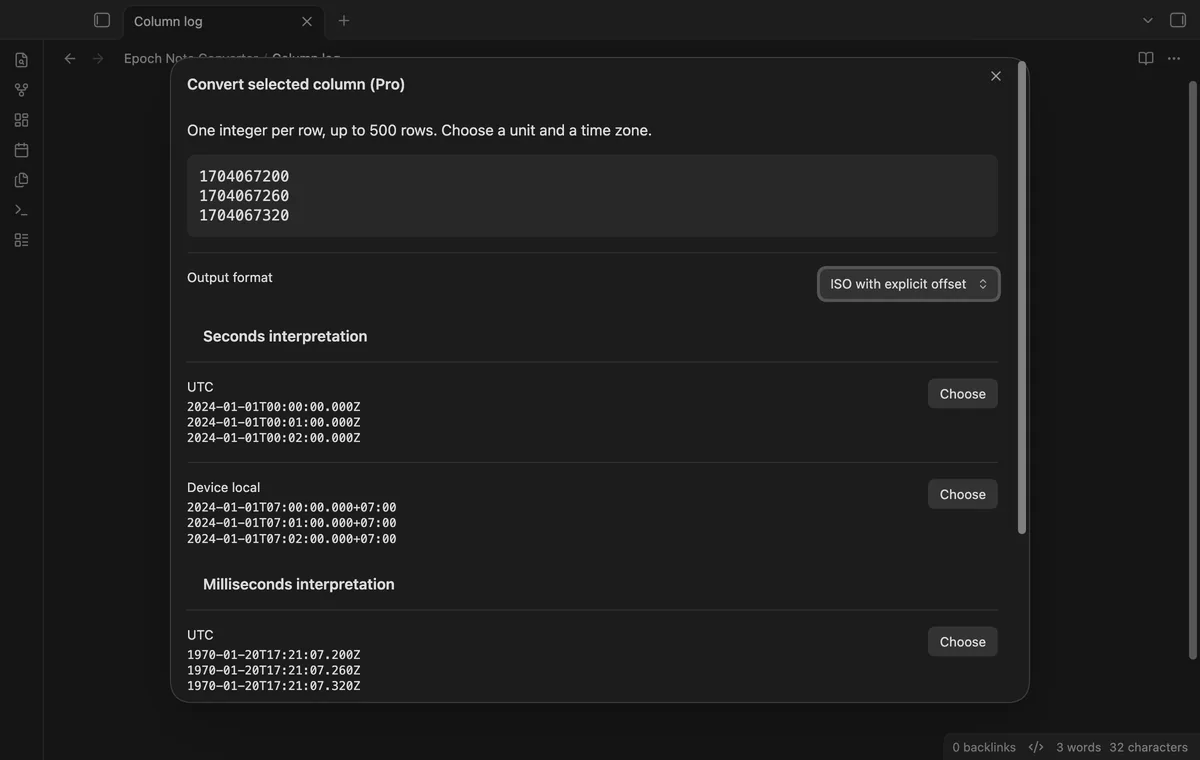
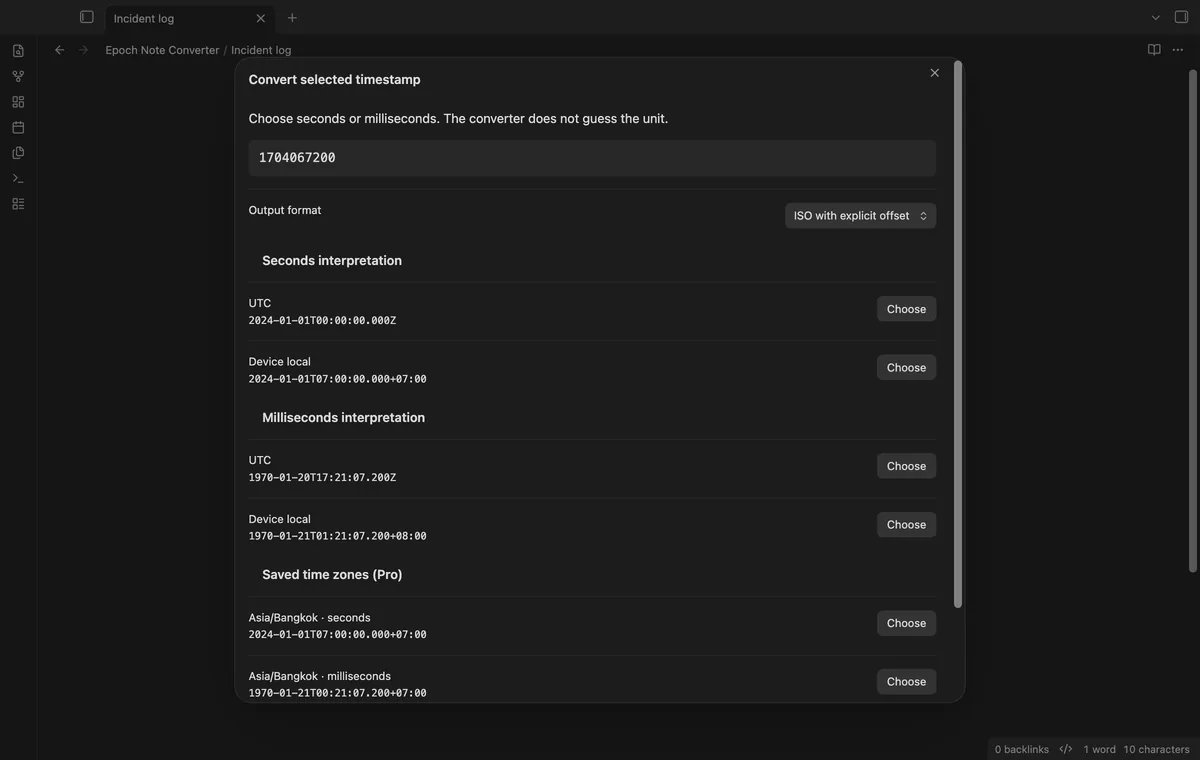
Select a timestamp in your technical note to compare seconds and milliseconds. Epoch Note Converter keeps both interpretations visible until you choose a result. Insert the readable time beside the number or replace your selection.
 Play demo
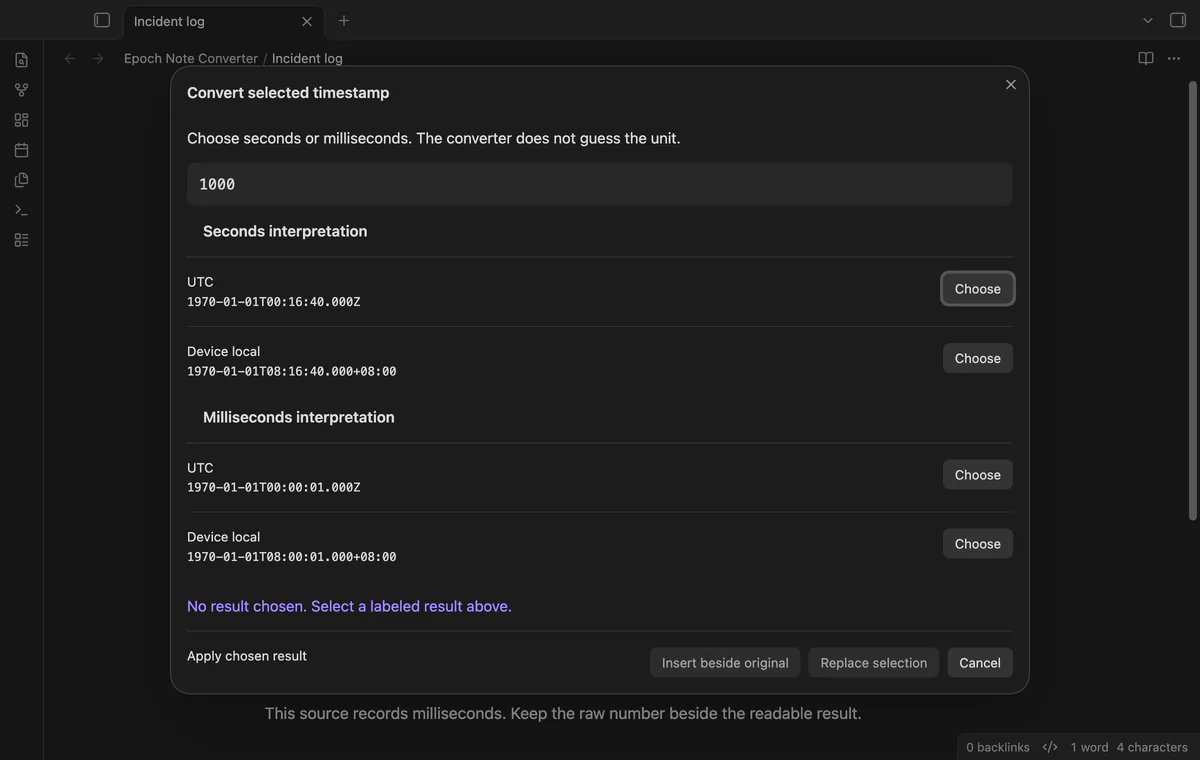
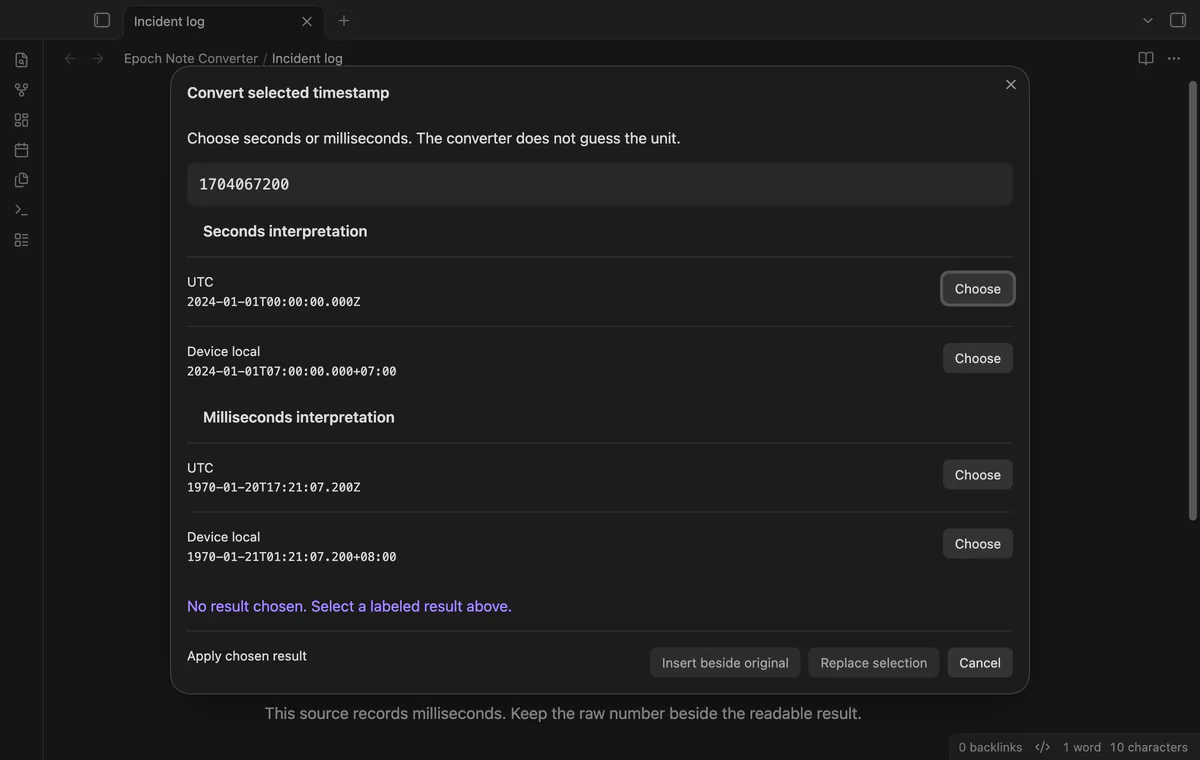
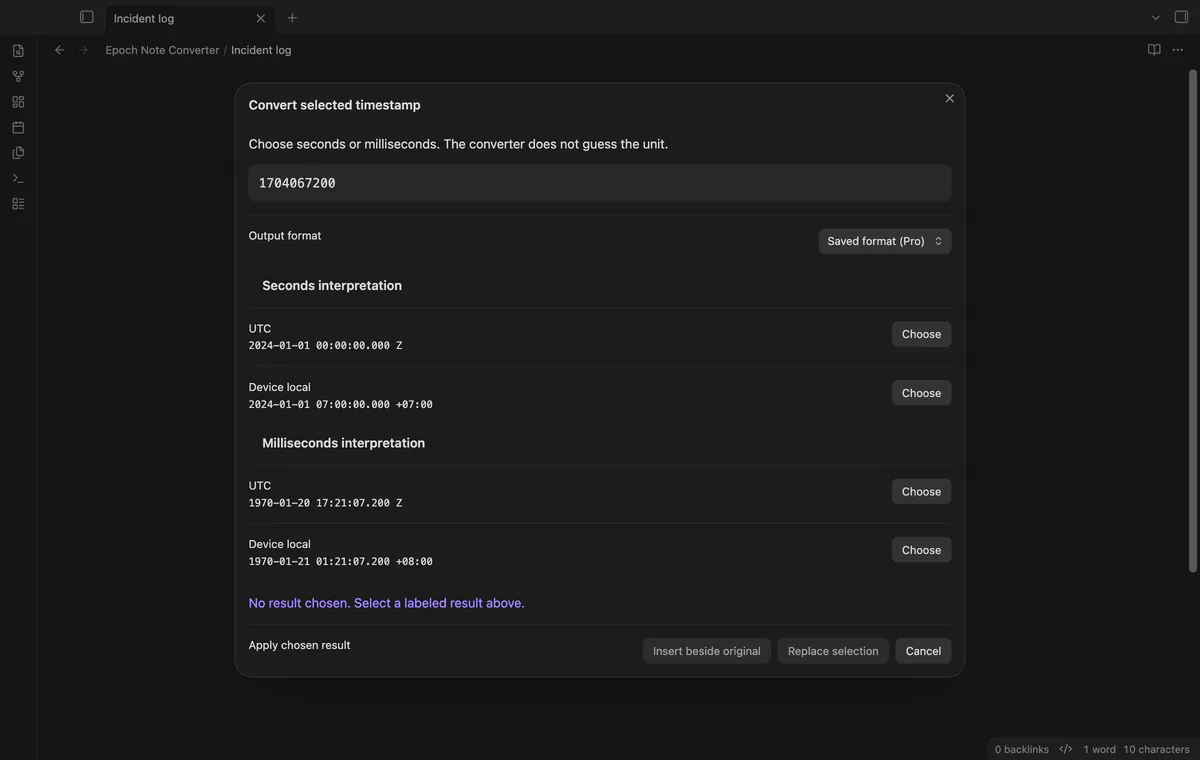
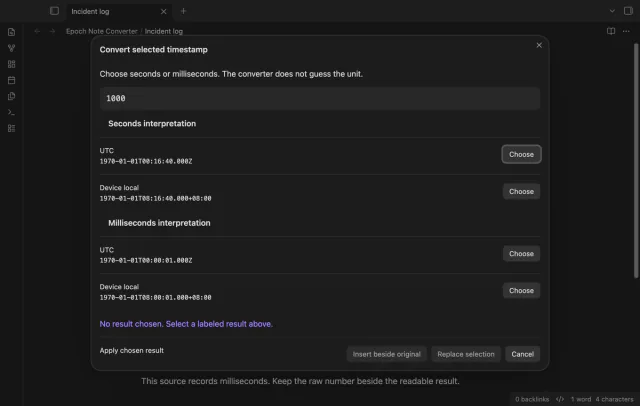

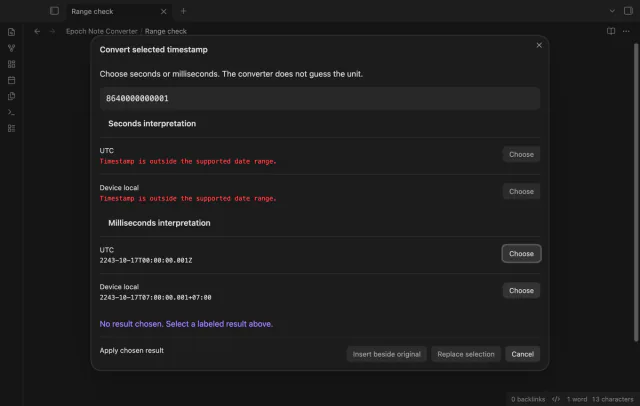
Select one signed integer to preview two labeled interpretations. Neither unit is selected when the preview opens.
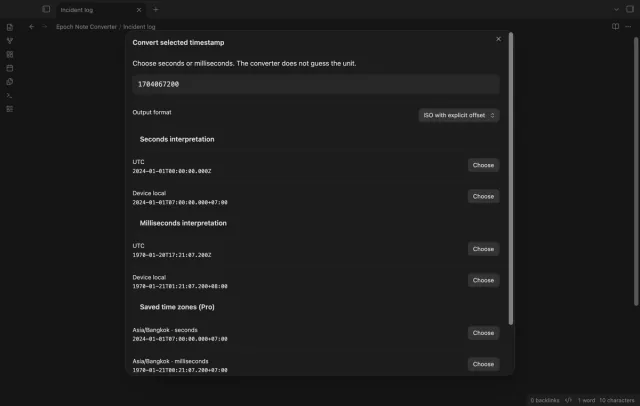
Compare UTC output ending in Z with a local result carrying its numeric offset. Local output uses your device time zone for that date.
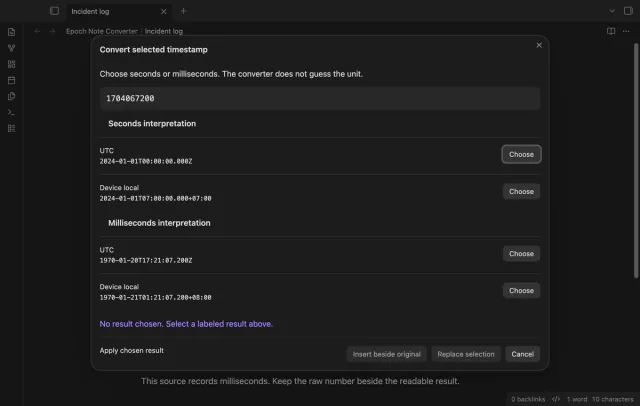
Insertion retains the source number beside the readable value. Replacement edits the selection, preserves surrounding spaces and uses one Undo step.
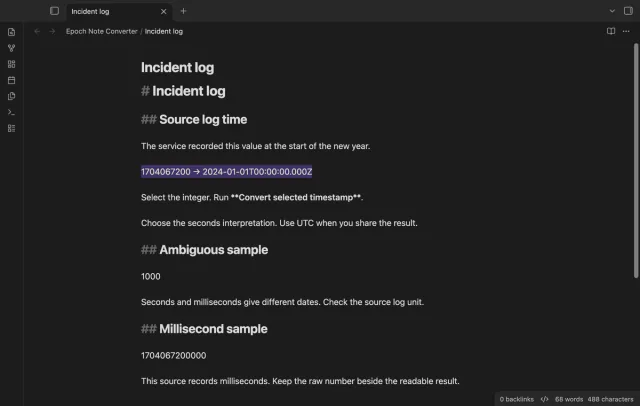
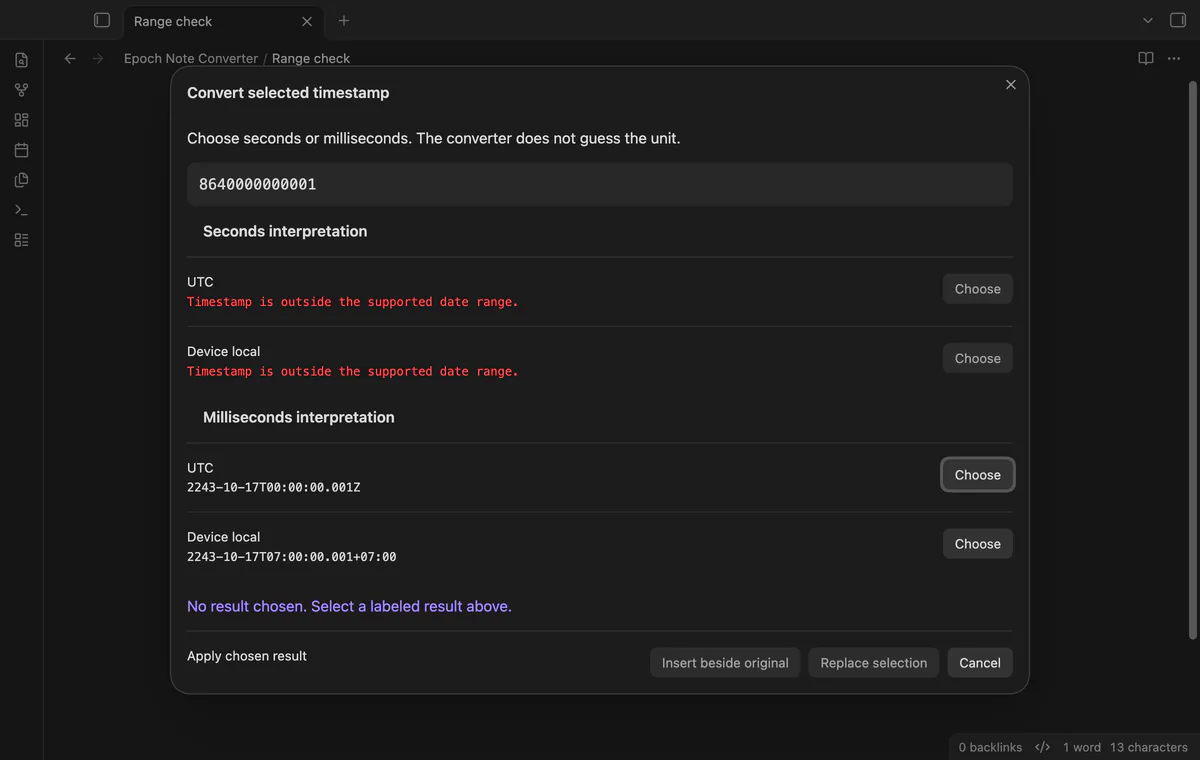
Invalid integers and unsupported date ranges produce preview errors. A changed note or selection requires a fresh preview before an edit.
Pro costs $5 a month or $15 one time through GitHub Sponsors. One sponsorship turns on Pro in every plugin that has it.
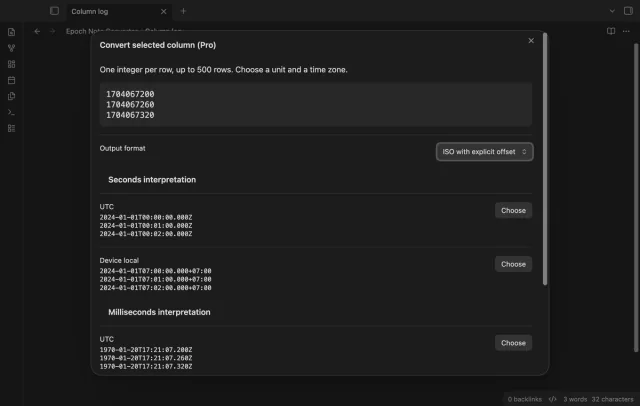
Pro converts a continuous selection with one integer per row, up to 500 rows. One invalid row blocks the chosen interpretation.
Pro adds comparison rows for up to six saved IANA time zones. Results depend on the time zone data available on your device.
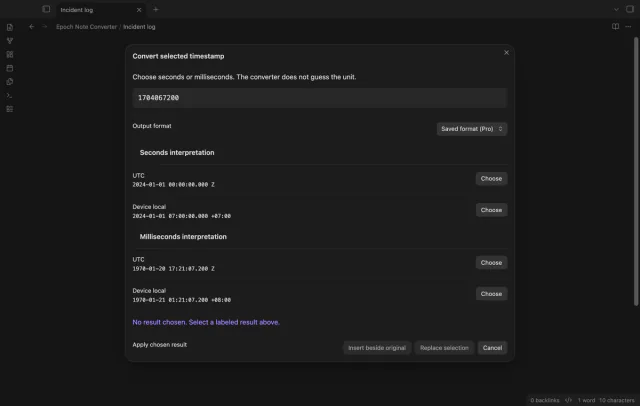
Pro saves a template using {date}, {time} and {offset} once each. The template accepts up to 120 characters without line breaks.
needs
steps
Open a Markdown note in an editor.
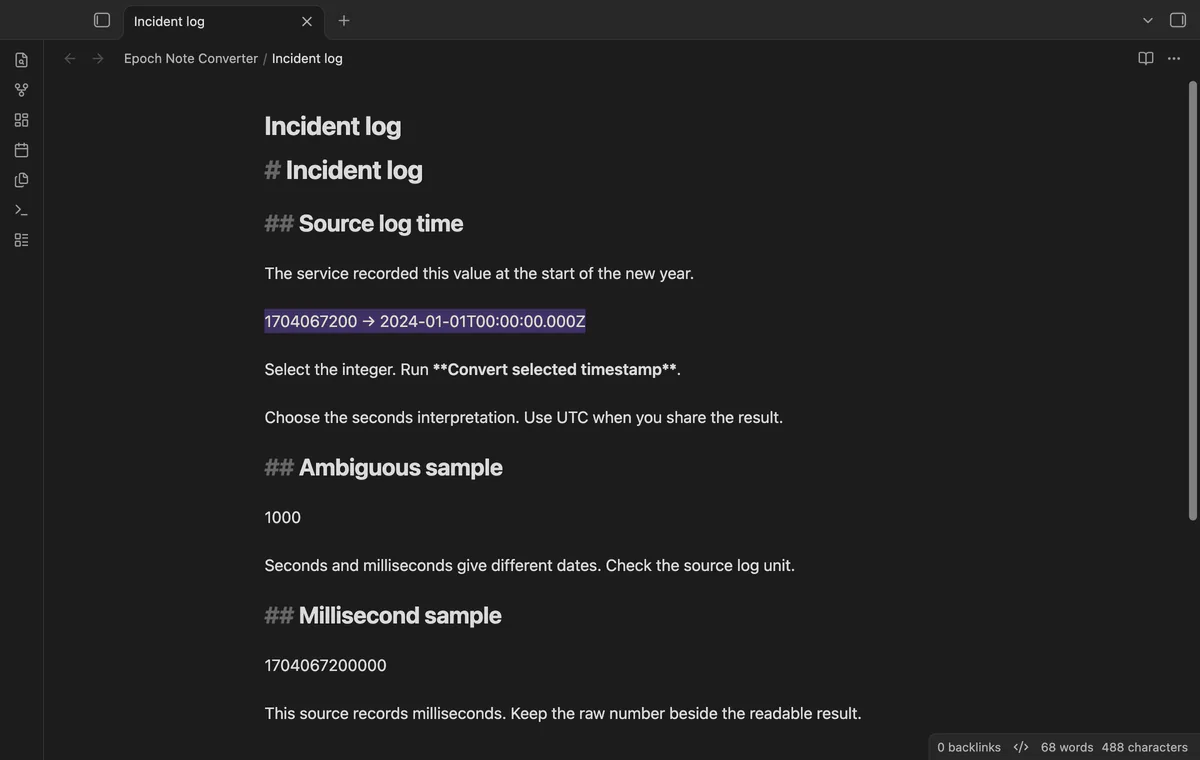
Select one signed integer.
Run Convert selected timestamp from the command palette.
Choose the unit used by your source and a UTC or local result.
Select Insert beside original or Replace selection.
If the app can't find a new plugin yet, try again later. Obsidian says a plugin that passes the review shows in the app within 24 hours.
Need a change for your team? I build custom Obsidian plugins and features.
No unit is selected automatically. Check your source log because both interpretations can produce valid dates.
This version accepts signed decimal integers. Fractions, exponent notation and readable date parsing are outside its scope.
The plugin compares the current note and selection with the saved preview. Even a change outside your selection requires another command run.
After you select Sign in with GitHub, the plugin sends its client ID, read:user scope and device-flow requests to github.com. Due checks and Refresh send your token to api.github.com to read your sponsorship tier and total payment. No note text, filenames or other vault data goes to either host.
Tell me what is broken in Epoch Note Converter, or what it should do next.
Epoch Note Converter 1.1.0, MIT license
MIT · no telemetry · core features free
Update heading links and embeds when you edit a heading.
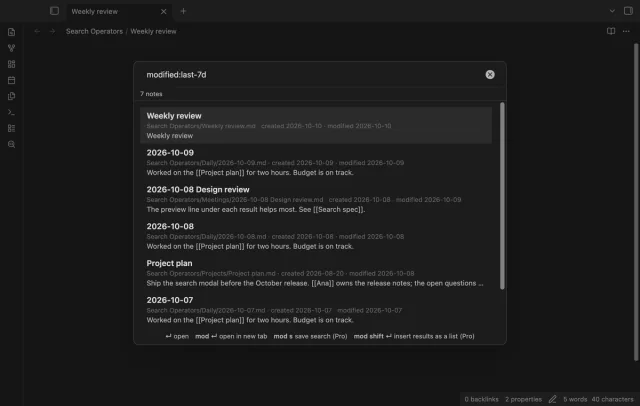
Find notes by date and links, with a preview for each result.
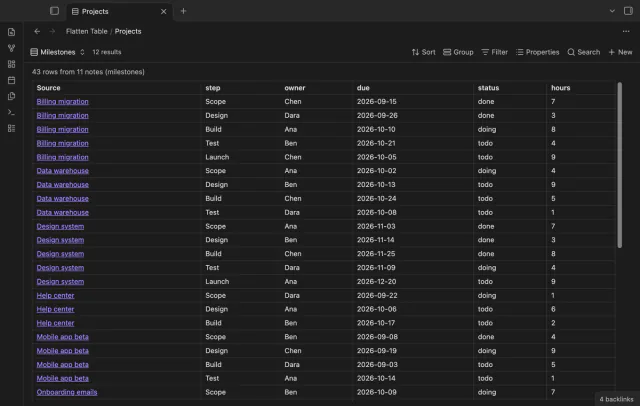
Show each item of a Bases list property as a separate row.