Flatten Table
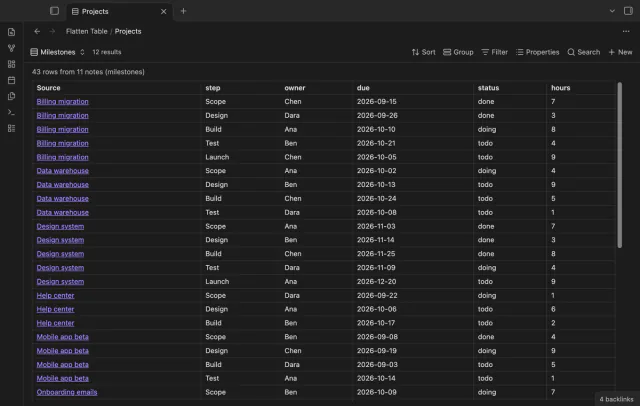
Show each item of a Bases list property as a separate row.
Report changed JSON values in Markdown.
MIT · no telemetry · core features free
The README reports desktop checks of the local report flow. Real mobile devices, Linux, Windows, live sign-in, payments and cloud sync conflicts were not tested.
Directory facts fetched from community.obsidian.md/users/theluckystrike.
You review saved responses, configuration changes or data exports alongside your project notes.
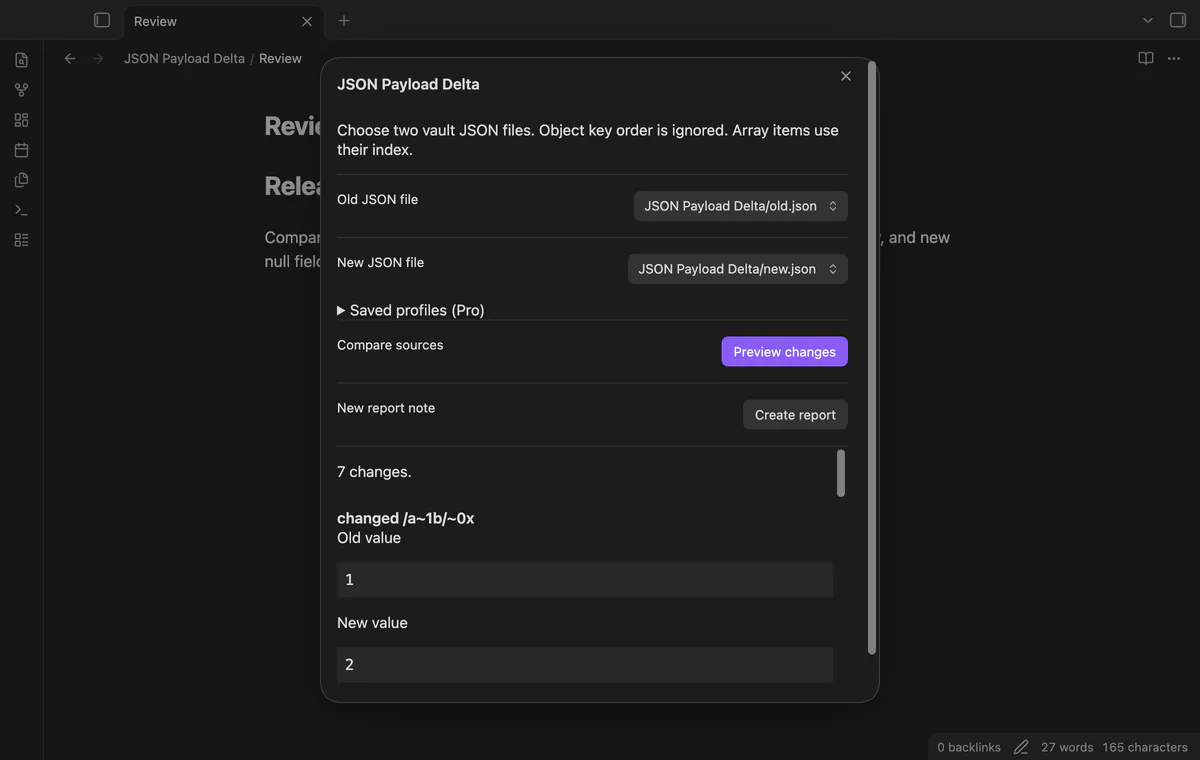
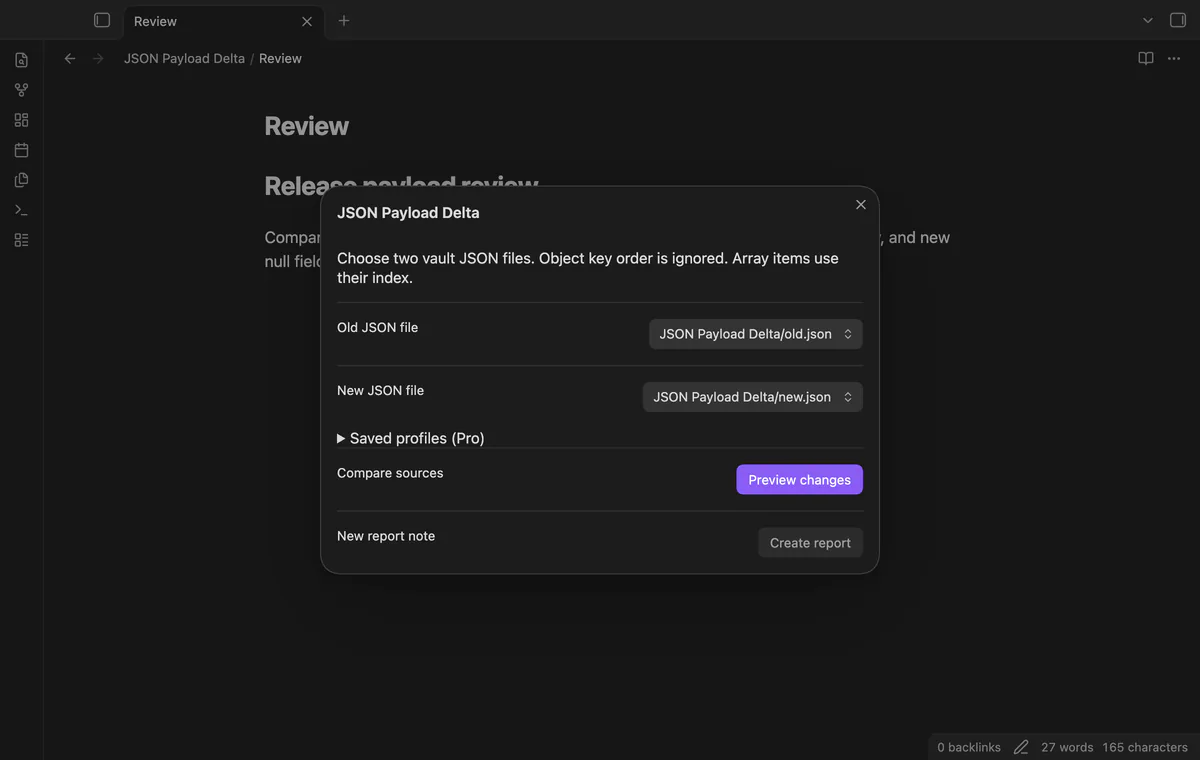
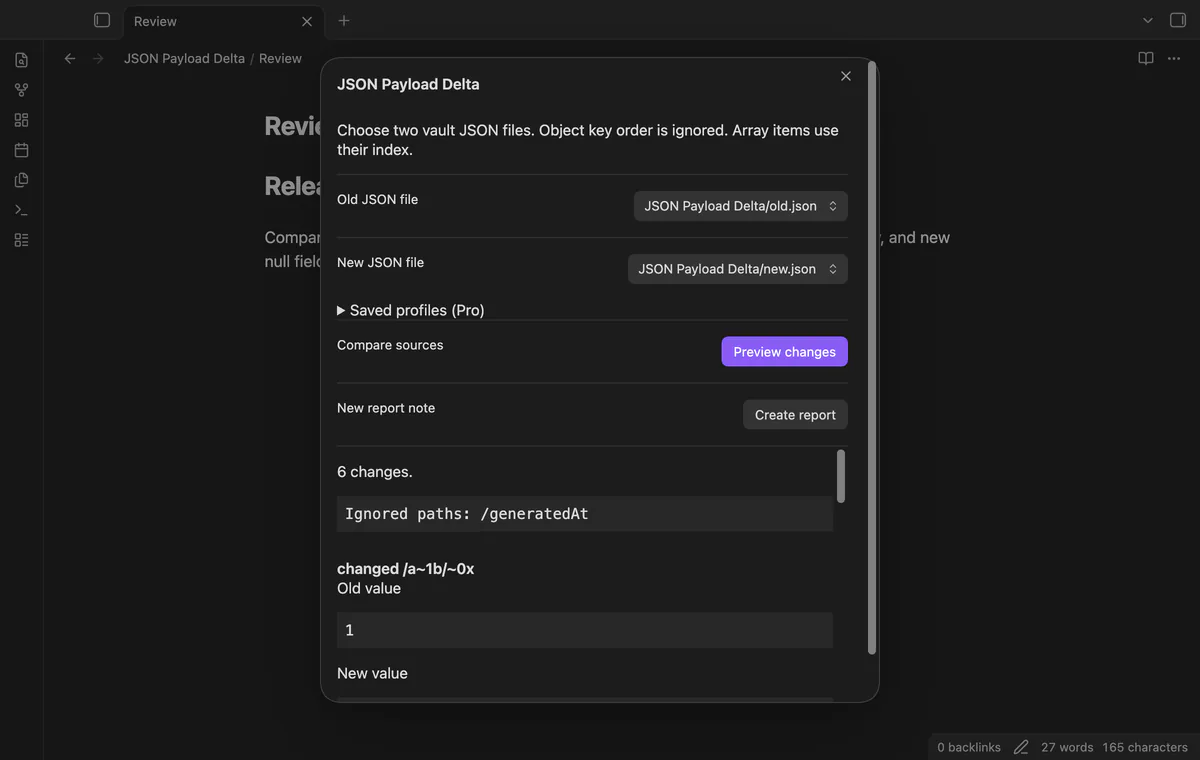
Choose an old JSON file and a new one from your vault. JSON Payload Delta previews added, removed and changed values before you create a separate Markdown report.
Object key order doesn't affect the result. Arrays use matching indices, so inserting an item can produce changes at later positions.
 Play demo
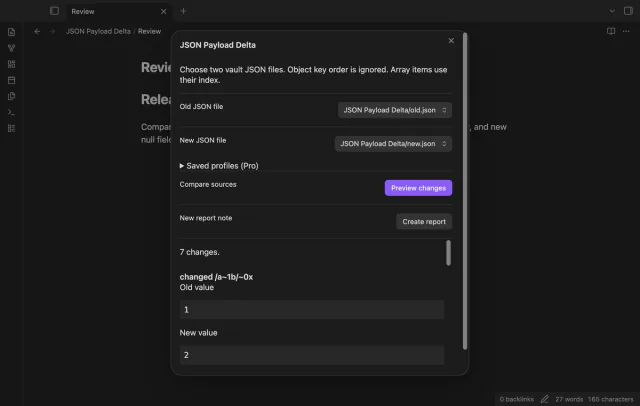

Choose old and new files from the vault lists, then select Preview changes. Strict JSON can have an object, array, string, number, boolean or null at its root.
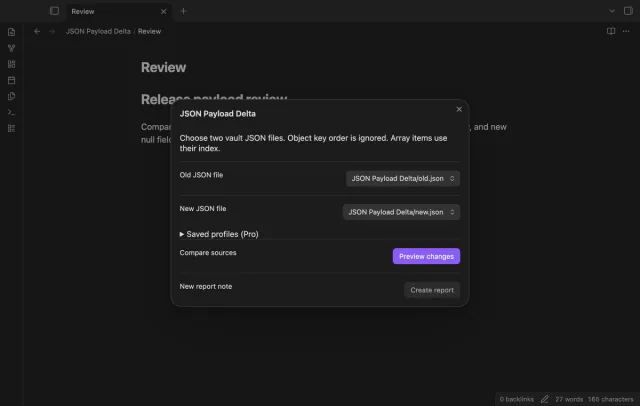
Each row shows a JSON Pointer path, change type, and old and new values. Missing fields differ from null. Array swaps appear as changed indices rather than moves.
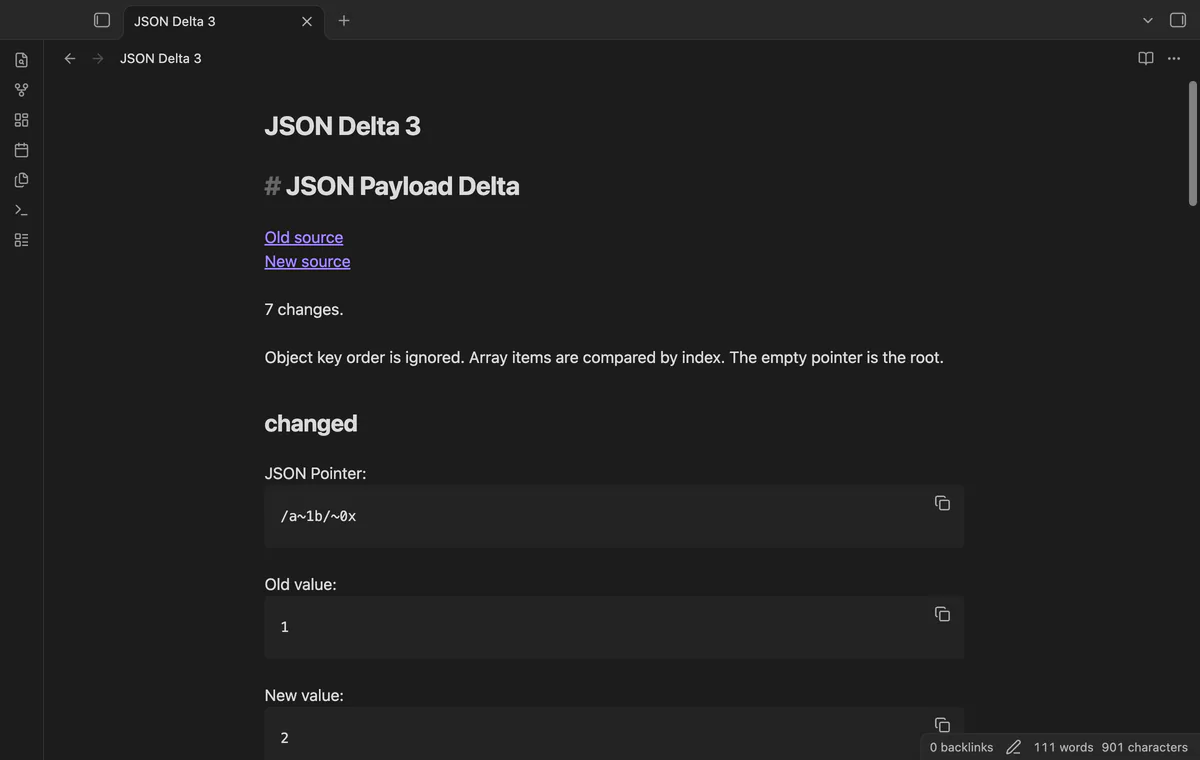
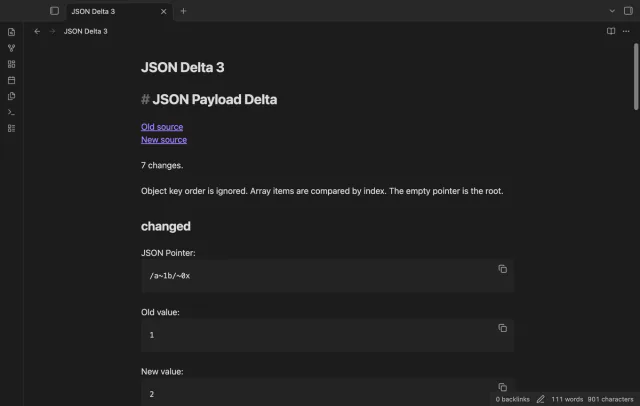
Create report writes JSON Delta.md at the vault root with links to both sources. Existing names get a numbered alternative. The report records your last preview and keeps values in fenced text blocks.
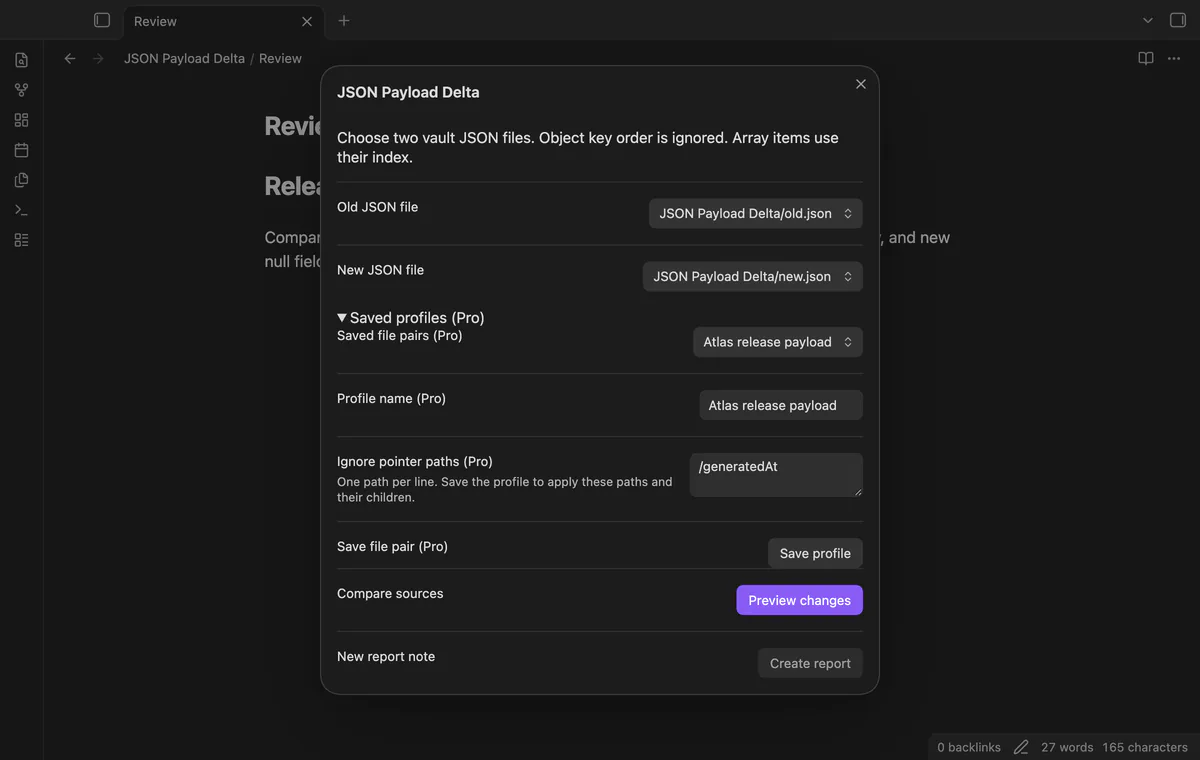
Saved file pairs and ignored pointer paths need Pro; manual comparison and report creation are free.
Pro costs $5 a month or $15 one time through GitHub Sponsors. One sponsorship turns on Pro in every plugin that has it.
Save up to 50 named profiles containing your selected source paths. Saving an existing name replaces that profile. After moving a source, choose its new path and save again.
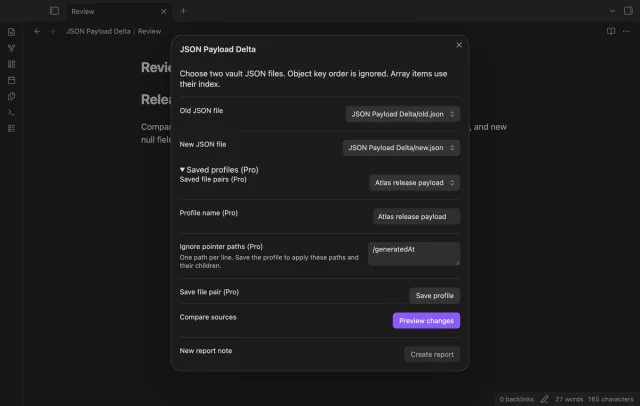
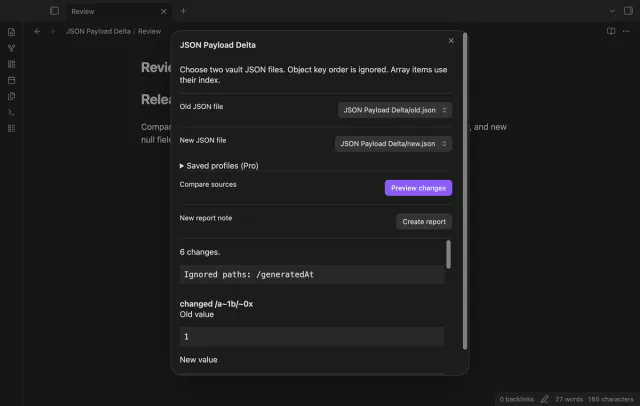
Save up to 100 JSON Pointer paths per profile, then select the profile to apply them. A rule omits a matching path and children reached during comparison. It cannot mask part of an added, removed or replaced parent value.
needs
steps
Put two JSON files in your vault and run Compare JSON files from the command palette.
Choose the old and new sources.
Select Preview changes and review the rows, especially array indices after an insertion.
Select Create report to open a new Markdown note.
If the app can't find a new plugin yet, try again later. Obsidian says a plugin that passes the review shows in the app within 24 hours.
Need a change for your team? I build custom Obsidian plugins and features.
No, the parser accepts strict JSON. JSON5 and YAML are outside this version.
Each source is limited to 2 MiB of UTF-8 text and 64 nested containers. The preview stops at 1,000 changes and marks excess results as incomplete.
A report records the last preview. Compare again to create a new snapshot; the plugin doesn't patch your JSON files.
Before you select Sign in with GitHub, the plugin makes no network requests. Sign-in sends its public client ID, device codes and read:user scope to github.com; later checks send an authenticated sponsorship query to api.github.com. Checks request your tier and total payment, reuse success for seven days, and send no note content, file names or vault data.
Tell me what is broken in JSON Payload Delta, or what it should do next.
JSON Payload Delta 1.1.0, MIT license
MIT · no telemetry · core features free
Show each item of a Bases list property as a separate row.
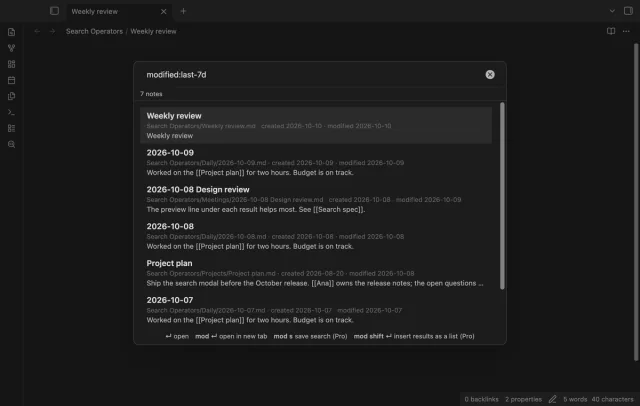
Find notes by date and links, with a preview for each result.
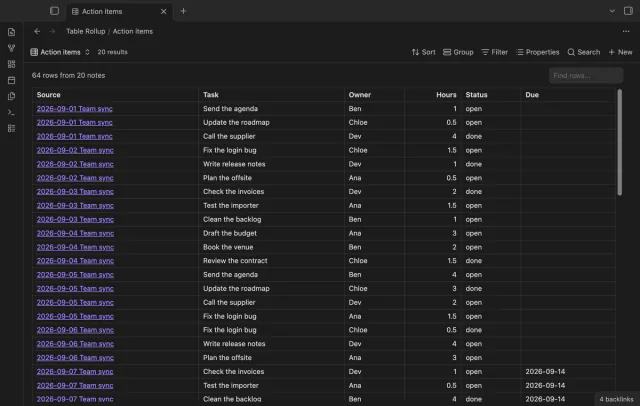
Combine note tables in one table with links to the source notes.