Visual Line Numbers
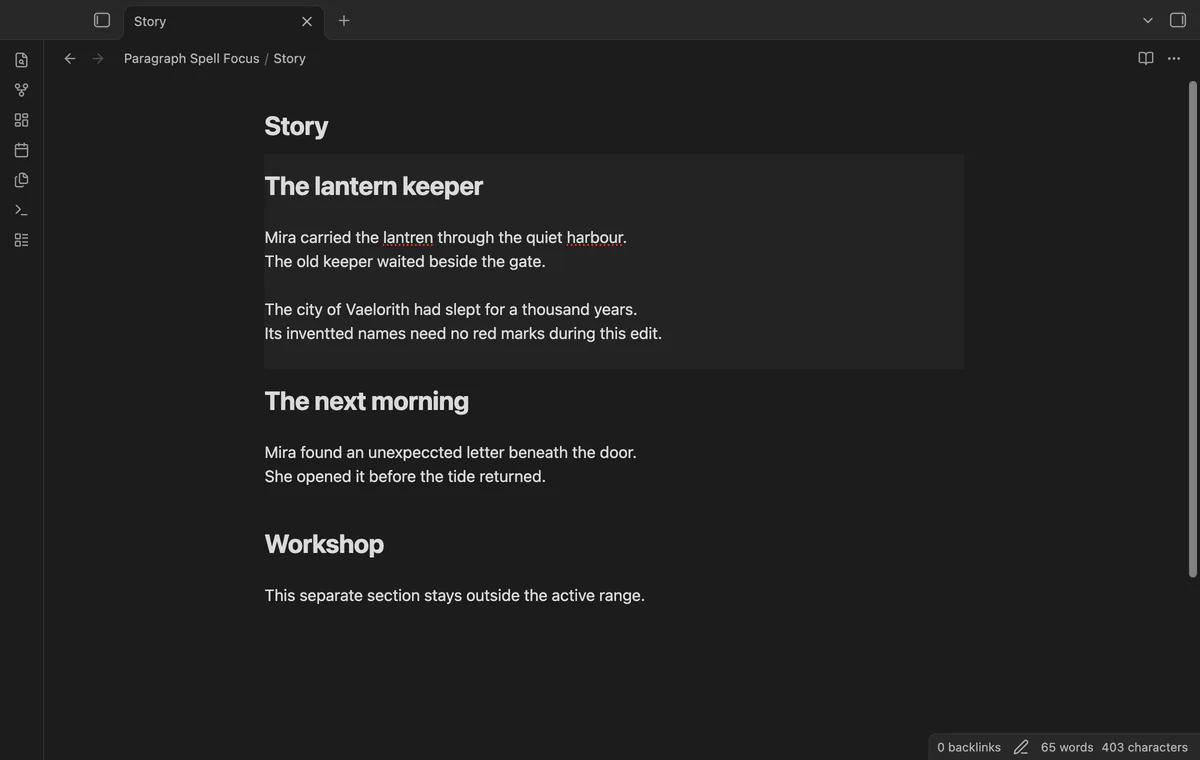
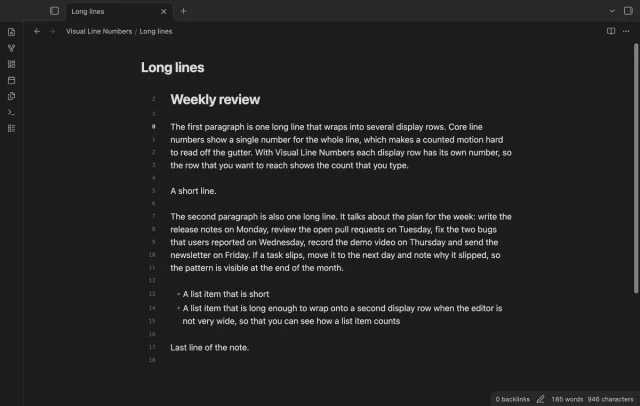
Show a line number for each wrapped row in the editor.
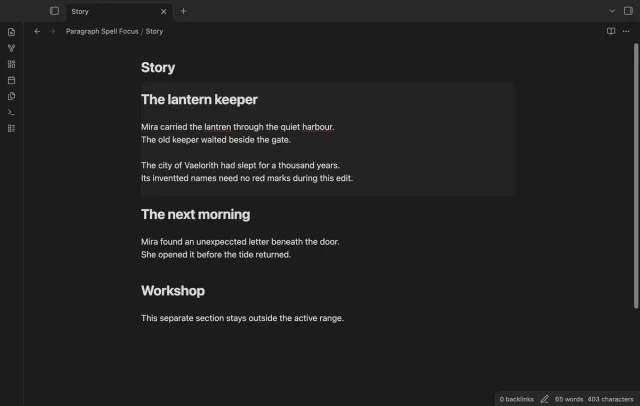
Keep native spelling available in your active paragraph and suppress it on other visible lines.
MIT · no telemetry · core features free
Tested on desktop only.
Directory facts fetched from community.obsidian.md/users/theluckystrike.
You want spelling feedback near your cursor while you edit a draft.
Move your cursor into a paragraph to keep native spelling available there. Paragraph Spell Focus suppresses it on other visible editor lines. An optional background marks the active range.
Blank lines mark paragraph boundaries. Use Toggle paragraph spelling focus to restore normal native spelling, or turn off the optional range background.
Paragraph focus and its background are free; section scope and saved folder rules need Pro.
Pro costs $5 a month or $15 one time through GitHub Sponsors. One sponsorship turns on Pro in every plugin that has it.
Pro follows the nearest hash-mark heading above your cursor. The range ends before the next heading of the same or a higher level.
Pro saves paragraph, section or off rules for folders. The most specific folder wins, and off restores normal native spelling.
needs
steps
Turn on Spellcheck in the Obsidian editor settings.
Enable Paragraph Spell Focus.
Place one cursor inside a paragraph in an editor.
Use Toggle paragraph spelling focus to restore normal native spelling.
If the app can't find a new plugin yet, try again later. Obsidian says a plugin that passes the review shows in the app within 24 hours.
Need a change for your team? I build custom Obsidian plugins and features.
No. The plugin suppresses native spelling outside the active range. It does not supply a dictionary or force native spelling on.
Blank lines separate the range. Adjacent list items without a blank line can share that range.
Yes. The settings keep the rules, but the free policy ignores them. It uses paragraph scope while focus remains enabled.
The plugin has no active range when the editor lacks focus or has multiple selections. It suppresses native spelling on the visible lines in that state.
The plugin processes your notes locally. GitHub sign-in and sponsorship checks contact github.com and api.github.com with authentication data, without sending your note text or paths.
Tell me what is broken in Paragraph Spell Focus, or what it should do next.
Paragraph Spell Focus 1.2.0, MIT license
MIT · no telemetry · core features free
Show a line number for each wrapped row in the editor.
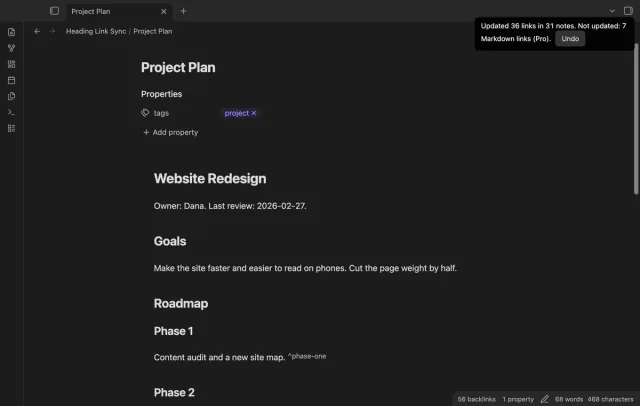
Update heading links and embeds when you edit a heading.