Bases Task Rows
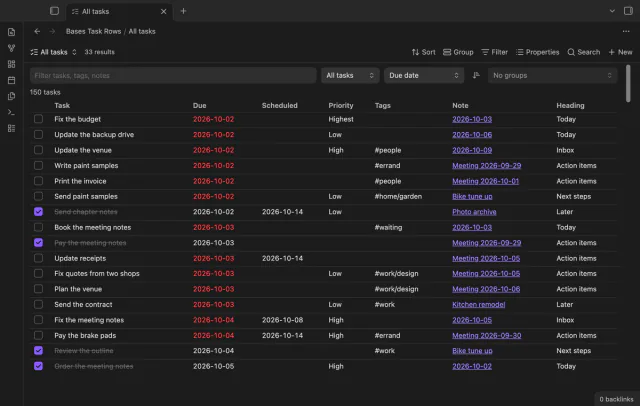
See each task from the notes in a base as a separate row.
Read Tasks dates, priorities and recurrence as text.
MIT · no telemetry · core features free
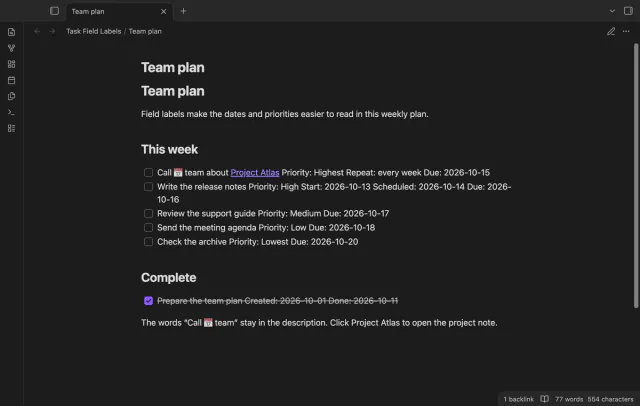
Desktop checks use Tasks 8.5.0; physical phones and tablets were not tested.
Directory facts fetched from community.obsidian.md/users/theluckystrike.
You use Tasks reports with several date fields and want their meaning written beside each value.
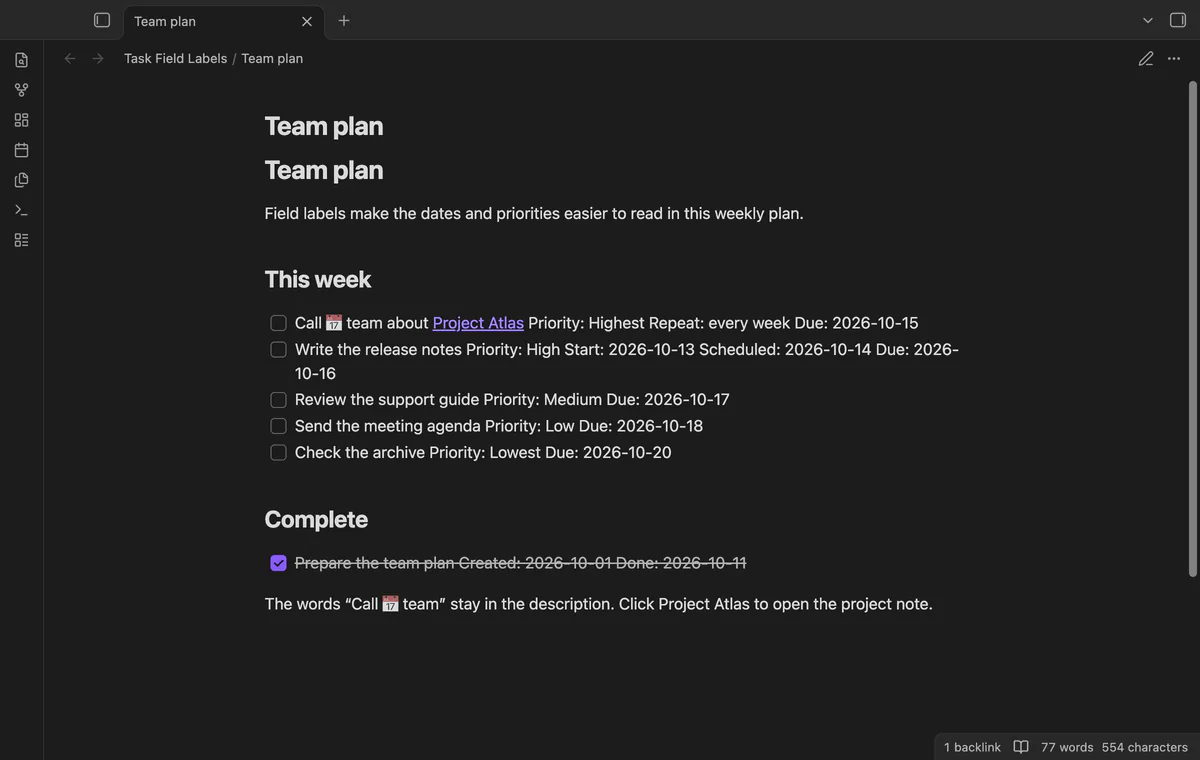
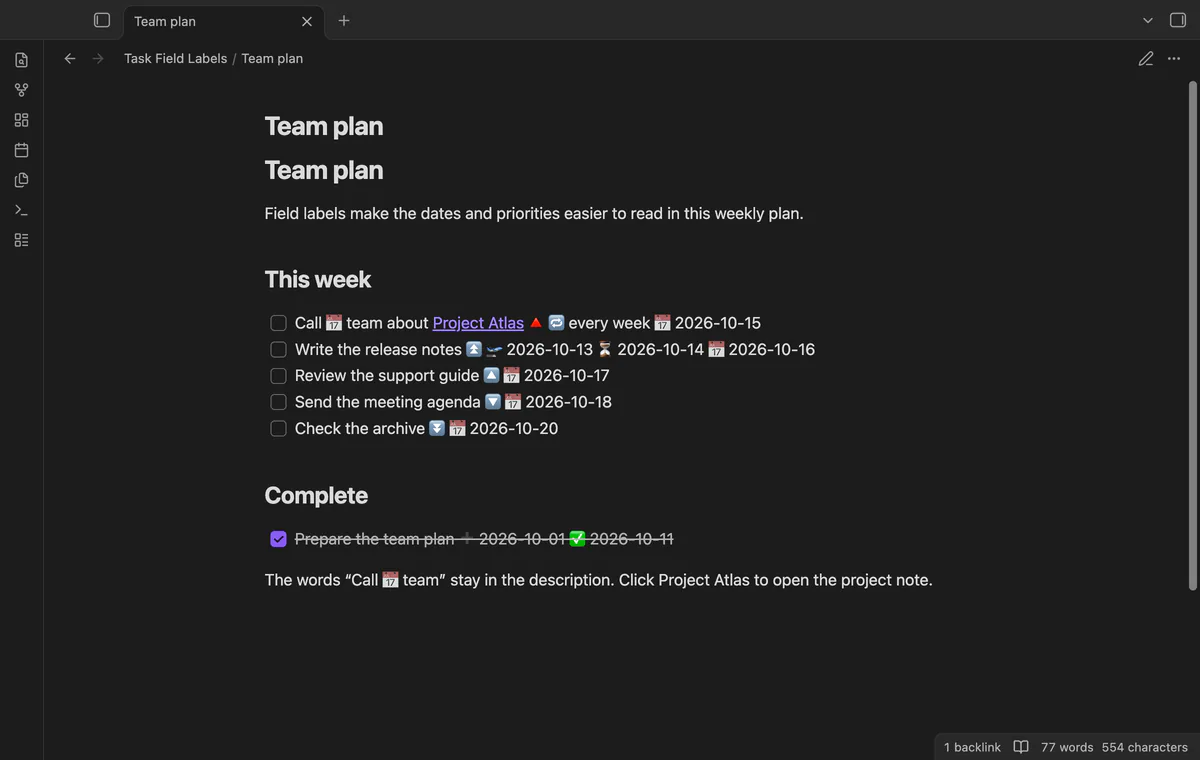
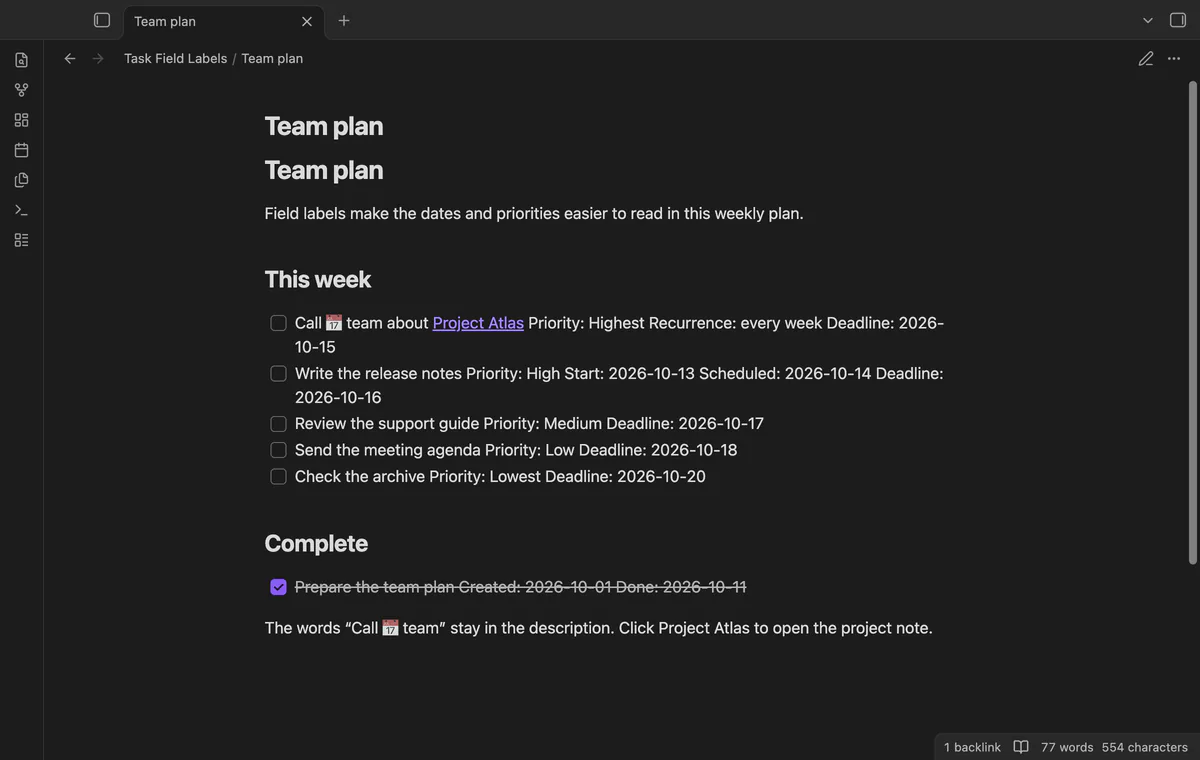
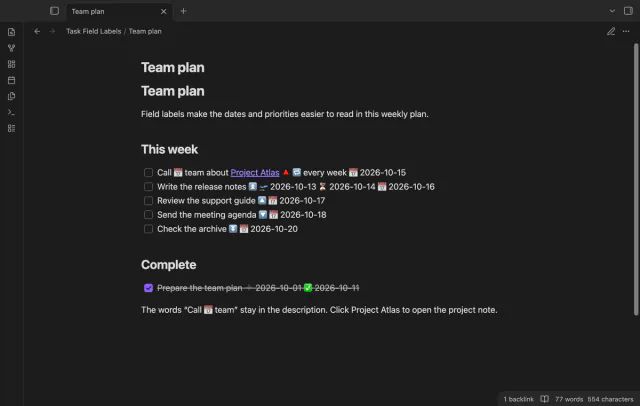
Task Field Labels shows Due, Start or Scheduled beside the date in a rendered task. Priority and recurrence get words too. Your Markdown keeps the Tasks icons.
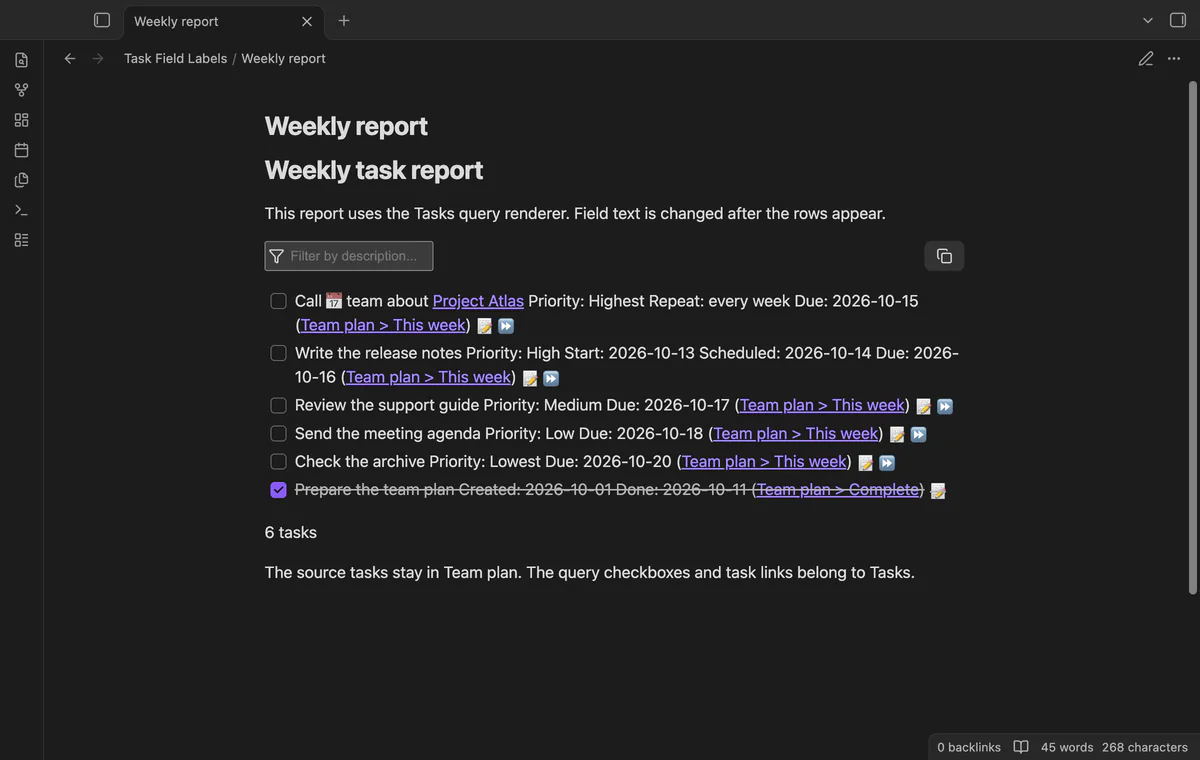
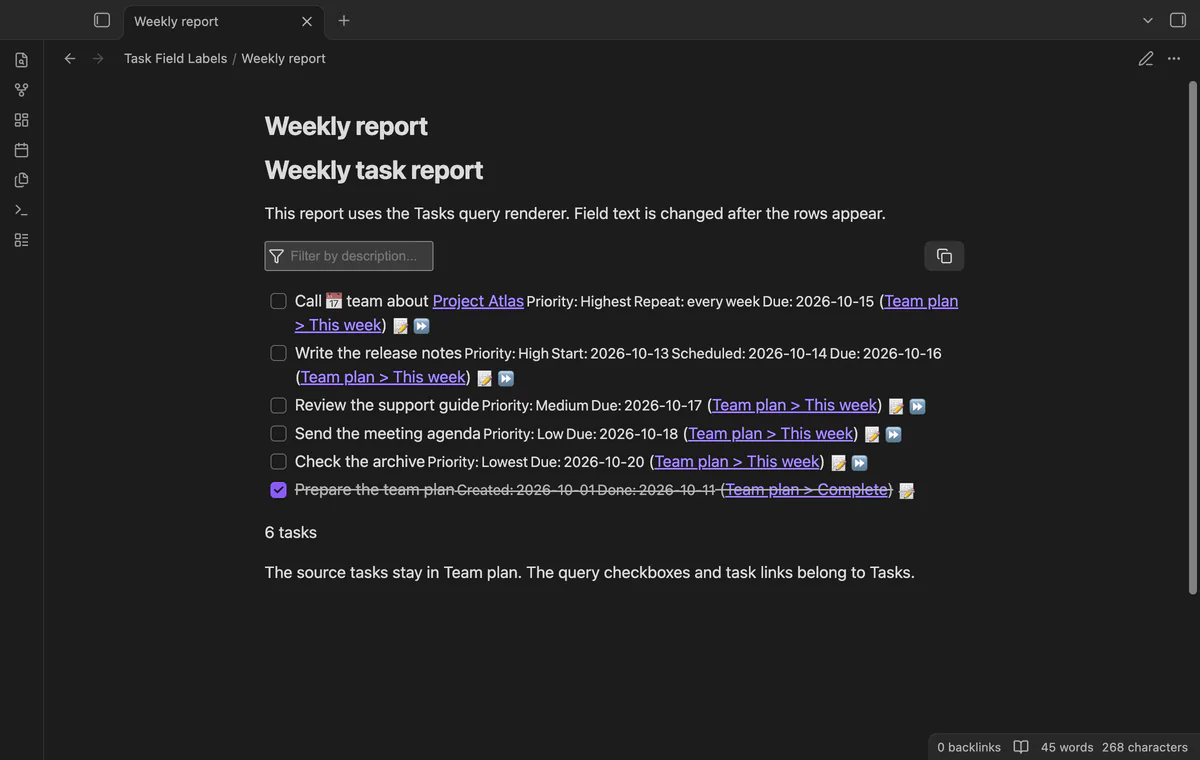
Inline tasks get labels in Reading view, and query reports get them in Reading view and Live Preview. The adapter targets Tasks 8.5.0.
 Play demo
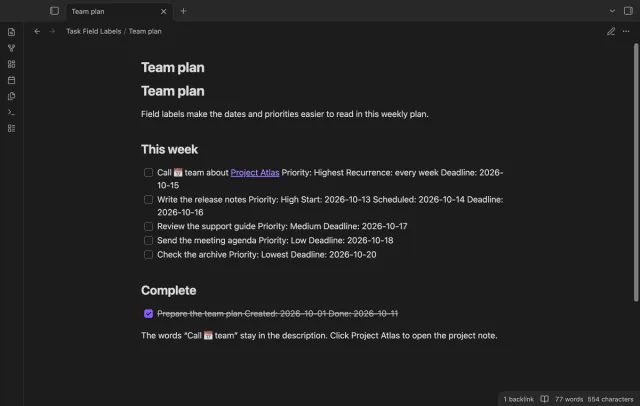
Read Due, Start, Scheduled, Created, Done and Cancelled beside date values. Priority fields show their level, and recurrence shows Repeat before the rule. Icons inside the task description stay as written.
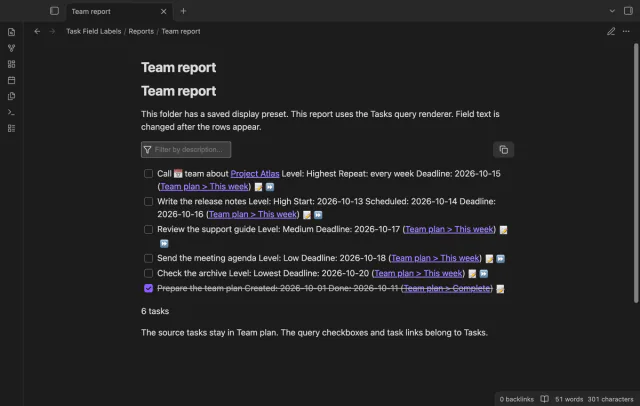
Labels appear on inline tasks in Reading view and on Tasks query results in Reading view and Live Preview. New query rows get checked as Tasks renders them. Inline tasks in Live Preview keep their icons.
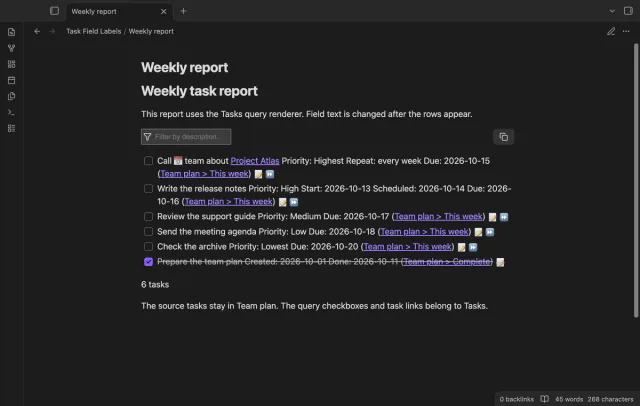
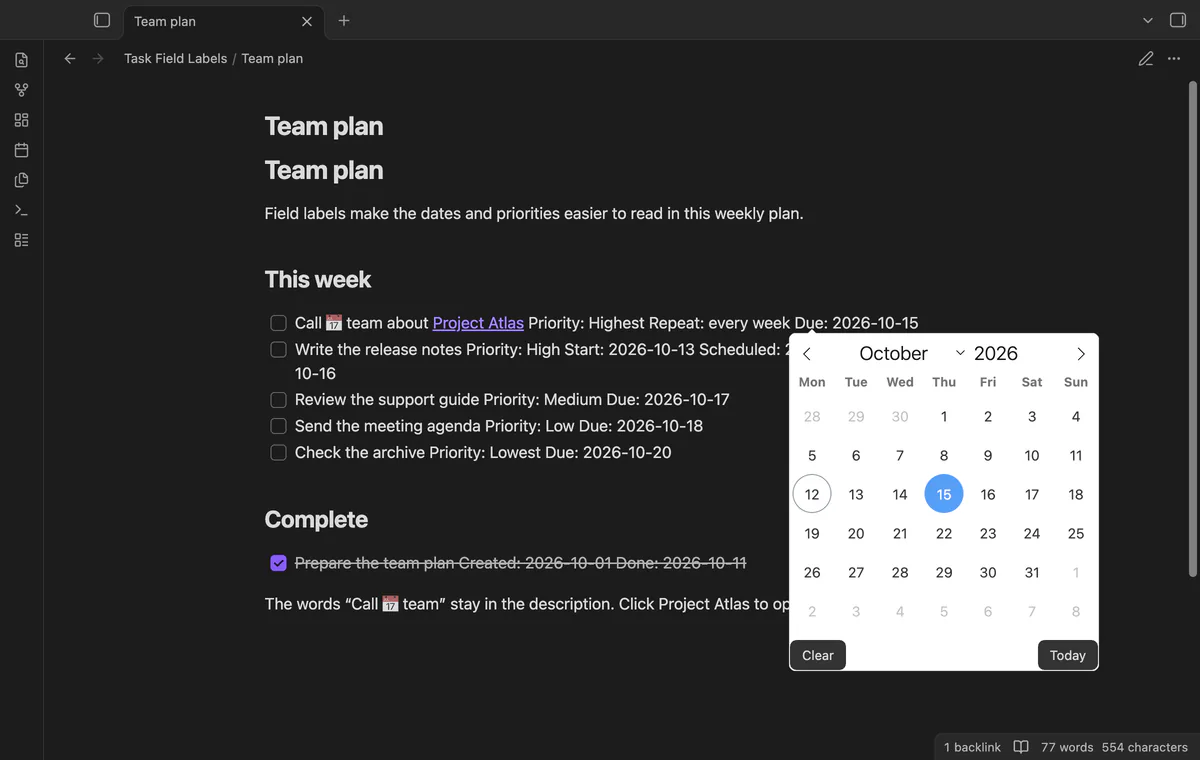
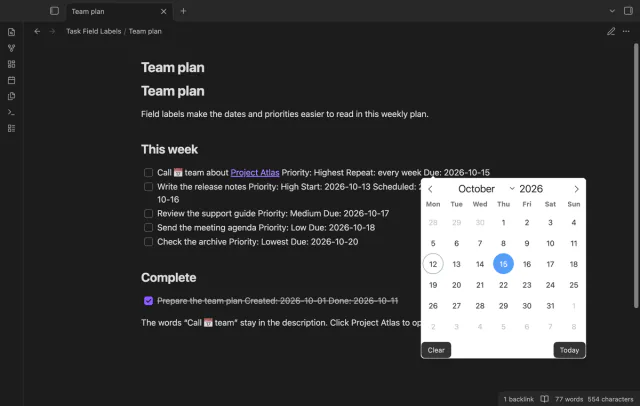
The adapter changes field text while keeping the Tasks elements and handlers. Click a labeled date to open its editor, or right-click it for the Tasks menu.
Turn off Show field labels or disable the plugin to restore the text it changed. If another plugin has replaced that text, cleanup leaves the replacement in place.
Fixed English labels are free; custom labels, presets, folder rules and compact spacing need Pro.
Pro costs $5 a month or $15 one time through GitHub Sponsors. One sponsorship turns on Pro in every plugin that has it.
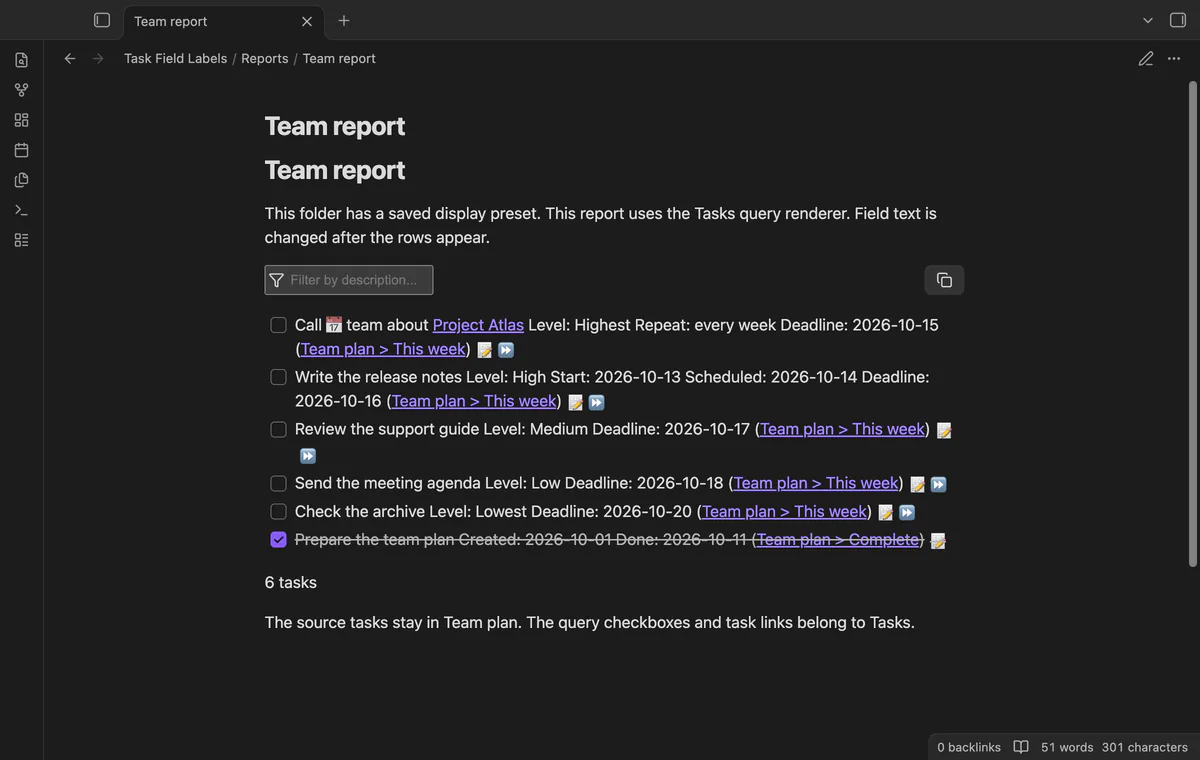
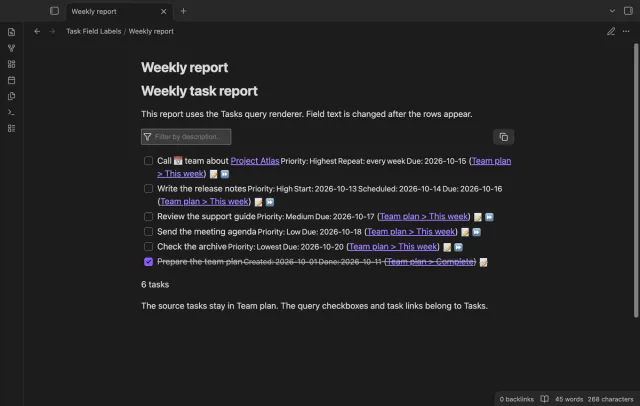
Choose plain text labels of up to 40 characters, such as Deadline instead of Due. Save labels and the compact option in up to 30 named presets. Saving the same name replaces its saved copy.
Use a rule such as Reports|Team to choose a preset or Archive|off to hide labels. The longest matching folder wins. Rules use the displayed note or report path, rather than the source folder of each query row.
Reduce text size and word spacing in supported field containers. Values stay visible, though wrapping still depends on your theme and the available width.
needs
steps
Install and enable Tasks, then install and enable Task Field Labels.
Write task fields using the Tasks emoji format.
Open the task note in Reading view, or open a Tasks query report.
Keep Show field labels on in the plugin settings, and use Tasks controls to edit the tasks.
If the app can't find a new plugin yet, try again later. Obsidian says a plugin that passes the review shows in the app within 24 hours.
Need a change for your team? I build custom Obsidian plugins and features.
No, it changes rendered field text and doesn't call the vault write API. Using a Tasks checkbox or date editor can still change the task source.
The adapter recognizes full emoji fields in the Tasks 8.5.0 span structure. Short mode, unknown fields and different structures stay unchanged. Inline tasks in Live Preview are outside this adapter.
The report's folder decides the display. A Pro folder rule can't choose a separate preset from each row's source note.
Your Pro values stay saved. The display returns to fixed English labels and standard spacing, and folder exclusions stop applying.
Only GitHub sign-in and sponsorship checks contact github.com and api.github.com, after you select Sign in with GitHub. Sign-in sends a public client ID, scope and device code; sponsorship queries send your token and request your tier and total payment. Checks run after sign-in, on Refresh or cache expiry, without note text, file names or other vault data.
Tell me what is broken in Task Field Labels, or what it should do next.
Task Field Labels 1.1.0, MIT license
MIT · no telemetry · core features free
See each task from the notes in a base as a separate row.
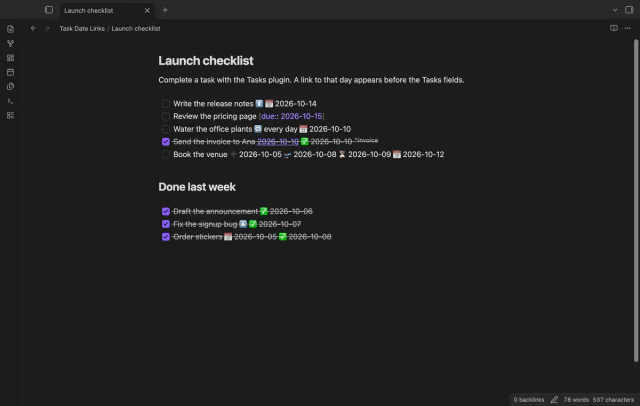
Link completed tasks to their daily notes for backlinks.
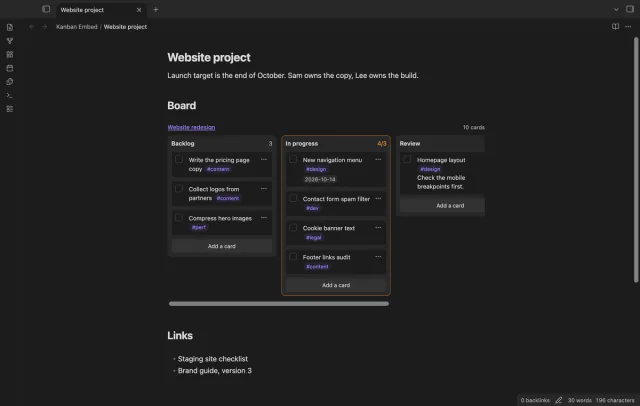
Use a Kanban board inside a project or daily note.