Bases Task Rows
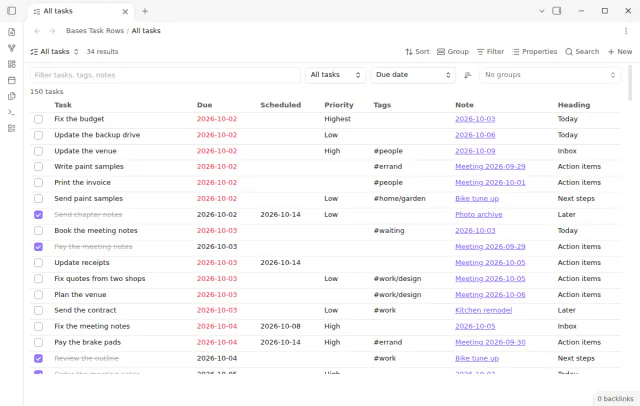
See each task from the notes in a base as a separate row.
Find duplicate task IDs, missing dependency targets, and dependency cycles.
MIT · no telemetry · core features free
The directory takes these platforms from the plugin manifest. The automated tests run in the desktop app only.
Directory facts fetched from community.obsidian.md/users/theluckystrike.
Task ID Audit finds duplicate task IDs, missing dependency targets, self references, and dependency cycles in Markdown notes. Use it before a project review or after you copy a task template. The report gives source paths and line numbers. Select a source to open the task.
The audit checks are free. Optional Pro features save project profiles and report snapshots, and repeat an audit after file changes. The plugin reads task text without changing notes.
 Play demo
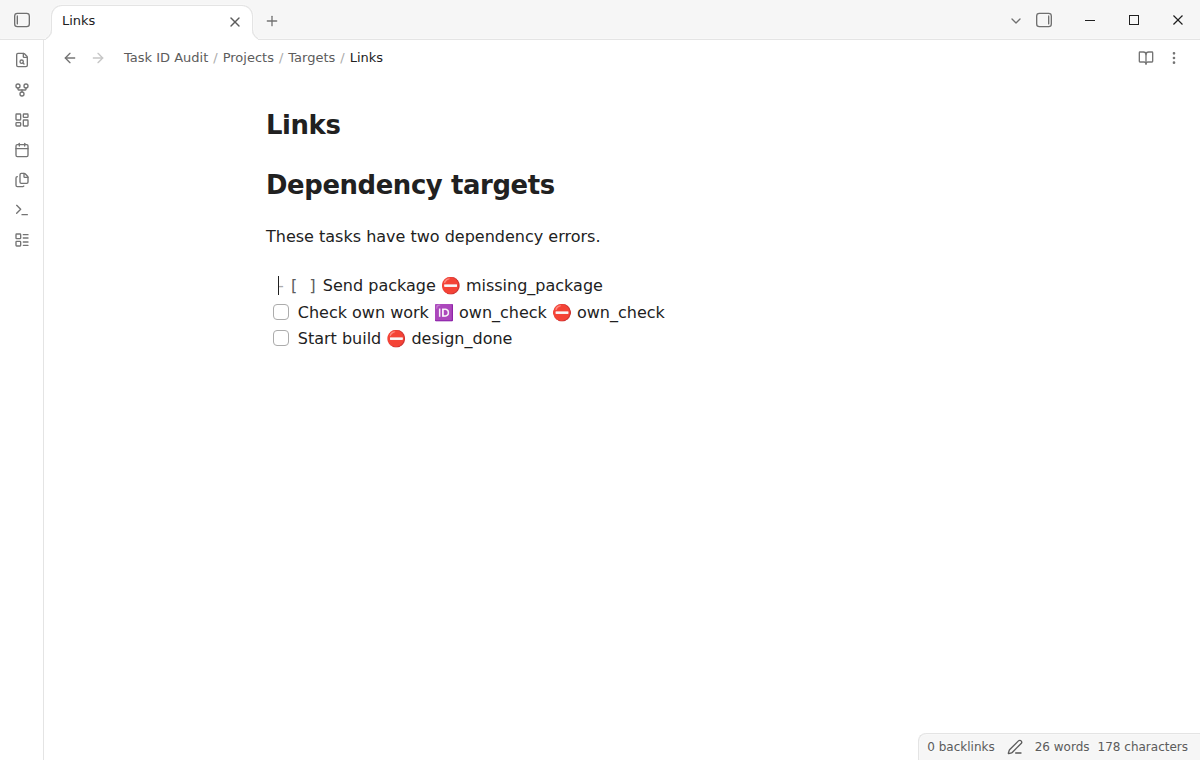
The scanner reads ordinary checkbox task lines with 🆔 and ⛔ fields. A duplicate group lists the paths and physical line numbers that share an ID. Completed tasks also supply targets. IDs are case sensitive and use letters A to Z, letters a to z, digits, _, and -. A task with ID release_1 can be the target of ⛔ release_1. Multiple dependencies use commas, for example ⛔ design, review. The Tasks plugin is not required to run the audit.
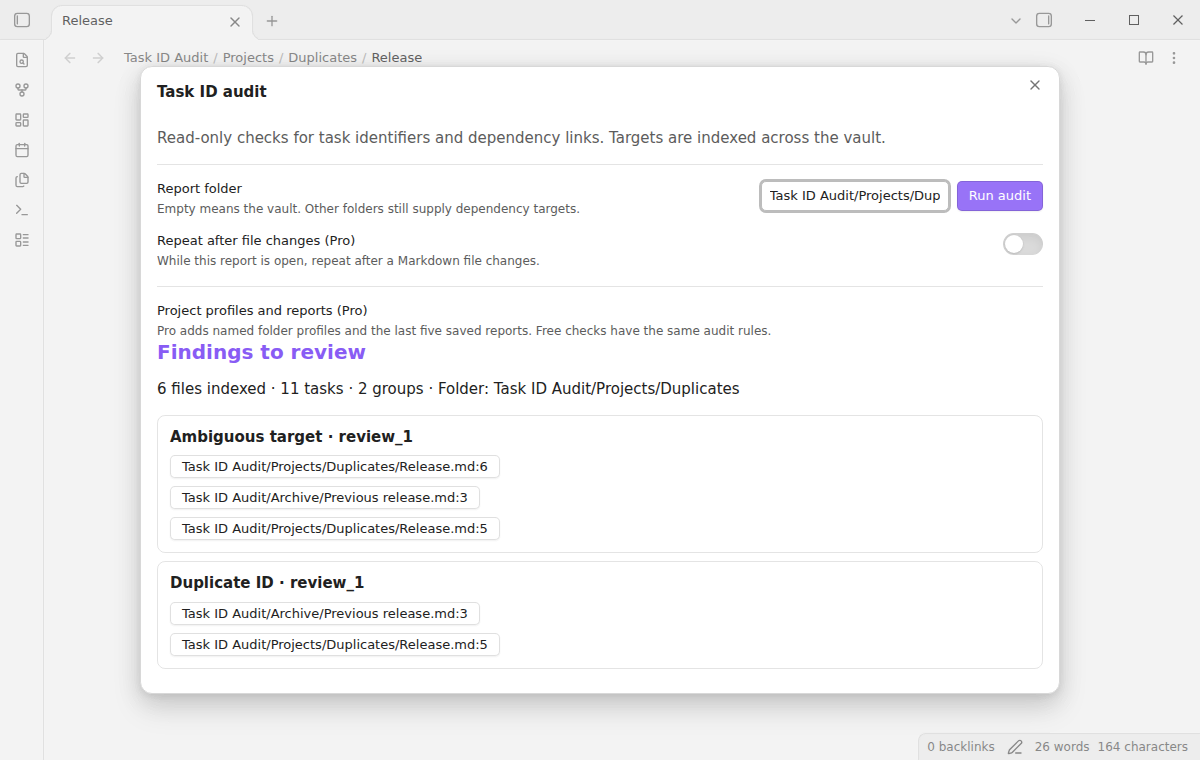
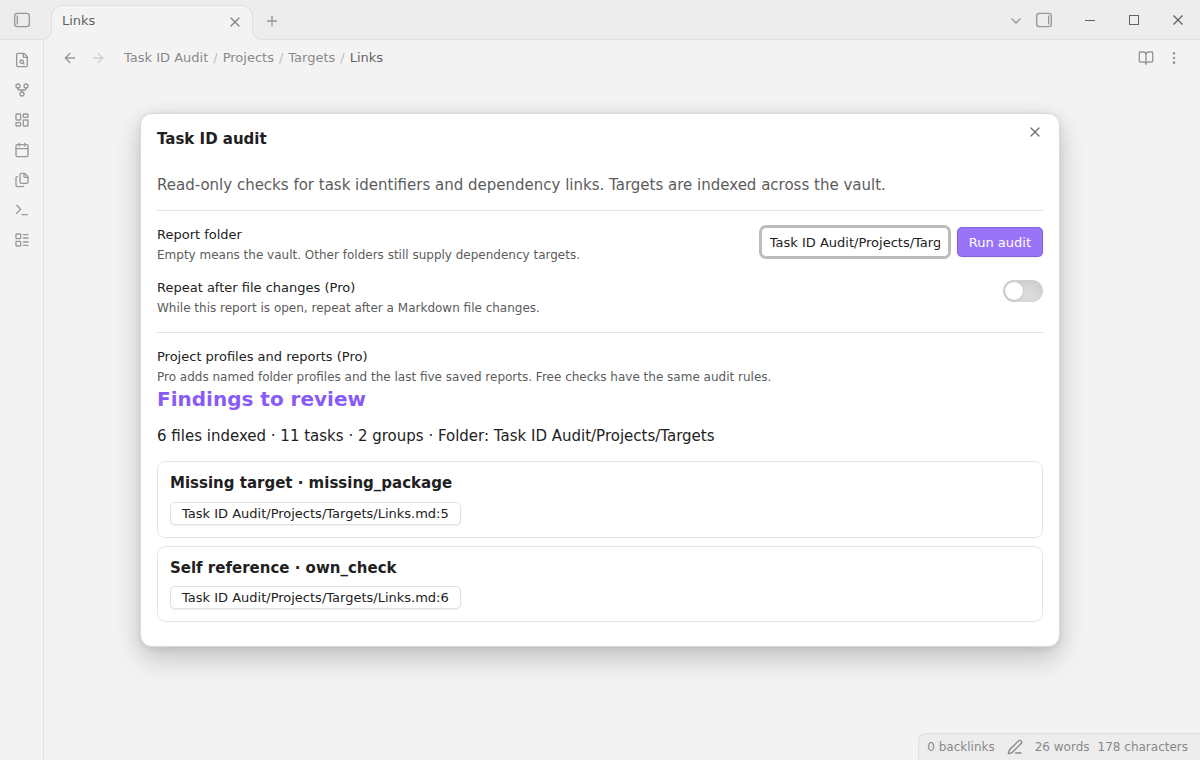
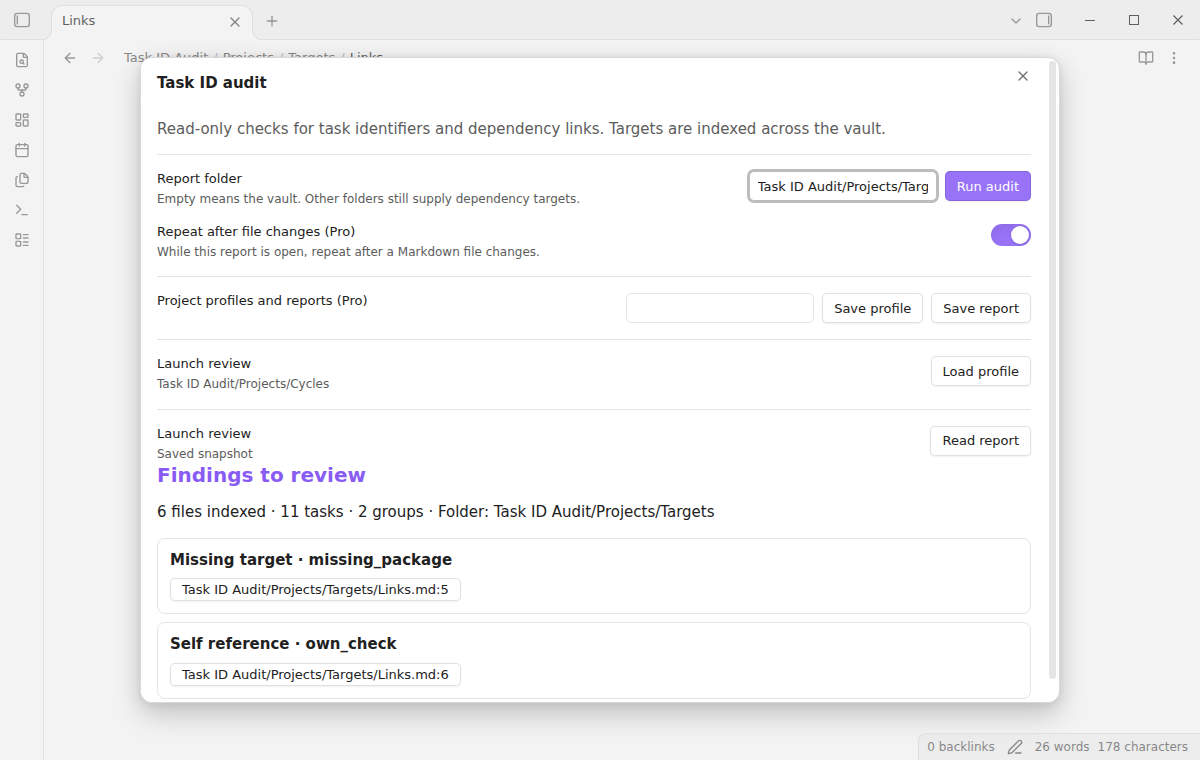
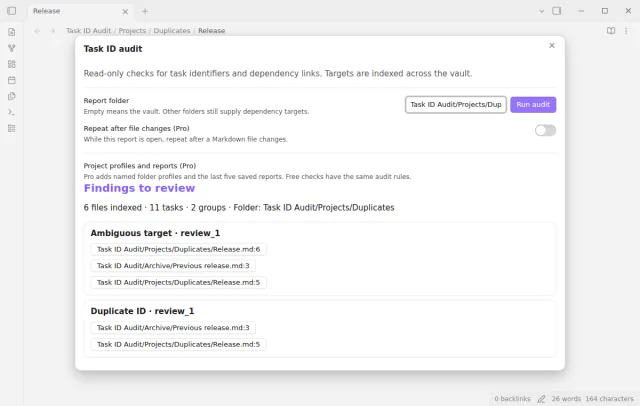

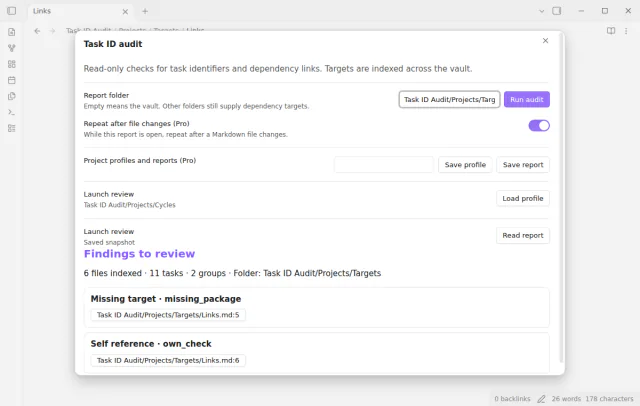
In a complete scan, a missing-target warning names an ID that the index cannot find. A self-reference warning identifies a task that depends on its own ID. If a dependency points to an ID with two or more targets, the report shows an ambiguous-target group and the duplicate group. Cycle analysis does not choose between those targets.
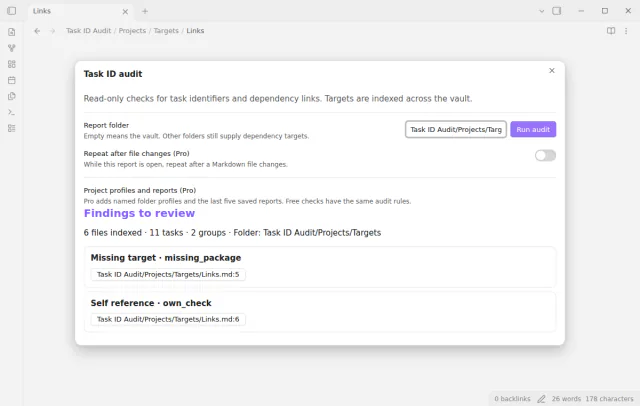
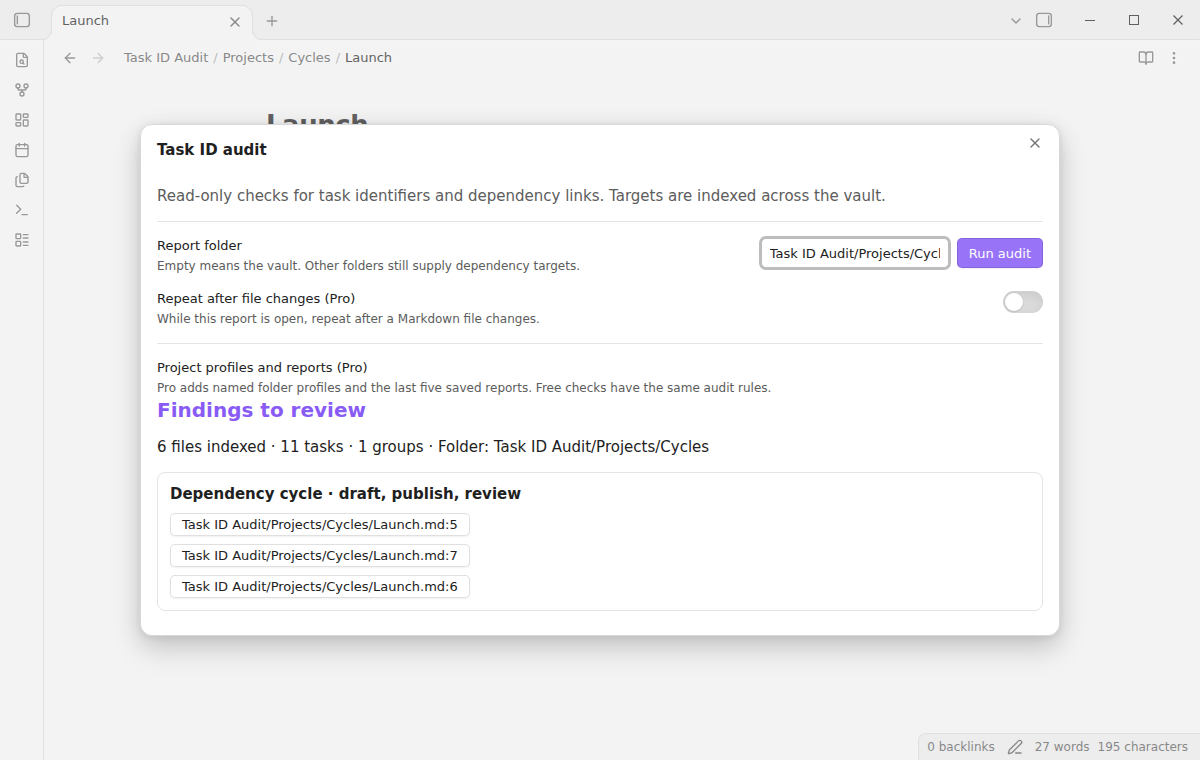
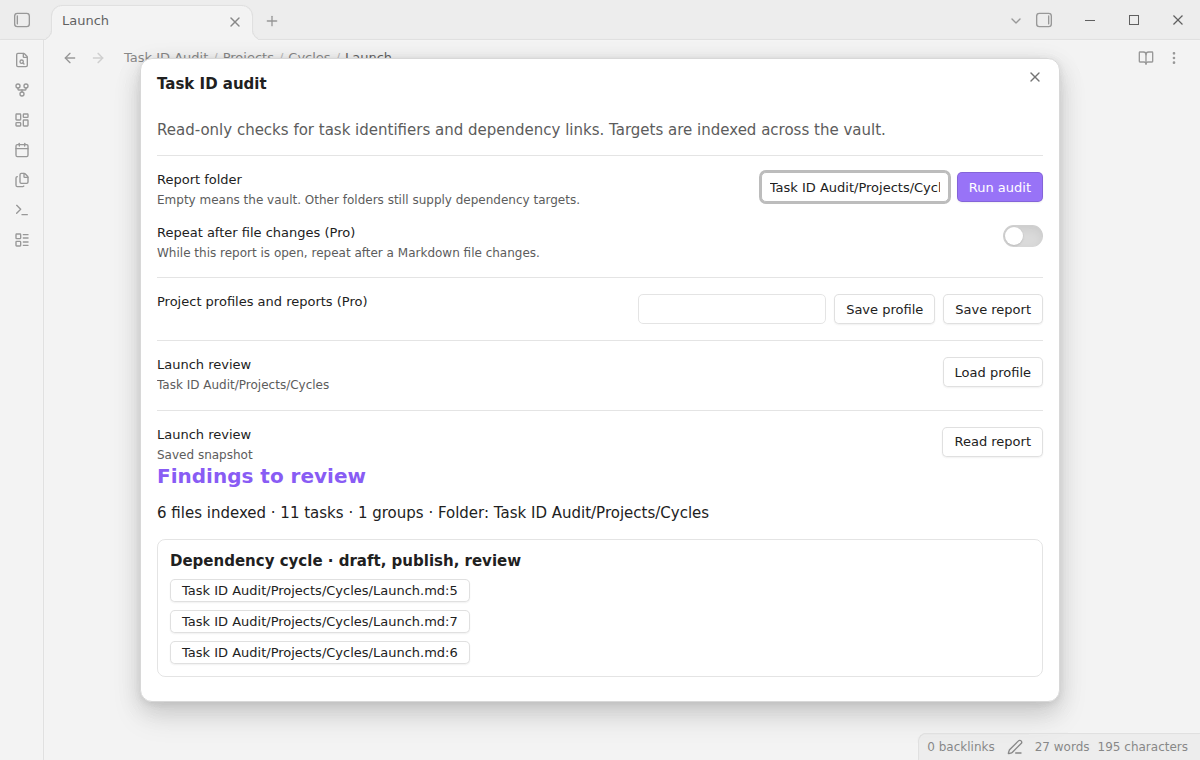
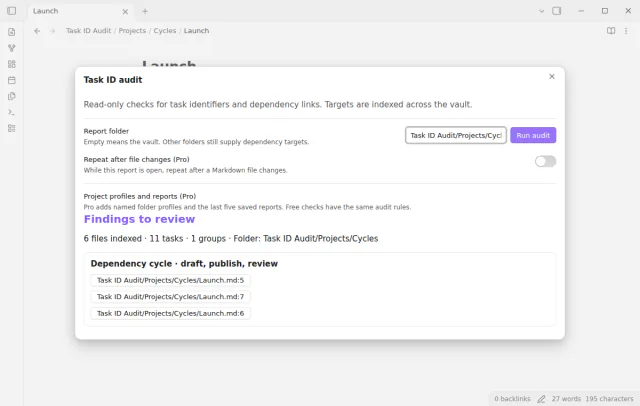
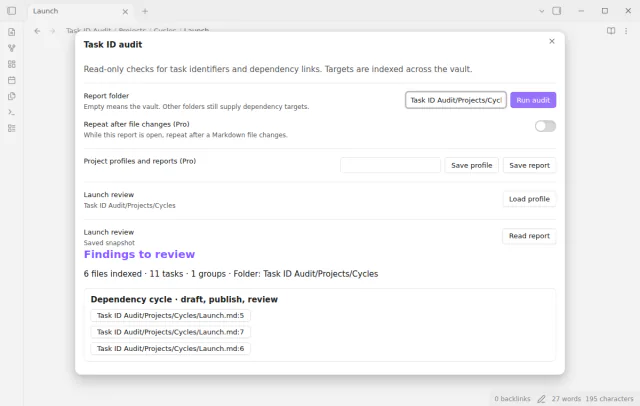
A cycle group contains the IDs in a connected dependency loop and their source locations. For example, a depends on b, b depends on c, and c depends on a. A larger connected loop is one group. Self references appear separately. The search uses an iterative graph algorithm to avoid recursive calls on long chains.
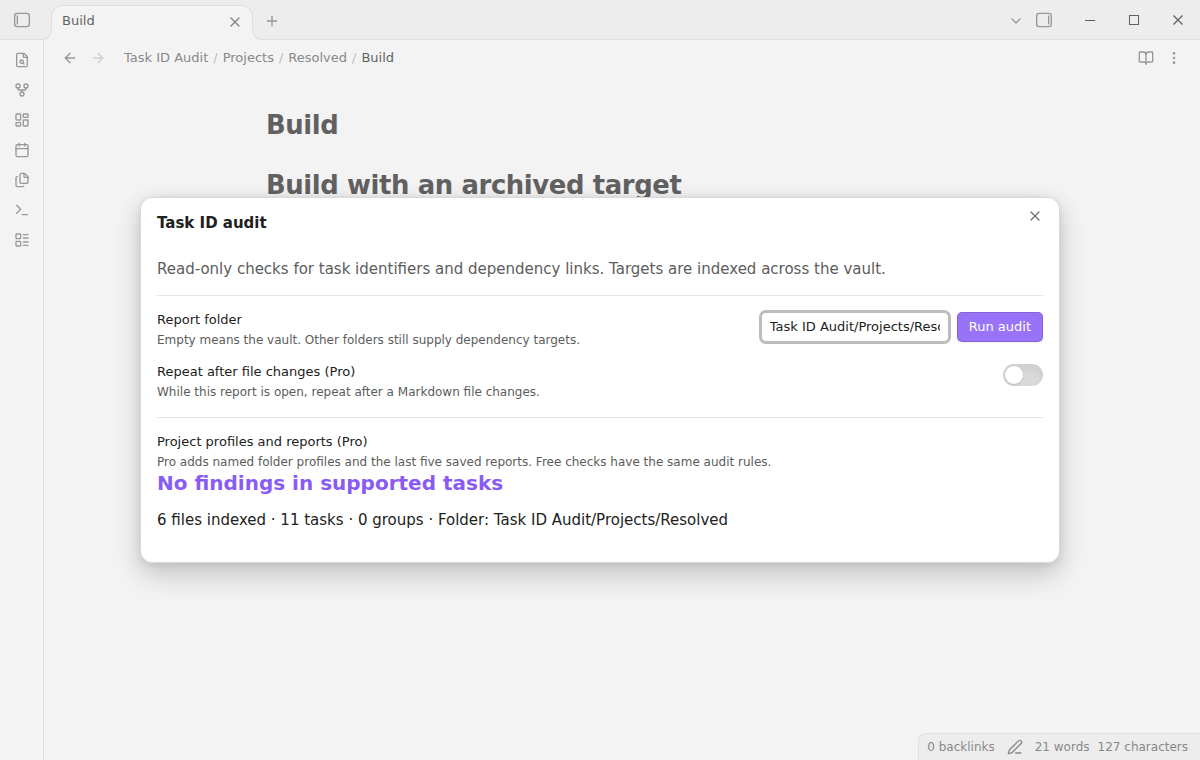
Enter a vault-relative folder, such as Projects, then select Run audit. The target index still includes Markdown notes outside that folder. A dependency in Projects can therefore resolve to a completed task in Archive. A group is visible if a source path is in the selected folder; related paths outside it stay visible for context.
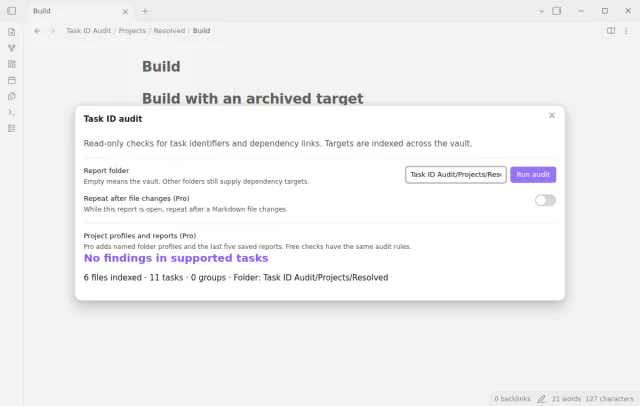
Select a path and line button to close the report and open the note in its editor. The editor moves to that physical line. Line numbers belong to the scan result. If another edit moves the task, run the audit again before you use the location.
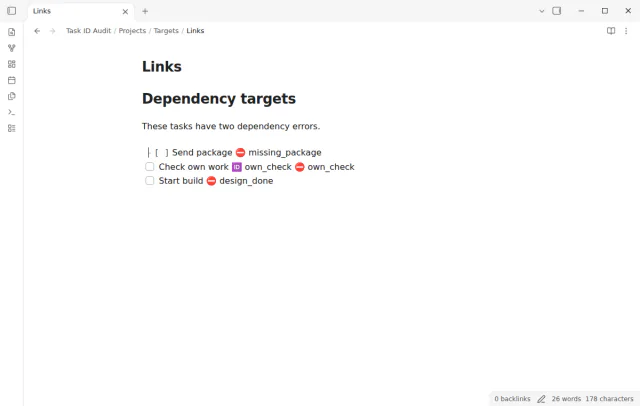
Pro costs $5 a month or $15 one time through GitHub Sponsors. One sponsorship turns on Pro in every plugin that has it.
Enter a name to save the current folder as a project profile. Load profile opens a fresh audit with that folder. Saving with the same name replaces that profile. The limit is 20 profiles. Save report keeps a text snapshot with issue types, IDs, and source locations. Read report opens the saved text. Plugin data holds the five newest reports; a report larger than 100,000 characters is rejected.
Turn on Repeat after file changes while the report is open. Markdown file creation, edits, deletion, and renames schedule another scan after a short quiet period. Changes outside the report folder also matter because they can add or remove a target. Closing the report turns repeat off. A profile stores the folder, not the repeat toggle. Without Pro, the toggle shows a notice with a Sponsor on GitHub button and stays off.
needs
If the app can't find a new plugin yet, try again later. Obsidian says a plugin that passes the review shows in the app within 24 hours.
Need a change for your team? I build custom Obsidian plugins and features.
Input was skipped, a file could not be read, or a scan limit was reached. The limits are 10,000 files, 50,000 tasks, 20 million text characters in total, and two million characters per file. The file reader also rejects files larger than two million bytes. The report shows the skipped paths. A folder filter does not reduce the target index or remove those limits.
Physical phones and tablets, third-party sync conflicts, unusual Markdown extensions, and a live paid sponsorship transaction were not tested. Linux and Windows were not run locally. The runtime uses public Obsidian and browser APIs. Desktop end-to-end tests cover Obsidian 1.13.4 and 1.14.4. Pro tests use a local sponsorship response, with no payment.
The text of this page comes from the README of the plugin, and nobody has reviewed its network use for this site yet. Read the README in the repository for the hosts that the plugin contacts.
Tell me what is broken in Task ID Audit, or what it should do next.
Task ID Audit 1.0.2, MIT license
MIT · no telemetry · core features free
See each task from the notes in a base as a separate row.
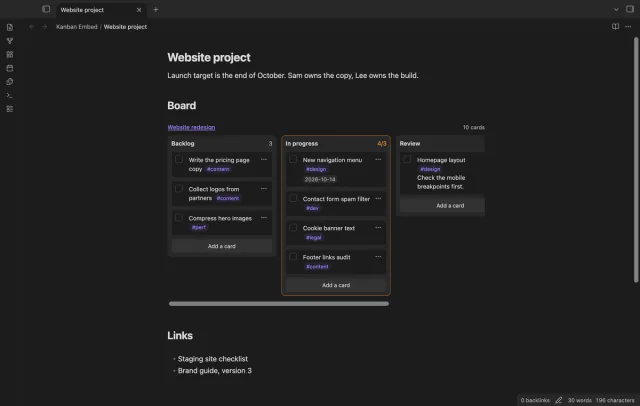
Use a Kanban board inside a project or daily note.
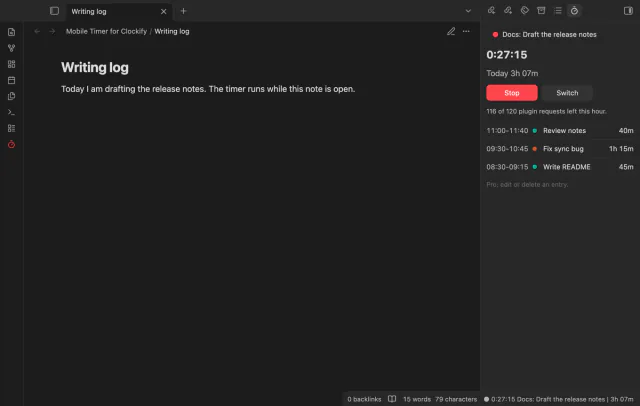
Control your Clockify timer and see the daily total from a note.