How to import a WordPress WXR export into Obsidian
As of October 2026, Obsidian stores notes as local Markdown files, so WordPress XML needs conversion first.
As of October 2026, Obsidian's official Importer supports HTML files and folders. Extract post HTML for that route, or use Substack Export Import to join the writer ZIP's CSV fields to matching bodies.
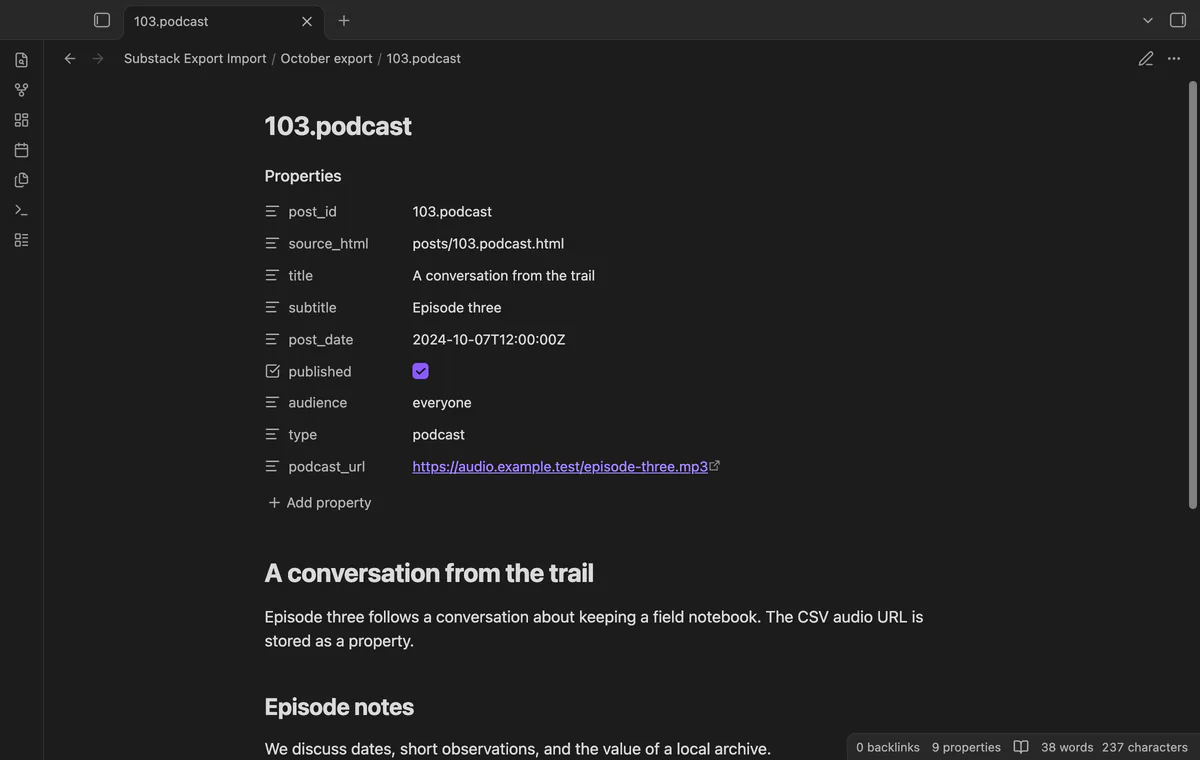
A writer export separates publication fields from post bodies. Substack Export Import joins complete post IDs and reports rows without HTML instead of creating empty post notes.
Extract the ZIP locally and select its post HTML files or folder in Importer. Choose HTML as the file format, review the template and examples, then import the files.
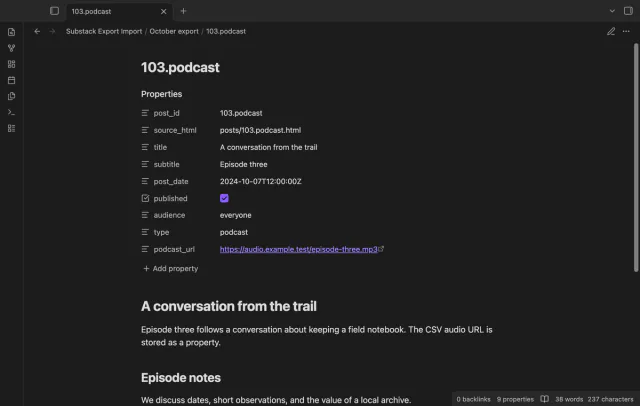
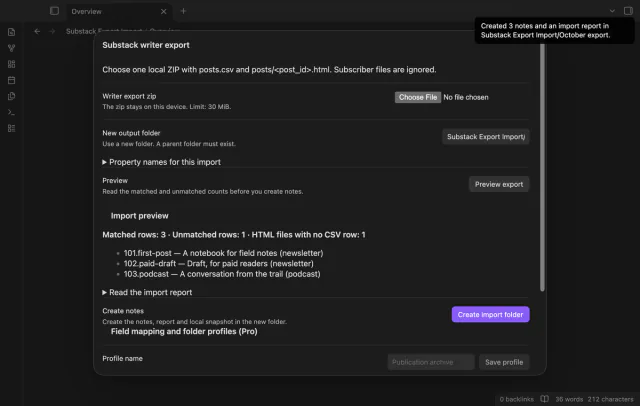
Select a writer ZIP with root posts.csv and matching posts/<post_id>.html bodies. Preview matched records and missing bodies, then create Markdown posts with publication properties in a new folder.
MIT · no telemetry · core features free
Keep the original ZIP and run Import writer export.
Enter a new output folder; a nested path needs an existing parent.
Select the local export and read its preview and report.
Select Create import folder, then inspect the new notes and report.
No. The complete CSV ID must match the HTML filename, including any slug suffix.
No. The ZIP needs posts.csv at its root and direct HTML files inside posts.
 You can now import a Substack writer export.
You're officially a regular.
Obsidian rewards people who share. NoteMods is just me and a lot of coffee. If this guide saved you a fight with the syntax, buy me a cup.
That's visit . Regulars are the reason I keep NoteMods running. If it's part of your routine now, a coffee says thanks better than anything.
Import local Substack posts with properties.