How to rename a heading in Obsidian without breaking links
Right-click the heading and choose Rename this heading.
As of October 2026, Longform organizes scenes through a project index and offers a reorderable, nestable scene list. For a checked move with descendants, Scene Subtree Mover previews the result and backs up the source before applying.
Longform issue 161 asks for moving a parent with its children, including into another parent. Scene Subtree Mover previews that move, either within a sibling group or under another parent.
Longform provides a reorderable, nestable scene list and commands for scene structure. Use its organizer when you want to manage the manuscript within Longform.
Longform tracks scene order in the index frontmatter and supports direct edits. Keep a copy first, and move the parent entry with its following child array as described in the plugin README.
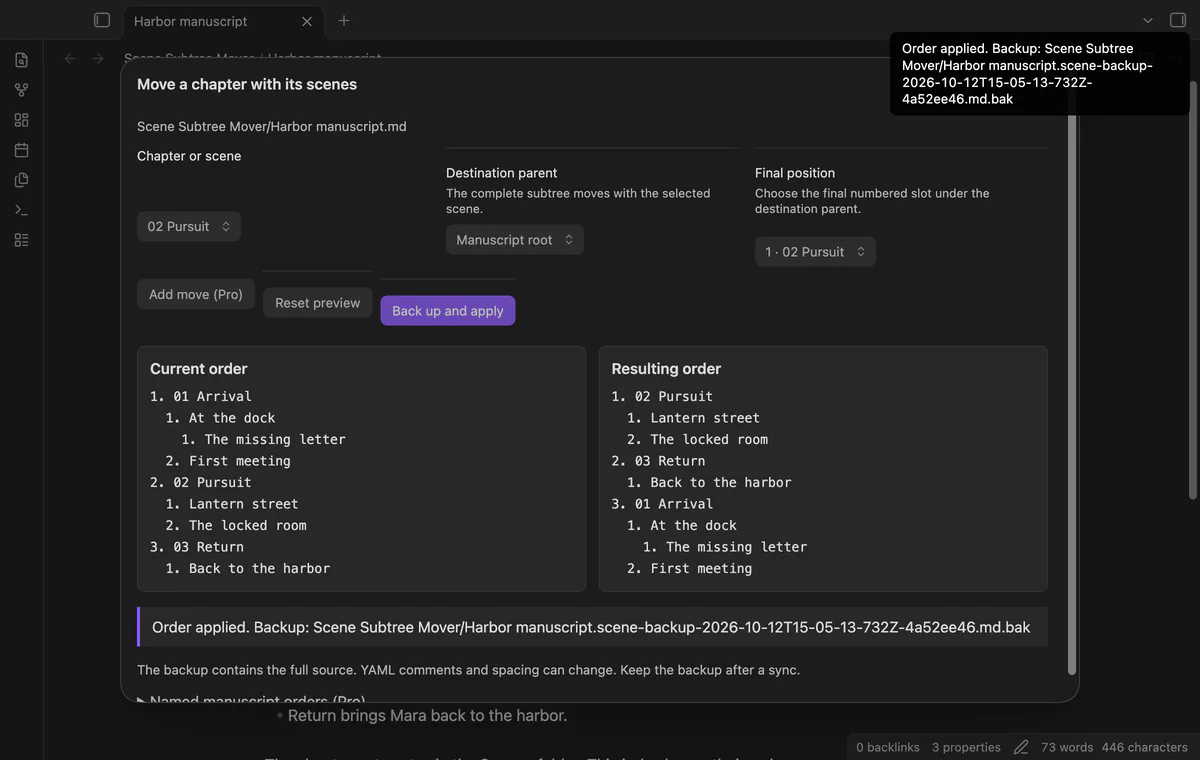
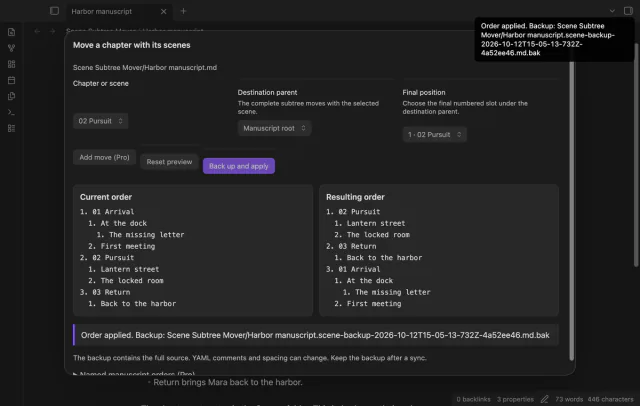
Select a scene, a destination parent and its final position, review the complete proposed tree, then apply. The operation creates a full source backup before the checked index update.
MIT · no telemetry · core features free
Open your manuscript index.
Run Move a chapter with its scenes from the command palette.
Select the chapter, destination parent and final position within that group.
Select Preview move and check both order panels.
Select Back up and apply, then keep the reported backup.
Choose the final numbered position within the destination group. Position three places that scene third in the resulting order.
A saved order keeps a sequence and requires matching scenes and parent relationships. The source backup preserves the original text, including comments and body edits.
Close the preview and inspect the current index. Run the command again to read a fresh source before proposing another move.
 That's every step, start to finish.
You're officially a regular.
Obsidian rewards people who share. NoteMods is just me and a lot of coffee. If this guide saved you a fight with the syntax, buy me a cup.
That's visit . Regulars are the reason I keep NoteMods running. If it's part of your routine now, a coffee says thanks better than anything.
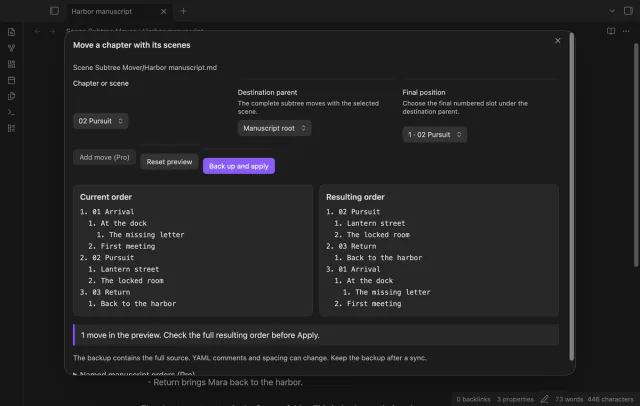
Move chapters with their child scenes.