How to compare notes in Obsidian Bases
As of October 2026, core Bases Table view puts files in rows and properties in columns.
As of October 2026, the Bases help pages describe column summaries such as Sum, Average and Range. They describe no column that compares a row with the row above it. A plugin view can add the prior value and the difference for each row.
Bases Row Deltas has Pro, and $15 one time turns it on in all 129 plugins.
Readings, counts and balances often sit in separate notes, one note for each date. A Bases table lists them, but each formula reads the properties of its own note. To review a change, you need the value of the earlier row next to the current one.
A Bases table can show a summary at the bottom of a column. The built-in summaries for numbers include Average, Max, Median, Min, Range, Stddev and Sum.
When the results are grouped, the summary of each group shows at the top of the group. Range gives the difference between the largest and the smallest value.
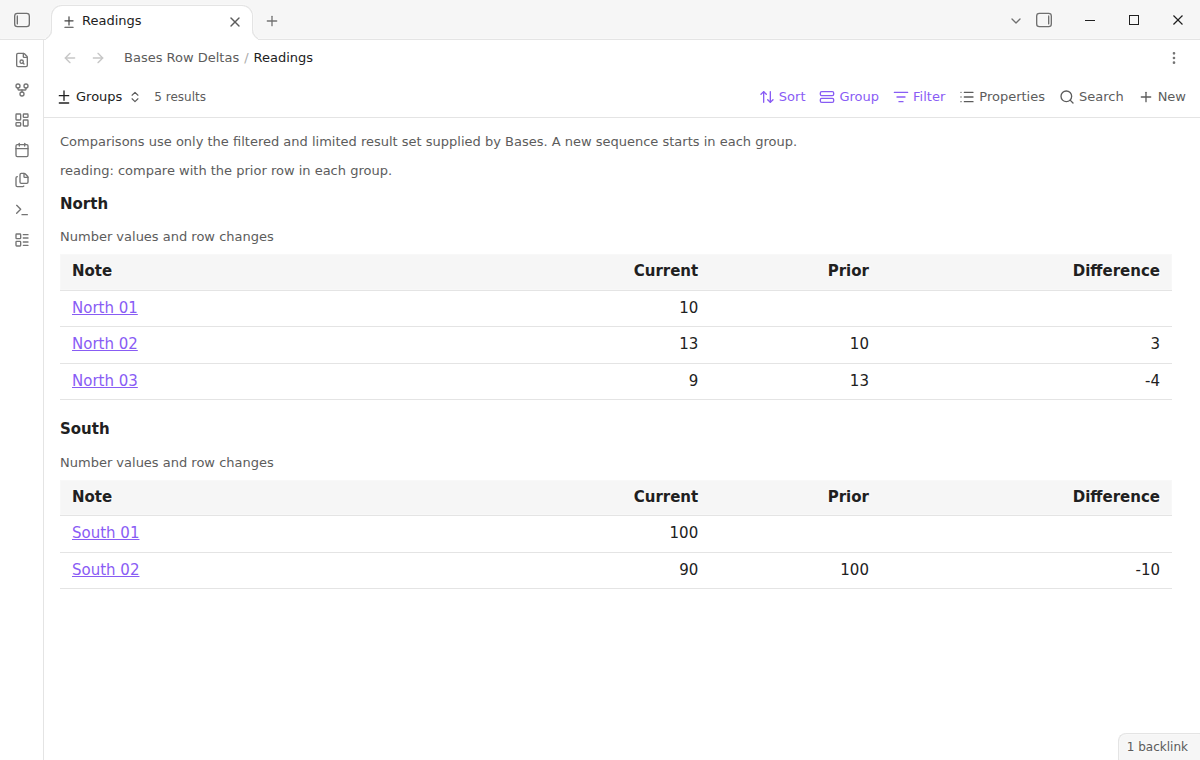
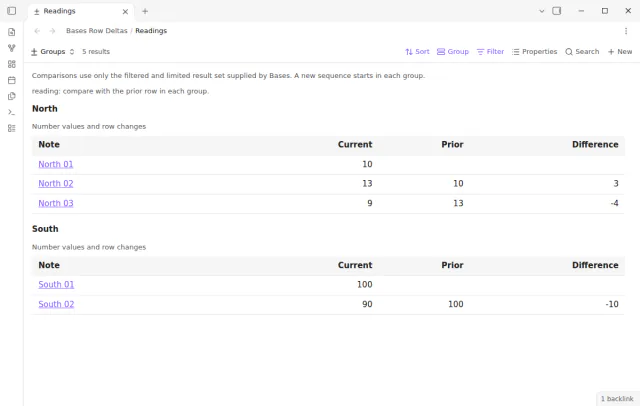
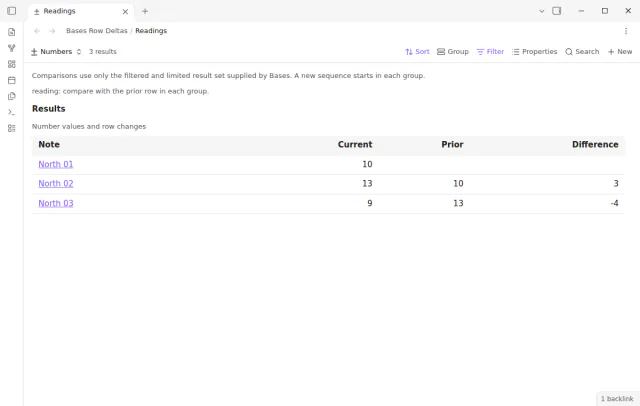
Bases Row Deltas adds a view type called Row deltas. It shows the note link, the current value, the prior value and the difference for one number property.
The view keeps the filters, sort, groups and limit that Bases supplies. Each group starts a new sequence, and a missing value leaves the difference empty.
MIT · no telemetry · core features free
Open Settings, then Community plugins, and turn off restricted mode.
Select Browse, search for Bases Row Deltas, then select Install and Enable. It needs Obsidian 1.13.4 or later and the core Bases plugin.
Open a base and add a view of type Row deltas from the view menu.
Open the view options and choose a property or a number formula in Number property.
Set the sort in Bases, for example an ascending sequence number. Add a group if each meter or project needs its own comparison.
No. Each group starts a separate sequence in Bases Row Deltas. The first South reading does not use the last North reading as its prior value.
Yes. Select a number formula in Number property, for example a reading multiplied by two. The view reads the evaluated values that Bases supplies and does not calculate the formula itself.
Bases Row Deltas Pro adds a Per day column when you select a date property. The value is the difference divided by the days between the two dates. The date must be a Bases date value, not text.
 That's every step, start to finish.
This guide uses Bases Row Deltas. Pro adds "Compare several properties" and "Choose an earlier row". One payment of $15 turns on Pro in 129 plugins.
This guide uses Bases Row Deltas. Pro adds "Compare several properties" and "Choose an earlier row". One payment of $15 turns on Pro in 129 plugins.
See each number in a Bases group with the prior value and the difference.