Bases Task Rows
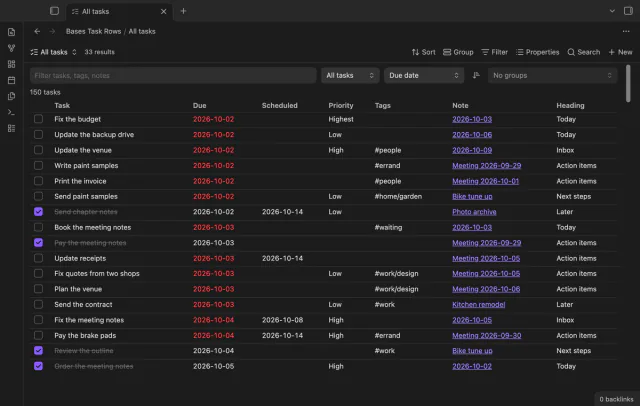
See each task from the notes in a base as a separate row.
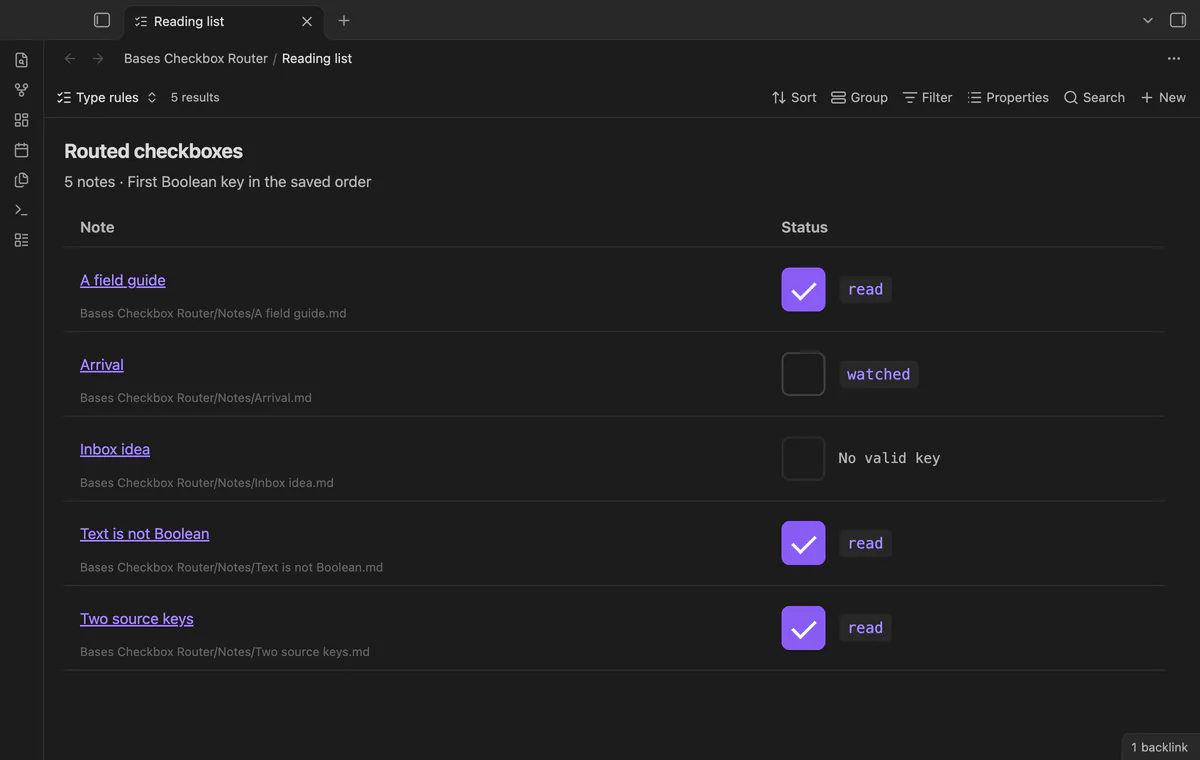
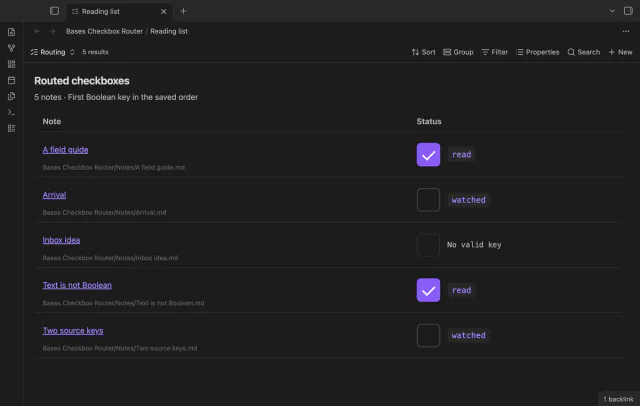
Change read or watched from one Bases column.
MIT · no telemetry · core features free
Physical phones, tablets, screen readers and cross-device sync conflicts were not tested.
Directory facts fetched from community.obsidian.md/users/theluckystrike.
You keep books and films in one base and use different Boolean properties for their status.
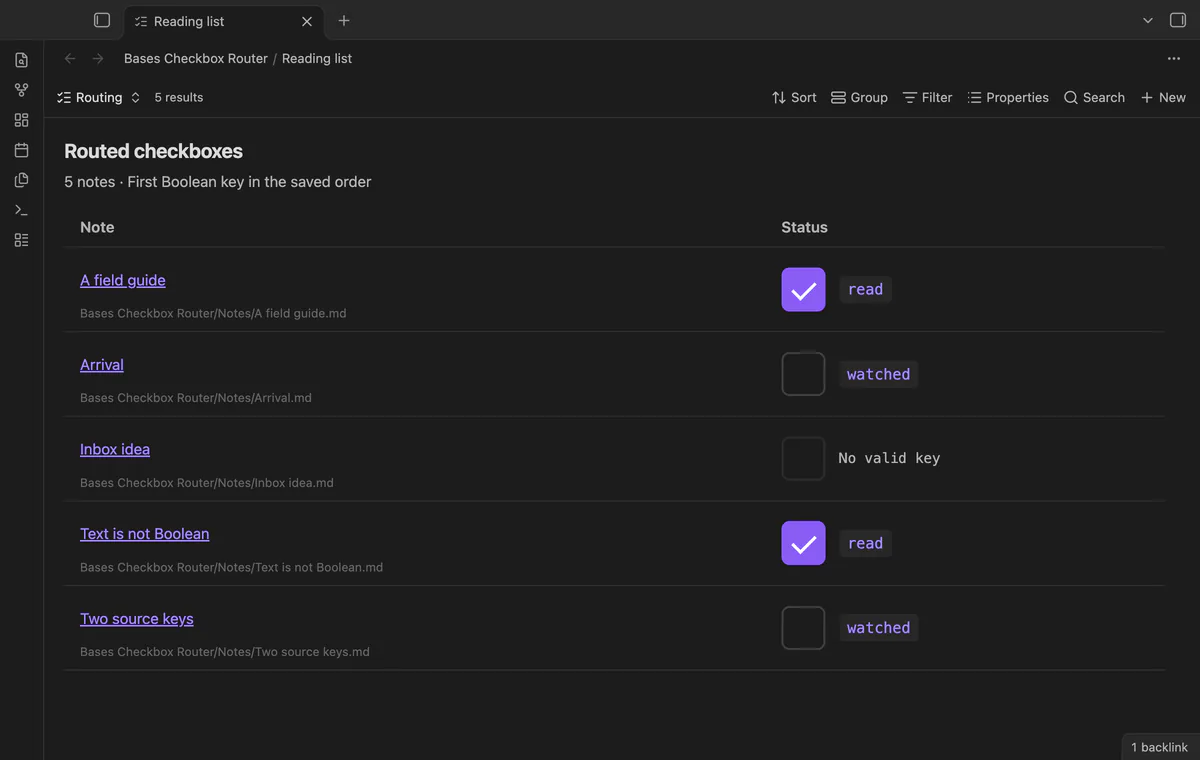
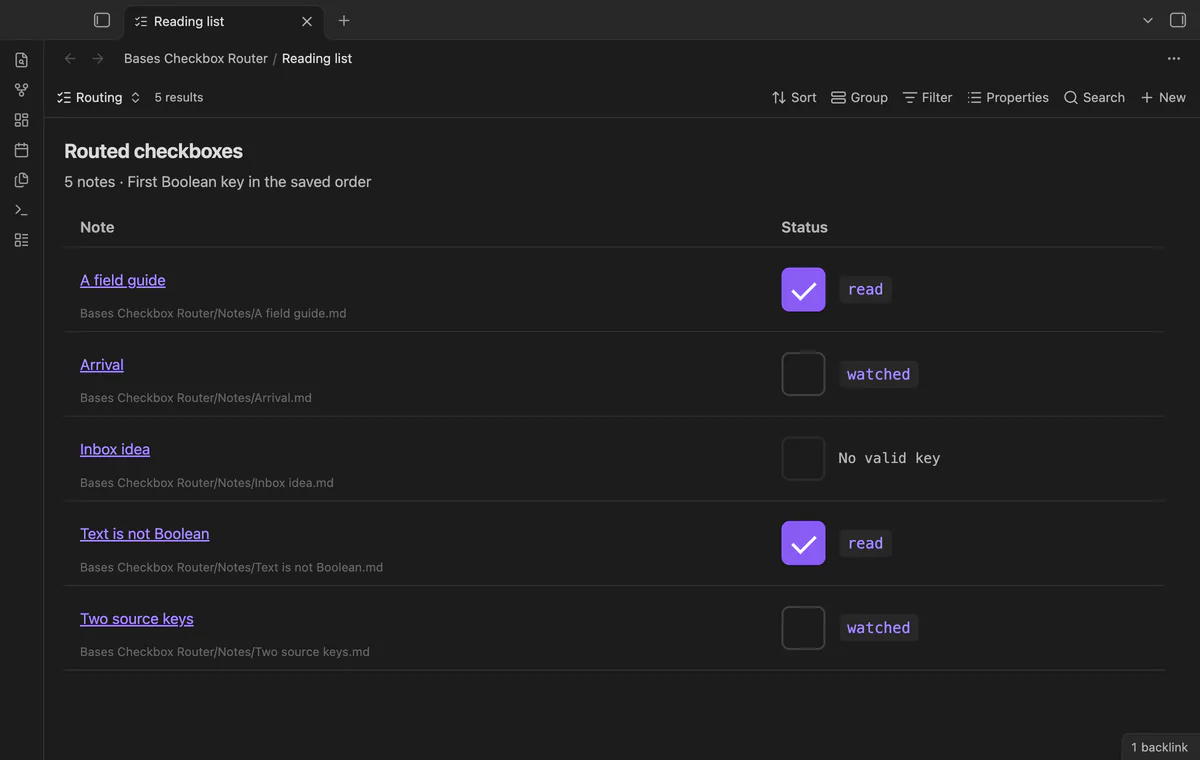

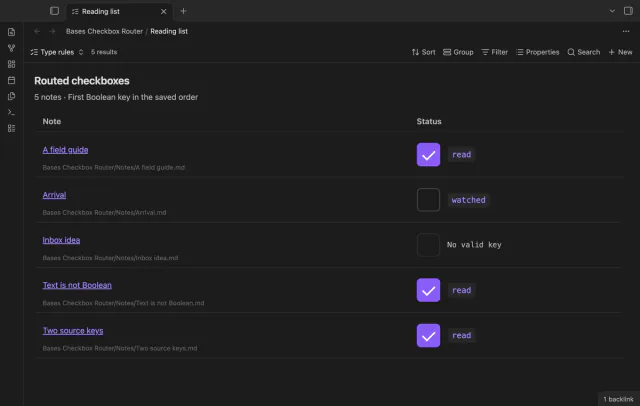
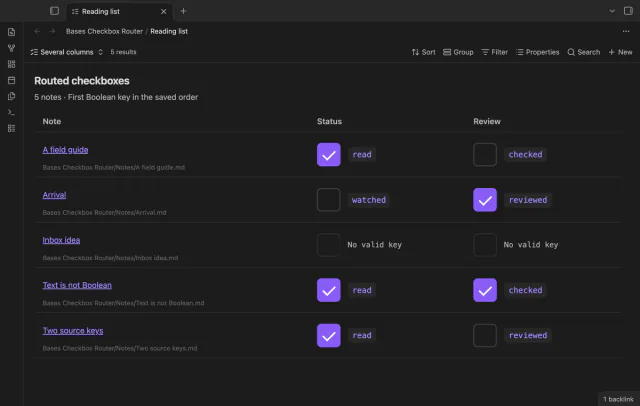
Your films can use watched while your books use read. Bases Checkbox Router puts their existing Boolean properties in one status column and shows the source key beside each control.
A false value still qualifies. The router skips text values and leaves controls inactive when no suitable Boolean property exists.
 Play demo
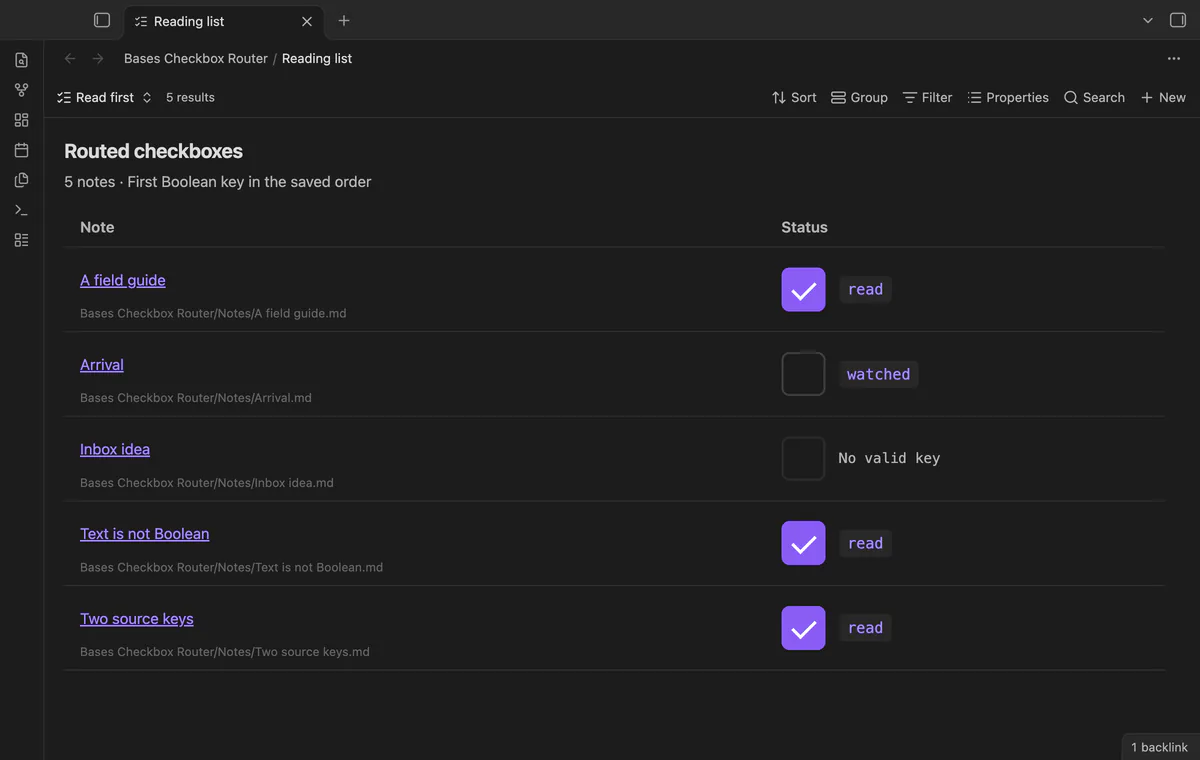
The router selects the first existing Boolean property in your saved order. It shows that key beside the control and doesn't create missing properties. Base filters, sort and limit choose the displayed notes.
Save an ordered list of case-sensitive, top-level property names for each view. Putting read before watched changes which existing Boolean takes priority. An empty saved list leaves the controls inactive.
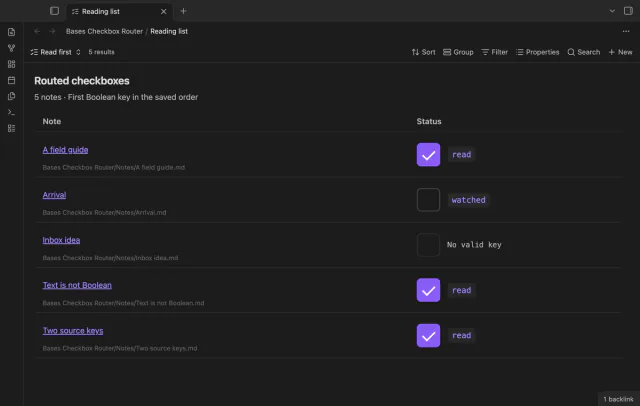
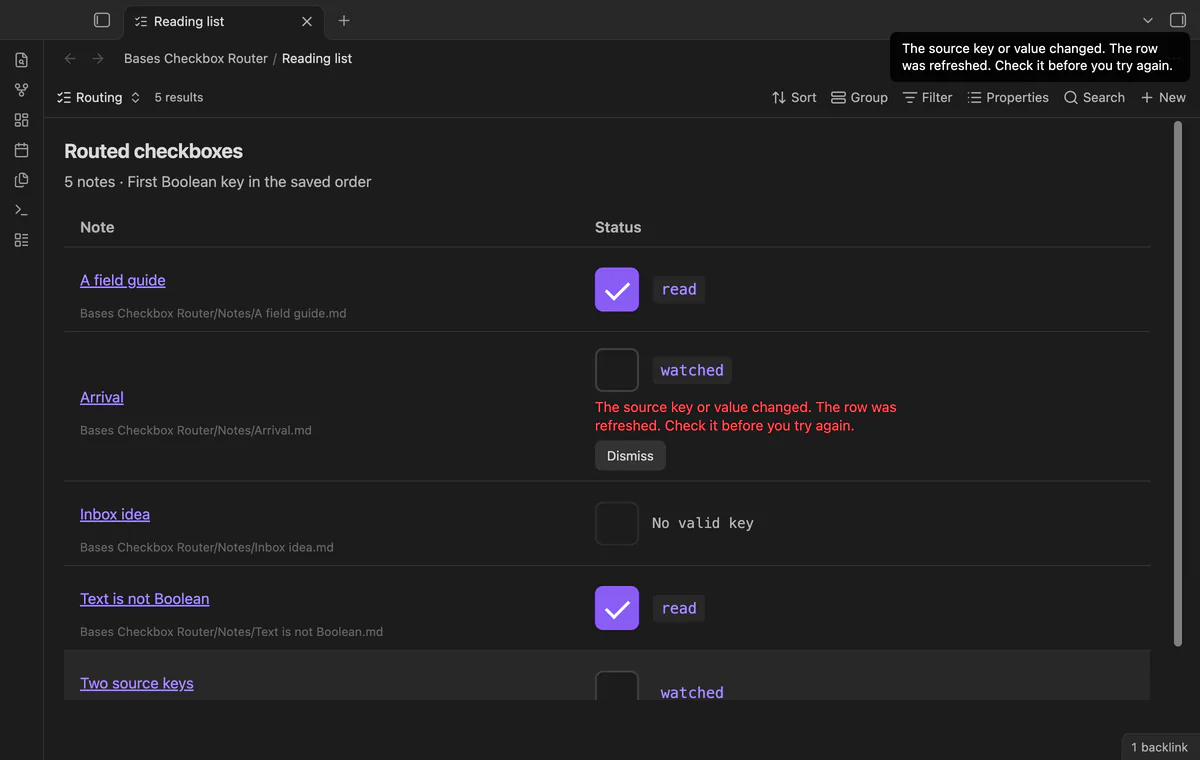
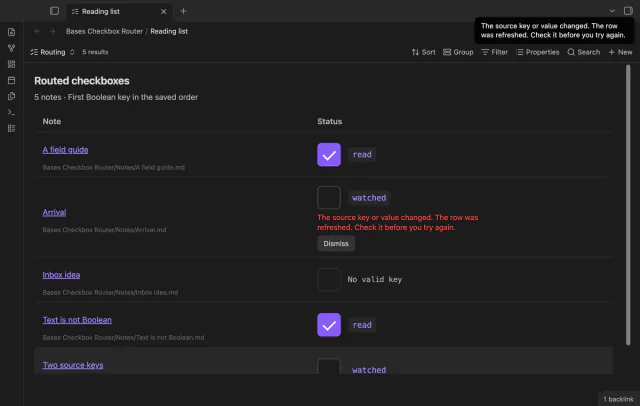
The router checks the current key and prior Boolean value before writing. A changed value, deleted key or new higher-priority key stops that write. It reads the file again before enabling the controls.
Select a note name to open its source, with the path shown underneath. Ctrl-click or Cmd-click asks Obsidian to open a new tab. Control labels include the note name, column name and source key.
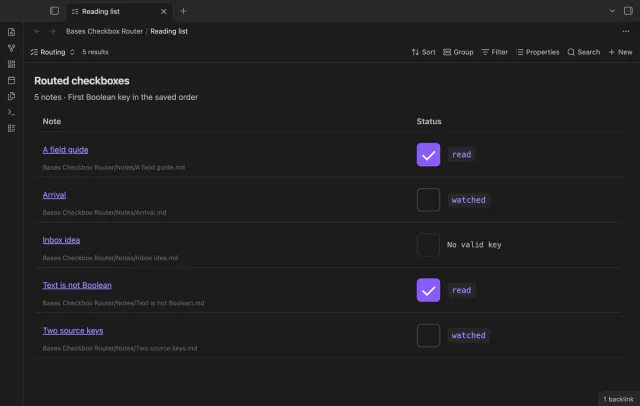
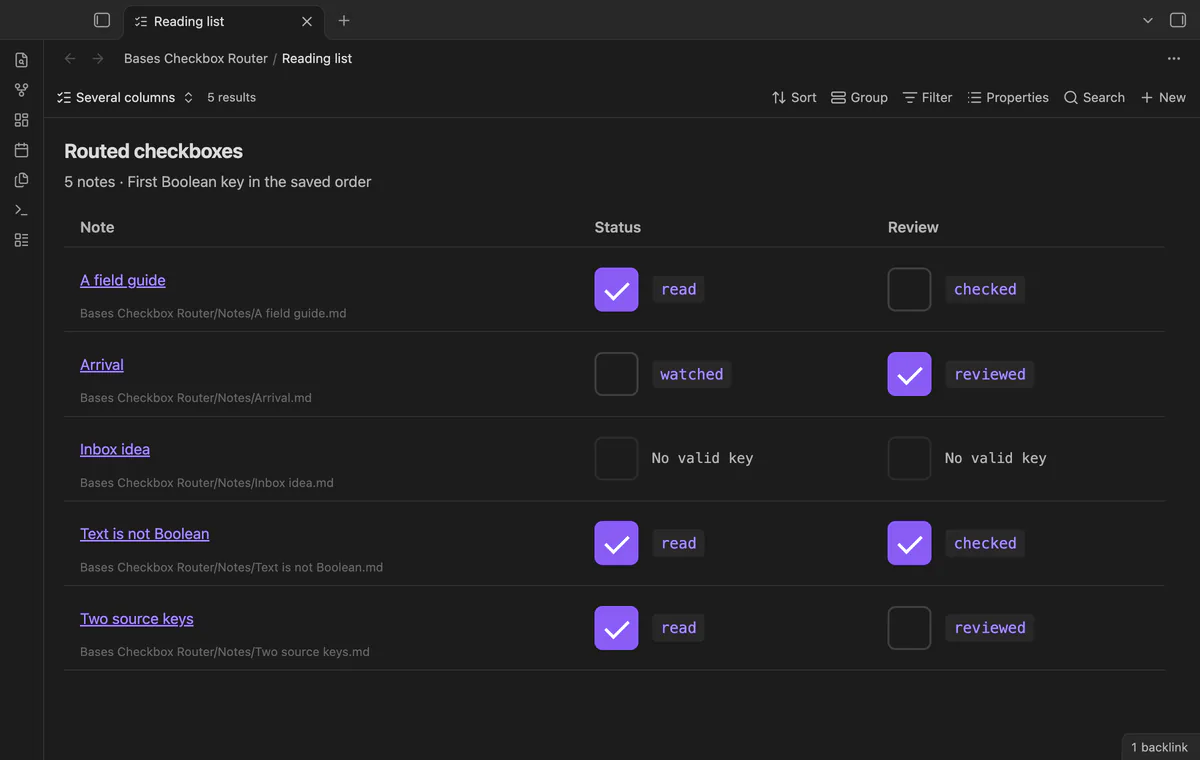
The free version has one Status column with a saved key order; type rules and extra columns need Pro.
Pro costs $5 a month or $15 one time through GitHub Sponsors. One sponsorship turns on Pro in every plugin that has it.
Use book=read or movie=watched to choose main-column keys by the string type property. The first matching rule supplies its ordered keys. Types without a matching rule use the free key order.
Add Review=reviewed,checked to create a column with its own ordered keys. Extra columns show their source keys and don't use the main column type rules. Saved extra columns stay inactive when Pro is off.
needs
steps
Open a base and filter it to select your notes.
Add a view with the type Checkbox router.
Enter property keys in the required order in view options.
Check the source key beside a control before changing its value.
If a refresh message appears, inspect the current row before trying again.
If the app can't find a new plugin yet, try again later. Obsidian says a plugin that passes the review shows in the app within 24 hours.
How to edit different checkbox properties in one Obsidian base
Need a change for your team? I build custom Obsidian plugins and features.
No. False is a valid Boolean value. With watched before read, watched takes priority even when read is true.
No. The router edits existing Boolean properties in your notes. It can't invert a formula result or create a missing key.
Obsidian writes the selected property through processFrontMatter, which can normalize YAML formatting. Byte-for-byte preservation is not promised.
The free Status column and its ordered key list remain available. Saved type rules and extra columns stay in the base but don't affect routing.
Before you select Sign in with GitHub, the plugin makes no network requests. Sign-in sends a client ID, read:user scope and device-flow codes to github.com; authenticated requests to api.github.com check sponsorship. Checks reuse success for seven days, retry failures after six hours, or run on Refresh; they send no vault data.
Tell me what is broken in Bases Checkbox Router, or what it should do next.
Bases Checkbox Router 1.1.0, MIT license
MIT · no telemetry · core features free
See each task from the notes in a base as a separate row.
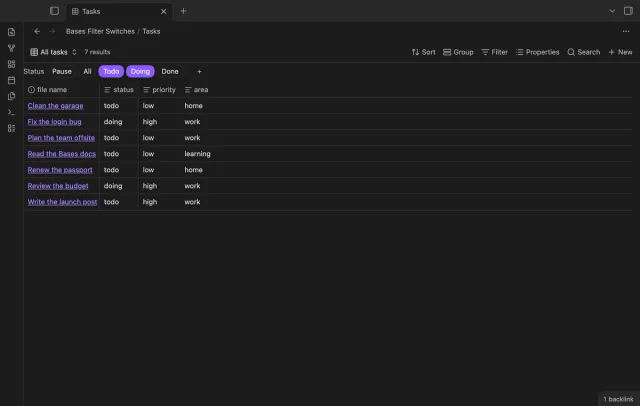
Turn saved Bases filters on or off with switches.
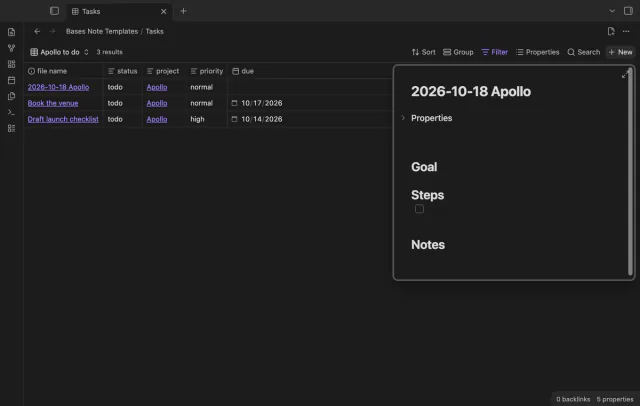
Create notes in Bases with a template and filter values.