Bases Filter Switches
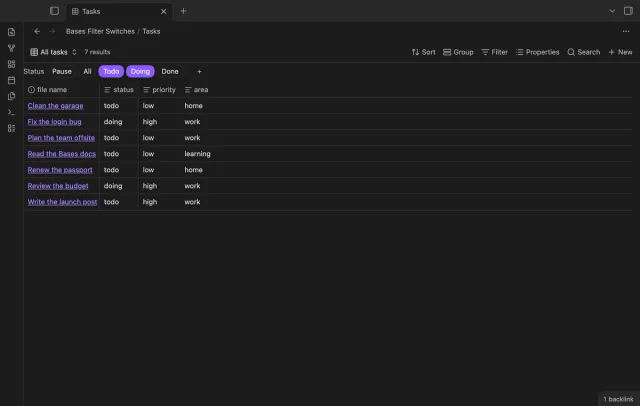
Turn saved Bases filters on or off with switches.
Lock supported controls in a saved base.
MIT · no telemetry · core features free
App tests used macOS with a local sponsorship reply. Real iOS and Android touch interactions were not tested.
Directory facts fetched from community.obsidian.md/users/theluckystrike.
You want to guard chosen Bases views against accidental edits in your vault.
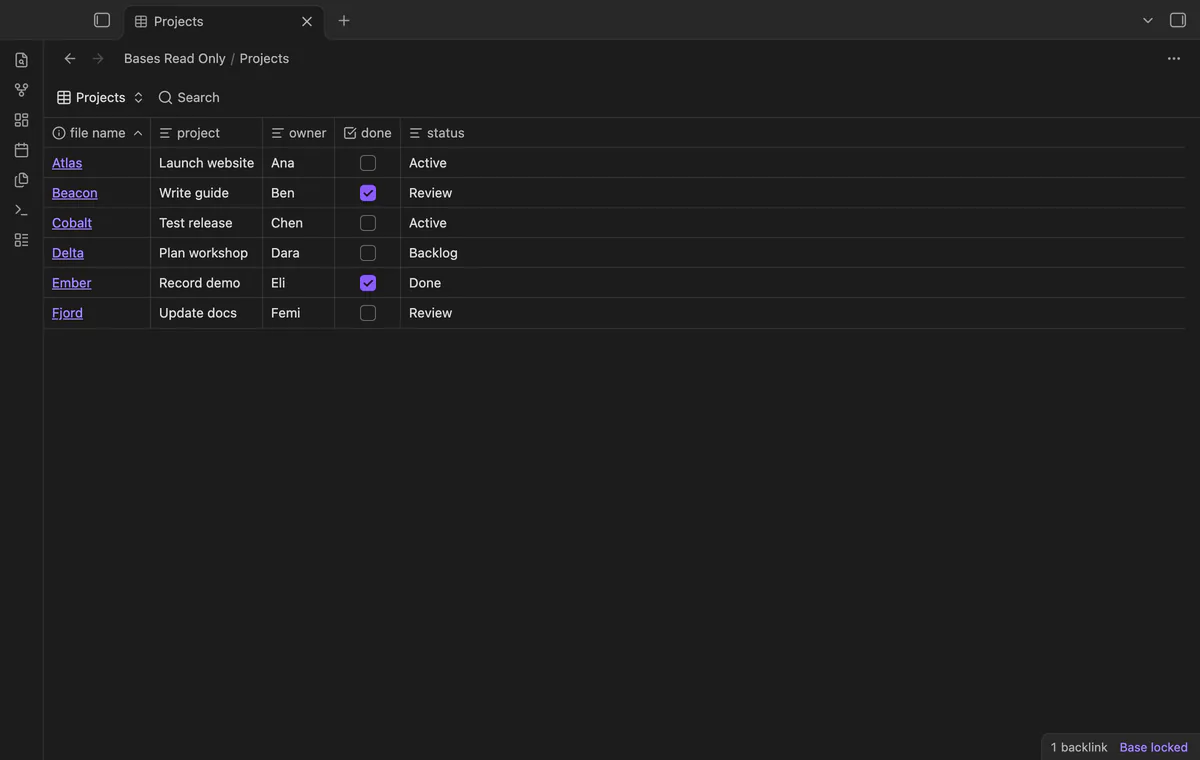
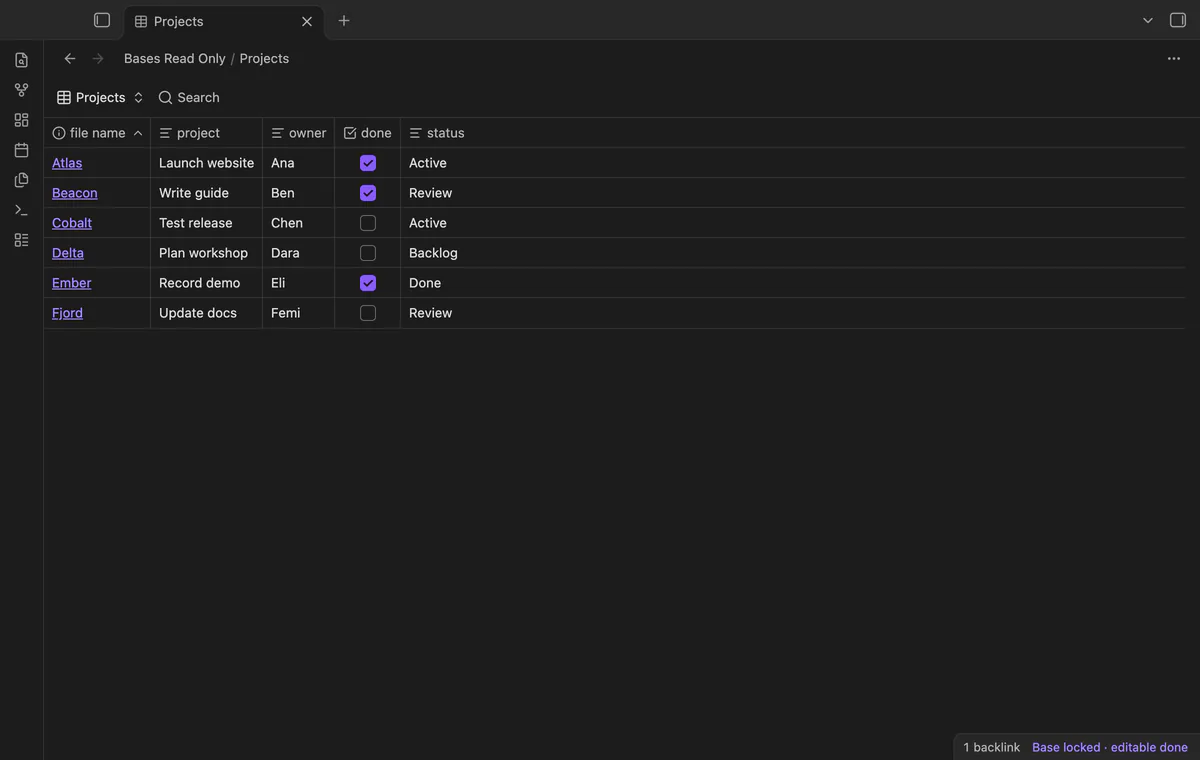
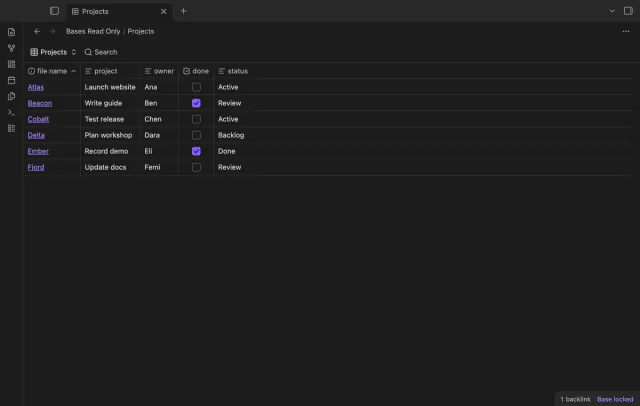
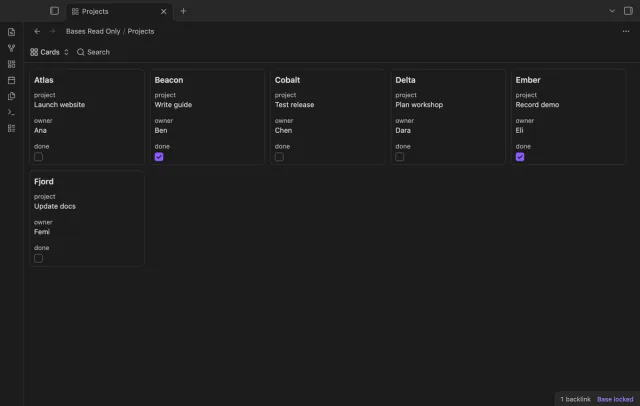
Lock your saved base before reading a project table or showing it to someone. Bases Read Only guards supported cell edits and hides controls that change the view. Your linked notes remain available.
 Play demo

Run Toggle lock for current base or use the file menu. The desktop badge shows the lock, and saved manual paths follow file moves.
Locked cells block typing, paste, checkbox toggles and supported edit keys. Copy shortcuts, scrolling and navigation remain available.
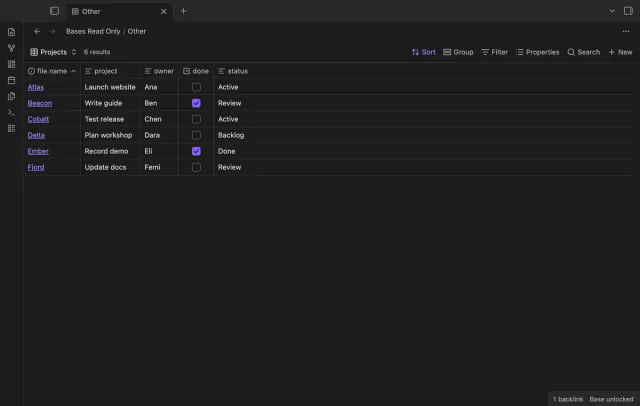
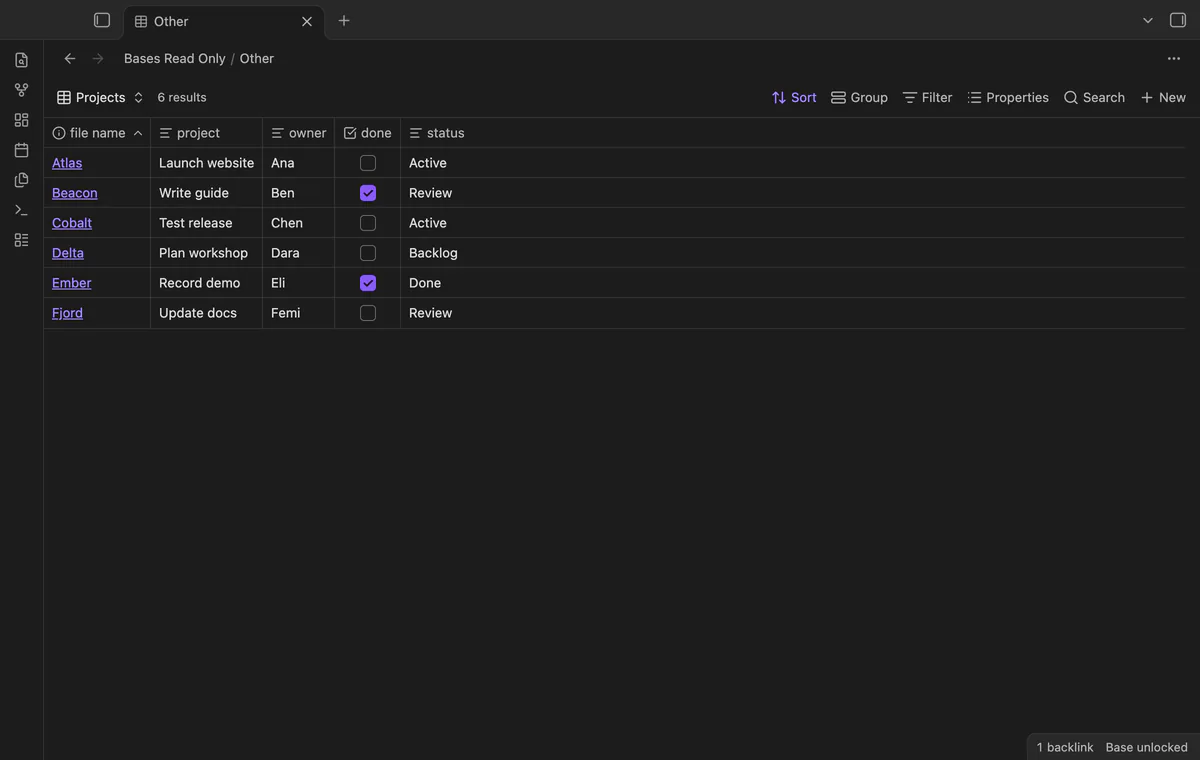
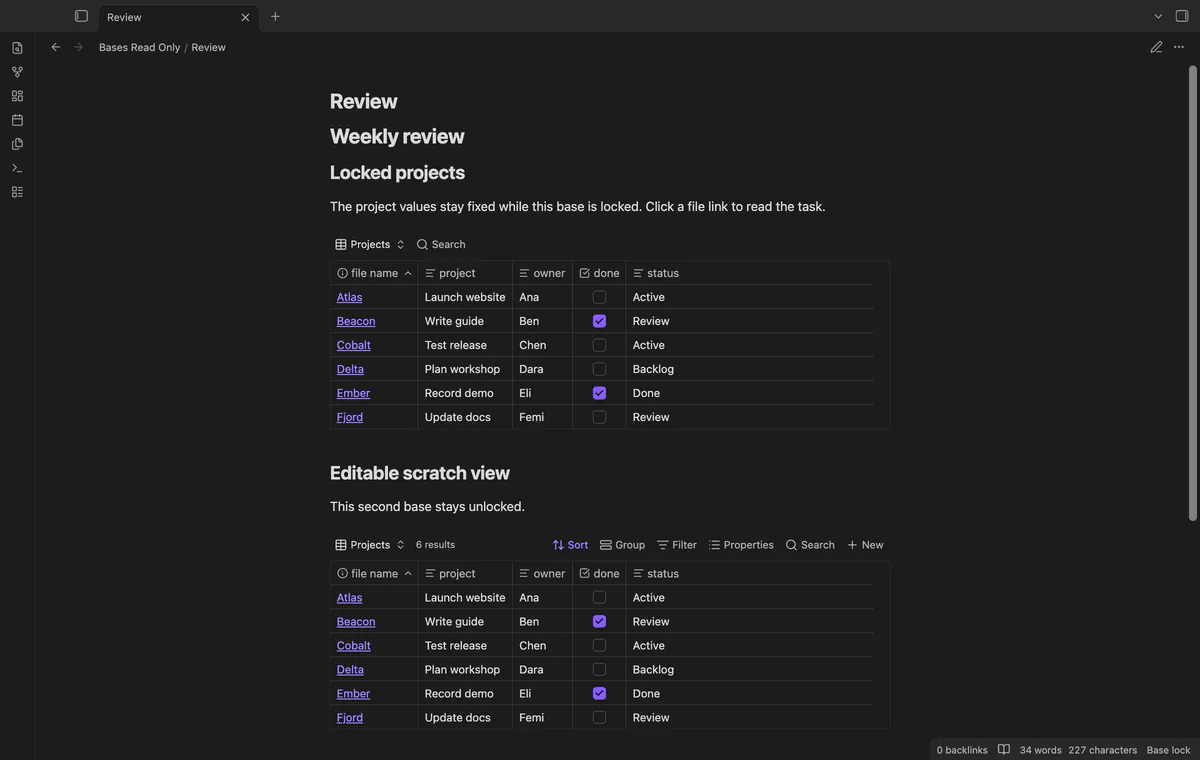
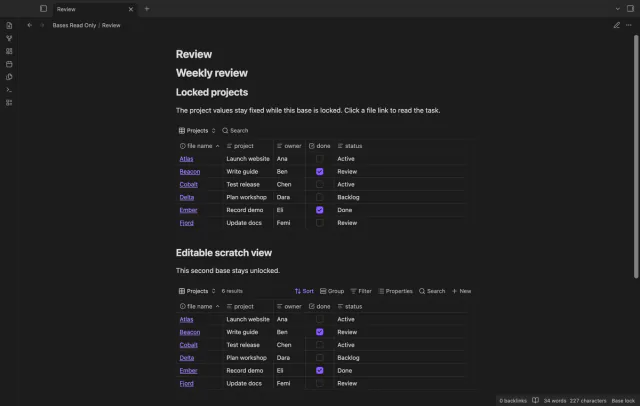
File and property links can open notes from a locked base. Separate saved base embeds keep their own lock states within one editable note.
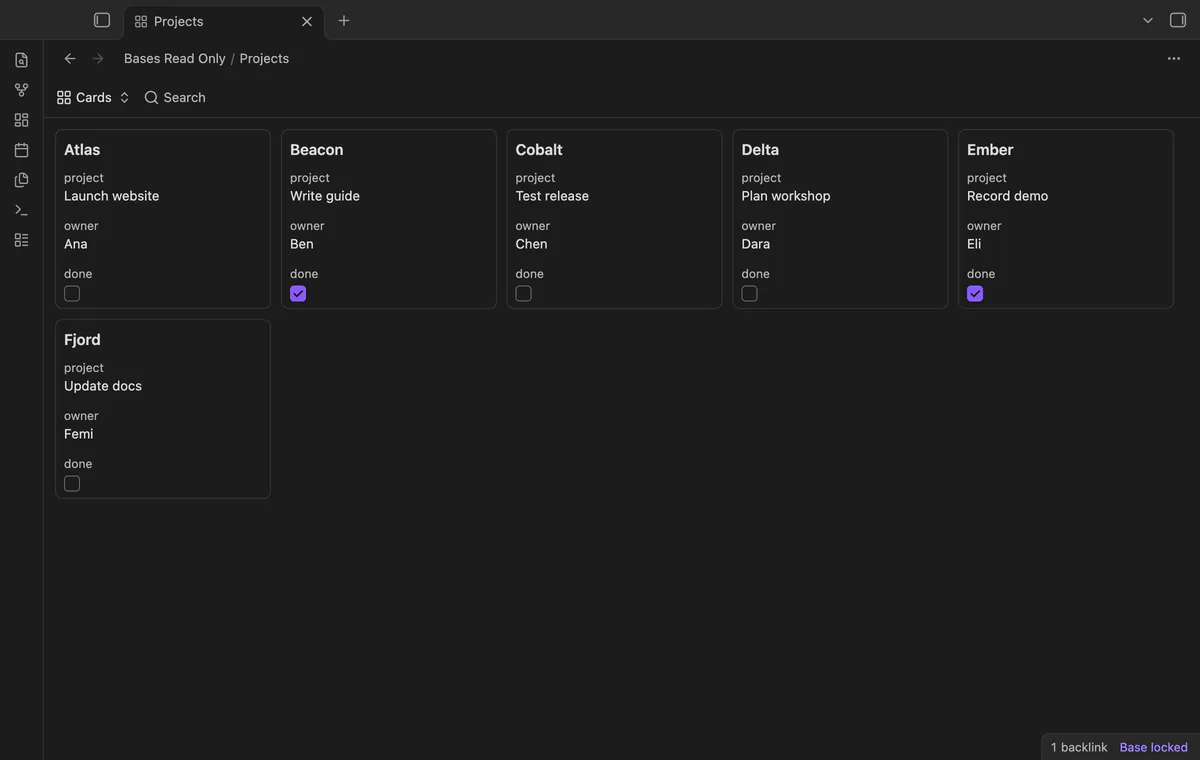
Locked views block supported card and column drag starts. Mutable toolbar controls disappear, while the saved-view switcher stays visible.
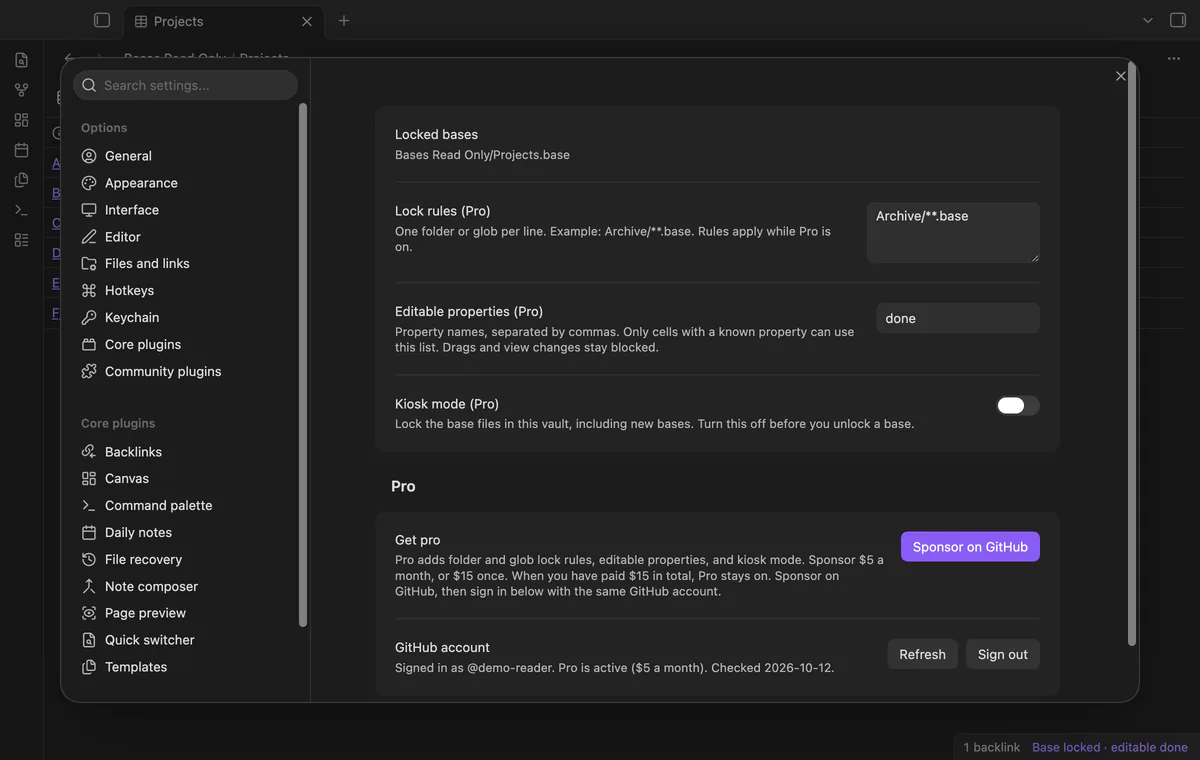
Pro costs $5 a month or $15 one time through GitHub Sponsors. One sponsorship turns on Pro in every plugin that has it.
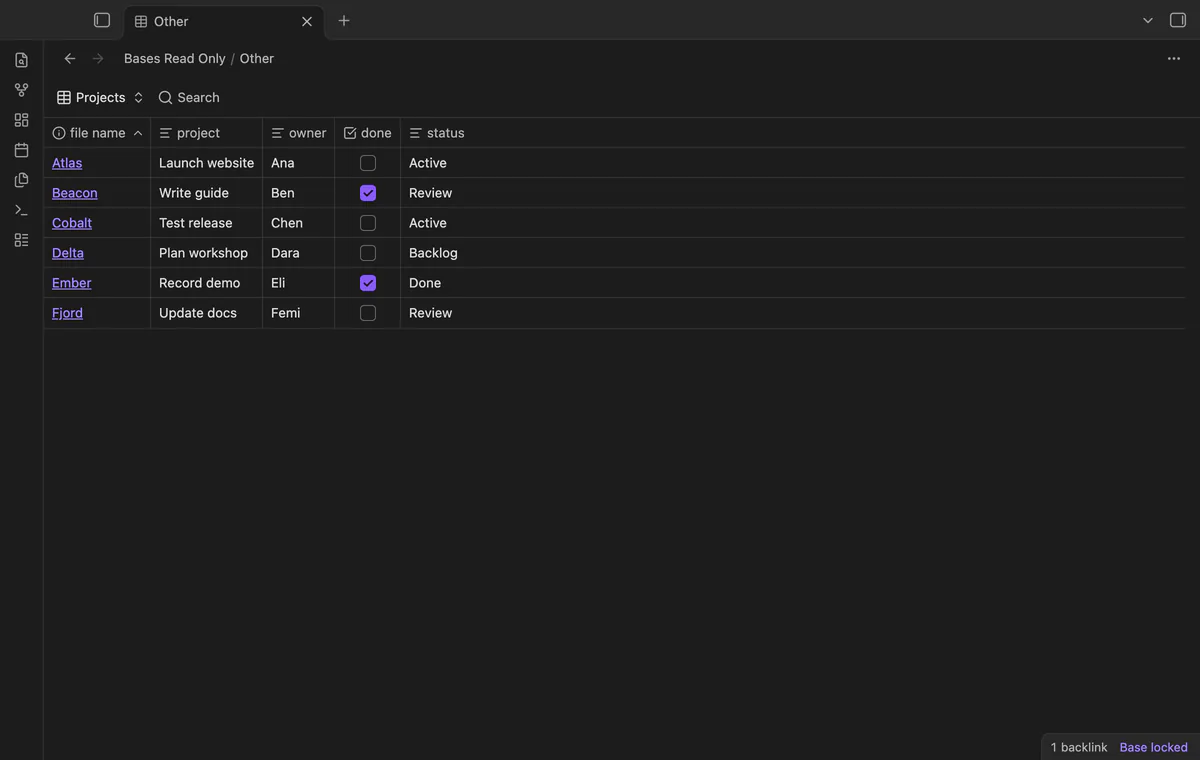
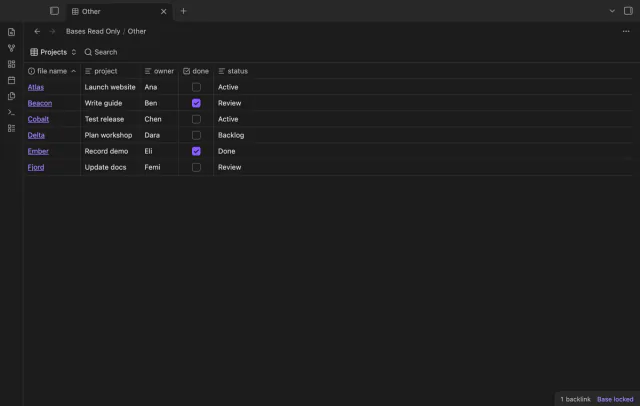
Pro locks matching saved base paths using folder or glob rules. Rules are case sensitive, and a matching rule can retain the lock.
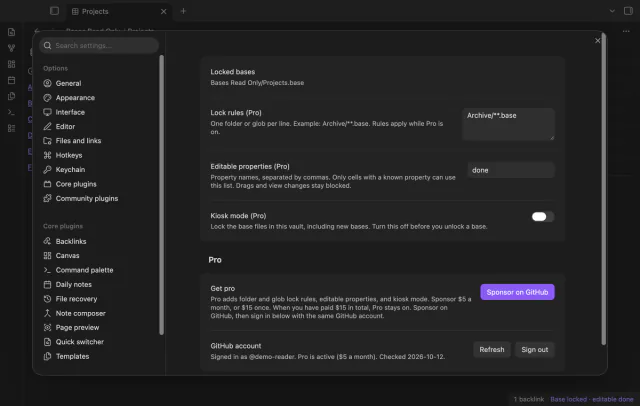
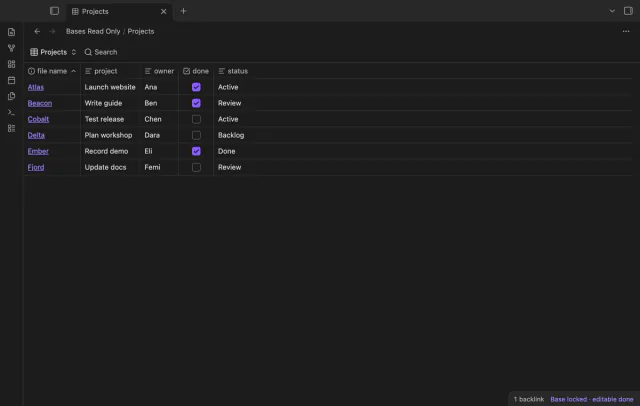
Pro lets named properties remain editable when the rendered cell exposes a known property ID. Unknown cells stay locked, and drag guards remain active.
Pro kiosk mode locks saved base files, including later files. Turning it off leaves manual locks in place.
needs
steps
Create your base and configure its saved views.
Open the .base file in a tab.
Run Toggle lock for current base and check the desktop badge.
Follow file links to read the underlying notes.
If the app can't find a new plugin yet, try again later. Obsidian says a plugin that passes the review shows in the app within 24 hours.
Need a change for your team? I build custom Obsidian plugins and features.
The lock guards the Obsidian interface. A note editor, sync service or another plugin can still change the files.
A Pro rule or kiosk mode can keep it locked after you remove its manual lock. Check those settings before editing.
Inline fenced base blocks have no source file path. They are outside this lock scope.
Manual locks continue to work. Saved rules and property exceptions remain stored, but the free guard ignores them.
After you select Sign in with GitHub, the plugin sends its client ID, read:user scope and device-flow requests to github.com. Due checks and Refresh send your token to api.github.com to read your sponsorship tier and total payment. No note text, filenames or other vault data goes to either host.
Tell me what is broken in Bases Read Only, or what it should do next.
Bases Read Only 1.1.0, MIT license
MIT · no telemetry · core features free
Turn saved Bases filters on or off with switches.
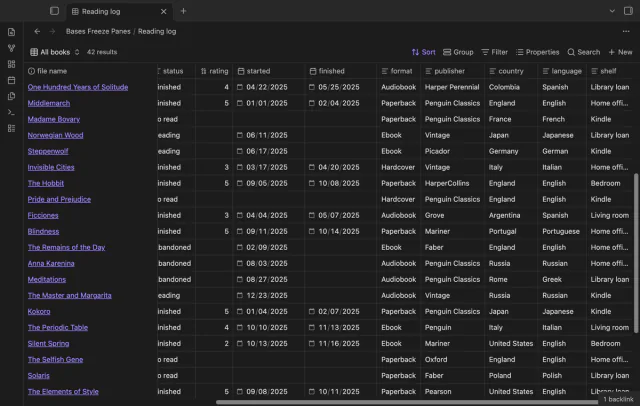
Keep column and note names visible as you scroll a base.
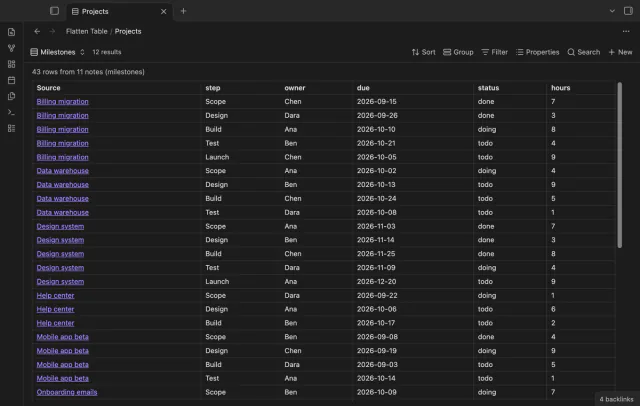
Show each item of a Bases list property as a separate row.
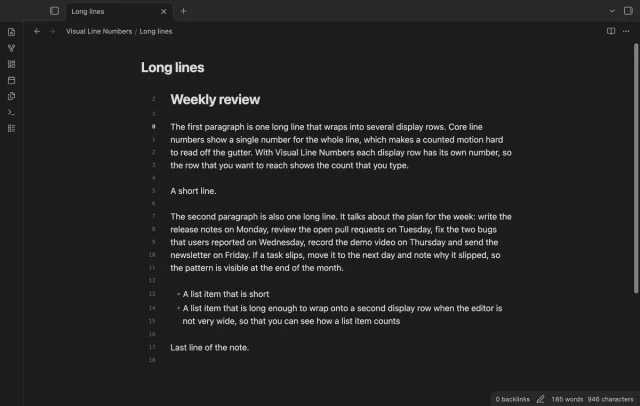
Show a line number for each wrapped row in the editor.