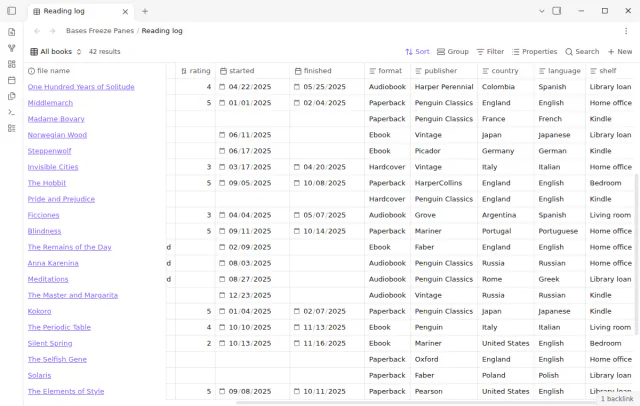
Bases Freeze Panes
Keep column and note names visible as you scroll a base.
Obsidian stores plain Markdown files on your own disk and adds structured views through Bases and NoteMods. Notion runs hosted cloud databases with team permissions.
Choose Obsidian plus NoteMods when you want local Markdown files, instant offline speed, and one-time pricing instead of a yearly SaaS bill. Choose Notion when you need real-time multi-user editing, granular team permissions, and public web publishing out of the box.
| Area | Obsidian Bases and NoteMods Pro | Notion paid plans |
|---|---|---|
| File storage | Local Markdown and YAML files in your own folder | Proprietary cloud database on vendor servers |
| Offline access | Full read, edit, filter, and search with no internet connection | Limited offline caching, cloud connection expected for full workspace |
| 3-year individual cost | $15 Founding one-time ($29 from Jan 1, 2027) for all NoteMods Pro plugins, $0 for Obsidian personal use | $360 or more over 3 years at $10 to $12 per user per month |
| Data export and lock-in | Files are already plain text Markdown on your drive | Requires manual export to Markdown or CSV with relation caveats |
| Team collaboration | Manual via Git or shared sync folders, not real-time multiplayer | Built-in real-time multiplayer editing, comments, and guest sharing |
| Privacy and telemetry | NoteMods plugins have zero telemetry and never upload note text | Cloud workspace with vendor account and server-side processing |
Core NoteMods features stay free under MIT. Founding one-time Pro price is $15 until December 31, 2026 and moves to $29 on January 1, 2027.
Export your Notion workspace as Markdown and CSV files.
Convert database columns into YAML frontmatter properties on each note.
Create an Obsidian Base view for tables and cards, then add NoteMods Bases plugins for frozen headers and filter switches.
Keep backups in Git, iCloud, or your preferred encrypted sync tool.
Every plugin below is free to install from the Obsidian community directory with optional Pro features.
Keep column and note names visible as you scroll a base.
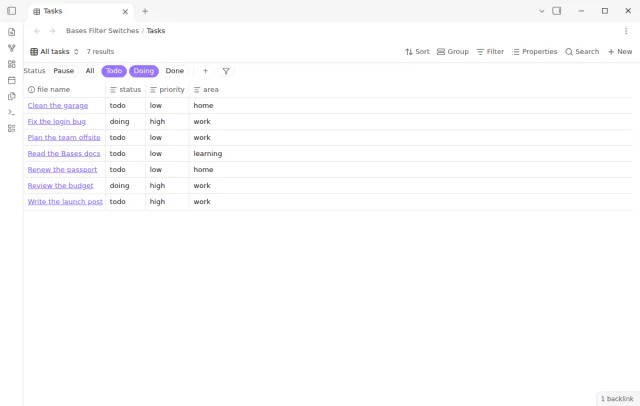
Turn saved Bases filters on or off with switches.
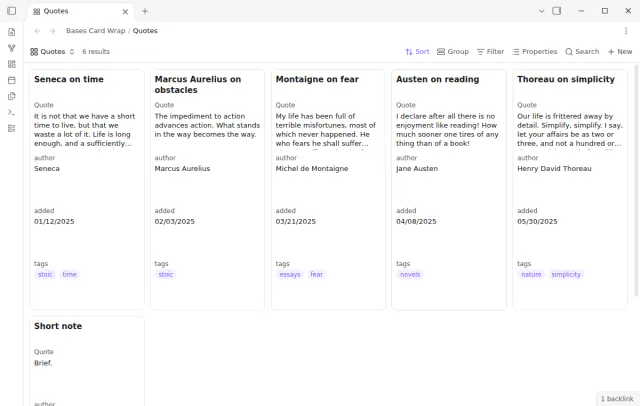
Choose how many lines each property gets on the cards of a base.
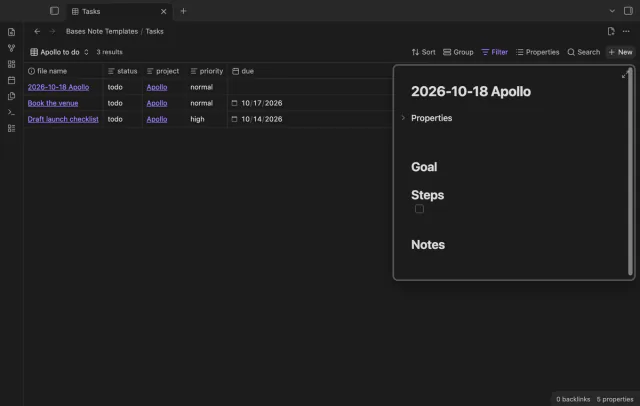
Create notes in Bases with a template and filter values.
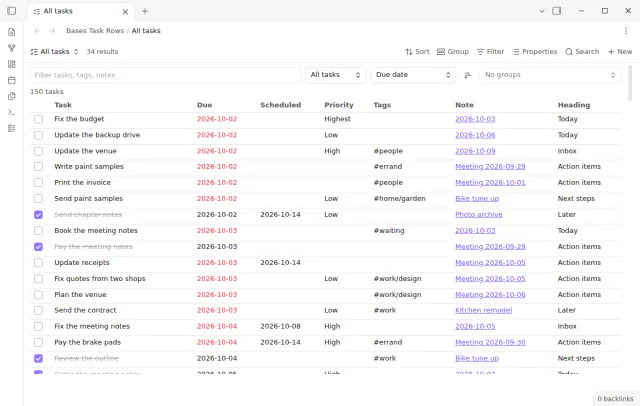
See each task from the notes in a base as a separate row.
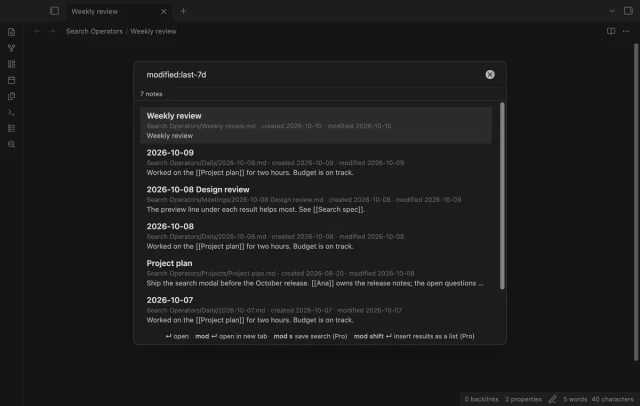
Find notes by date and links, with a preview for each result.
Pay $15 one time on GitHub Sponsors to turn on Pro in all 134 NoteMods plugins (Obsidian vs Notion databases). Nothing renews. The $15 Founding one-time price ends on December 31, 2026 and moves to $29 on January 1, 2027.