MCP Vault Bridge · Obsidian plugin documentation
MCP Vault Bridge documentation
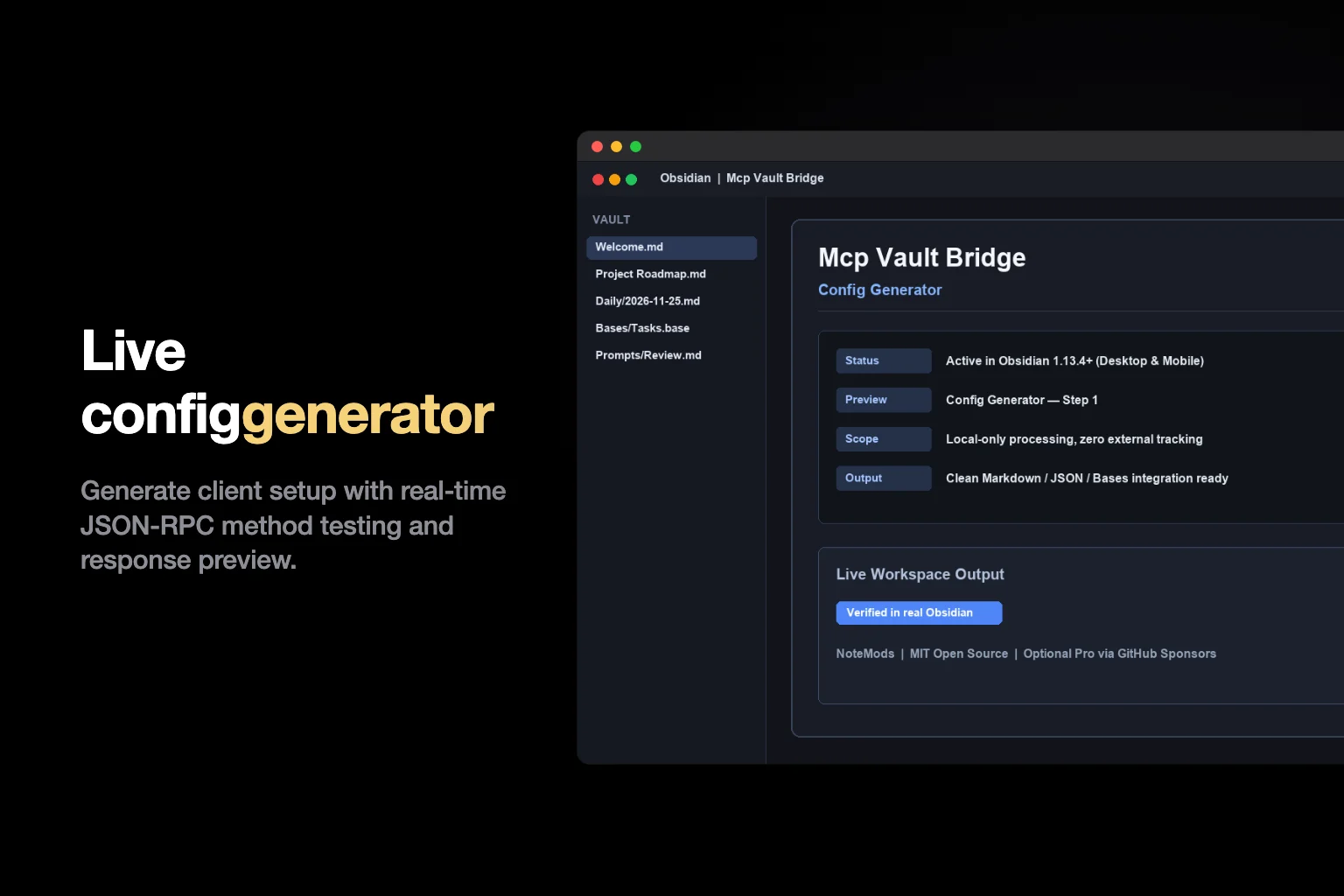
Connect AI coding agents to your Obsidian vault with strict folder scopes and zero private note leaks. MCP Vault Bridge routes Model Context Protocol JSON-RPC 2.0 requests through a folder allowlist, a folder denylist and a path traversal guard. It includes a live MCP inspector and a client config generator for Claude Desktop, Cursor, Gemini CLI and generic HTTP clients.
Use it when an agent needs to search notes, inspect frontmatter or read line ranges while private folders stay off limits. Every call respects the active scope and fits inside a UTF-8 byte budget. On desktop, an optional local server listens only on 127.0.0.1 with a bearer token. On mobile, no port opens, and the inspector and config generator work offline.
Version 1.0.0. Requires Obsidian 1.13.4 or later. Works on desktop and mobile.
1 Installation
Use Obsidian 1.13.4 or later. For a manual install, download main.js, manifest.json and styles.css from the same release, place them in .obsidian/plugins/mcp-vault-bridge, reload Obsidian and enable MCP Vault Bridge in Community plugins.
2 Getting started
Open the command palette and run "Open inspector".
Review allowed and denied folders in Settings. The default denylist blocks Private.
Pick vault_list_notes in the inspector and select "Run request".
Copy the JSON config block for your client.
On desktop, select "Start bridge" to listen on 127.0.0.1.
Select the cable icon in the ribbon or run "Open inspector".
Review allowed and denied folders in Settings.
Run a test call in the inspector to check the response and token estimate.
Copy the config snippet for your agent.
On desktop, run "Start local bridge" when ready.
All actions are in the command palette with no default hotkeys.
3 Features
Scoped MCP JSON-RPC 2.0 router
The router handles initialize, ping, tools/list, tools/call, resources/list and resources/read. Before reading the vault, the path guard rejects null bytes, backslashes, drive letters, URI schemes, .. segments, encoded traversal and hidden folders such as .obsidian or .git.
Denylist rules always override allowlist rules. If you allow Projects and deny Projects/Secret, calls targeting Projects/Secret return a scope denied error. Metadata backlinks are filtered through the same read scope.
Built-in read, search and metadata tools
Four read-only vault tools are free:
vault_searchsearches allowed notes by title, body text, tag or folder.vault_read_notereads one note with optional frontmatter stripping and line ranges.vault_list_noteslists allowed Markdown paths by folder or tag.vault_note_metadatareturns frontmatter, tags, headings, links and allowed backlinks.
Every reply fits within your configured maximum byte budget.
Optional desktop loopback HTTP and SSE server
On desktop, the optional HTTP and Server-Sent Events server binds only to 127.0.0.1. Every /mcp POST request and /sse stream checks an Authorization: Bearer header in constant time. Request bodies above 256 KB are rejected before parsing.
On mobile, the HTTP server does not start. The inspector, dry-run tester and config generator still work offline.
Live MCP inspector and client config generator
The side view lets you pick any MCP method or tool, edit JSON arguments and run it against your live vault. It displays the exact JSON-RPC request, response, UTF-8 byte count and token estimate at four characters per token.
The config generator builds ready-to-paste JSON snippets for Claude Code (Streamable HTTP), Claude Desktop (mcp-remote stdio), Cursor, Gemini CLI and generic HTTP clients. Bearer tokens stay hidden behind a template token until you select "Include live token".
4 Commands
Open the command palette and type the plugin name to see these commands. You can give each one a hotkey in Settings, Hotkeys.
| Command | Command id |
|---|---|
| Open inspector | mcp-vault-bridge:open-inspector |
| Start local bridge | mcp-vault-bridge:start-local-bridge |
| Stop local bridge | mcp-vault-bridge:stop-local-bridge |
| Open client config generator | mcp-vault-bridge:copy-client-config |
| Export audit log as JSONL | mcp-vault-bridge:export-audit-log |
5 Settings
Settings cover bridge status, loopback port (1024 to 65535, default 27240), desktop auto-start, bearer token regeneration, read allowlist, denylist, maximum response bytes and the session audit log.
The Pro tools group holds the active profile selector, write allowlist folders, context bundle token budget and JSONL audit log export. Write tools fail closed when the write allowlist is empty.
After a minor or major update, this plugin opens one What's new tab in the background. The tab and settings card suggest other NoteMods plugins and Zovo Chat and link to notemods.com for feedback (privacy). The tab sends no data. Turn the tab off in Settings.
6 Pro
- Run scoped write tools (append, create, update frontmatter) with dry-run diff previews and a write folder allowlist.
- Switch between multi-profile MCP presets with separate folder rules and bearer tokens in one click.
- Pack matched notes and backlinks into a token-budgeted context bundle with the vault_context_bundle tool.
- Export a persistent JSONL audit log of every tool call with timestamps, caller profile and redacted paths.
- Expose custom prompt templates through MCP prompts/list and prompts/get.
Sponsor $5 a month, or $15 once. When you have paid $15 in total, Pro stays on. Run "What Pro adds" to test each Pro feature on sample notes without touching your vault.
7 Privacy, payment and network
The core features are free. Pro features need a GitHub Sponsors sponsorship of theluckystrike: $5 a month or more, or $15 once. A total payment of $15 meets the payment requirement for Pro without further payment. Sign-in and the checks below still apply. Your notes stay readable and editable with or without Pro.
One payment turns on Pro in every NoteMods plugin.
GitHub handles the payment. Sponsor at https://github.com/sponsors/theluckystrike/sponsorships?tier_id=666162&frequency=one-time&metadata_source=mcp-vault-bridge. You need no account for the free features. Pro needs the GitHub account that sponsors.
On desktop, the optional local MCP server listens only on 127.0.0.1 on the port you choose and never makes outbound connections. On mobile, the server does not start; the inspector, config generator and dry-run tester work fully offline.
Until you select "Sign in with GitHub" in the settings, MCP Vault Bridge makes no network requests of its own. Sign in uses the GitHub device flow. MCP Vault Bridge sends its public client ID and the scope read:user to https://github.com/login/device/code and shows you a code. While you enter the code at https://github.com/login/device, it asks https://github.com/login/oauth/access_token every few seconds to check the sign-in status. The scope permits profile reads only. GitHub needs this access to show the sponsorship tier. It grants no repository scope and no write access.
After sign in, MCP Vault Bridge sends one query to https://api.github.com/graphql. It checks if the signed-in account sponsors theluckystrike. It asks for the tier and the total payment to theluckystrike. The plugin reuses a successful check for 7 days. Failed checks can retry after 6 hours. Select Refresh to request an earlier check. It sends no note content, file names or other vault data, and it has no telemetry.
After a successful check, Pro can work offline for up to 14 days. Sign out or a negative sponsorship answer turns Pro off. The plugin stores the GitHub token through the secret storage API of Obsidian. It does not put the token in its saved settings or its local sponsorship data. The local storage of this device keeps your GitHub login, the tier and the time of the last check. Sign out clears the token. You can also revoke the access in your GitHub settings, under Applications.
8 Questions and answers
Does the server accept LAN connections?
No. On desktop it binds only to 127.0.0.1.
Can an agent read .obsidian or .git?
No. Hidden path segments, .. segments and encoded traversal patterns are always blocked.
Can a free user try Pro features?
Yes. Run "What Pro adds" and select "Try it" for live sample demos.
Does this work on mobile?
Yes. The inspector, dry-run tester and config generator work offline on mobile without opening a port.
How are denied paths logged?
Denied or invalid paths are recorded as [redacted] in the audit log.
Will I lose access to my notes if I stop using Pro?
No. Your notes stay plain Markdown files in your vault at all times. The Pro version adds advanced features but does not change how your data is stored. You can disable it anytime without lock-in. One Pro license works across all NoteMods plugins.
9 Support
Use the GitHub repository for source code and support. When reporting an issue, include your Obsidian version, your operating system and the redacted JSON-RPC request from the inspector. Remove any private text or bearer tokens before sharing logs. This plugin uses the MIT license.