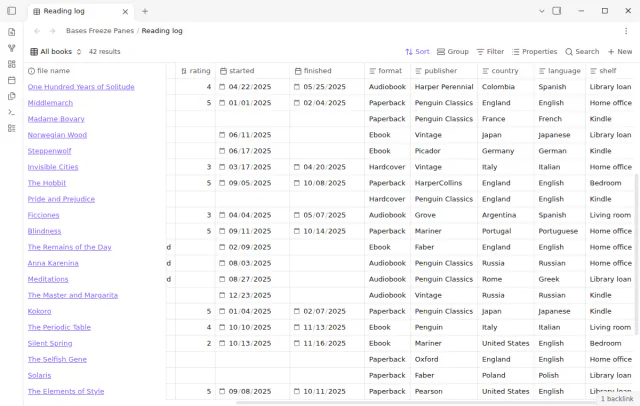
Bases Freeze Panes
Keep column and note names visible as you scroll a base.
Turn Obsidian Bases into a daily table, card, and graph workspace using open source plugins that run locally in your vault.
Browse all Obsidian Bases plugins Obsidian Bases functions reference
Every plugin below is open source under MIT and free to install from the Obsidian community directory.
Directory facts fetched from community.obsidian.md/users/theluckystrike.
Obsidian Bases displays notes as tables and cards from frontmatter properties. Large bases grow hard to scan when headers scroll out of view or filters take too many clicks. This workflow pairs eight directory-listed NoteMods plugins so you can browse, filter, edit, and repair Bases views without leaving Obsidian.
8 directory-listed plugins with live download counts. Select any plugin to view free features, Pro features, and its install link.
Keep column and note names visible as you scroll a base.
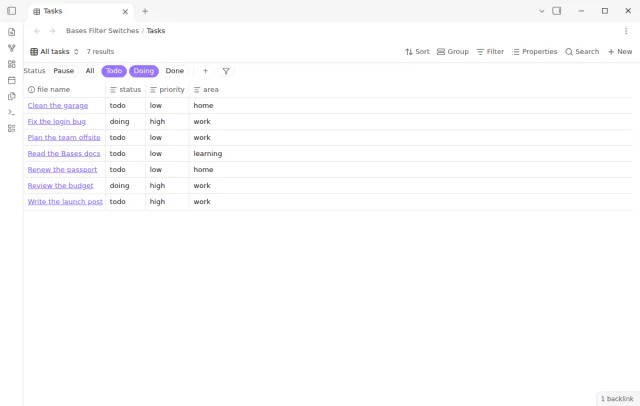
Turn saved Bases filters on or off with switches.
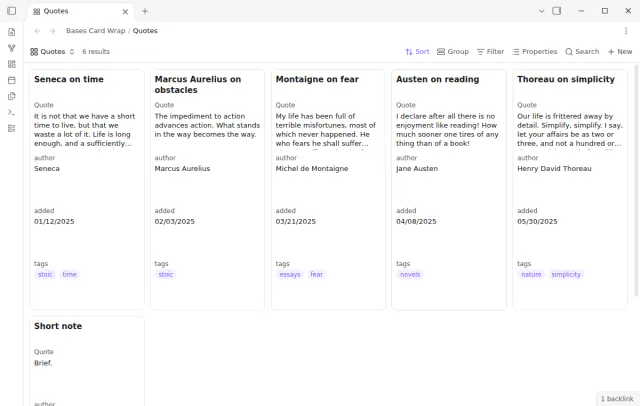
Choose how many lines each property gets on the cards of a base.
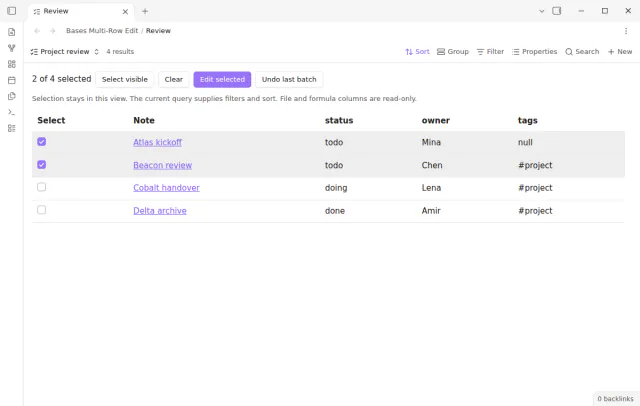
Select rows in a base, preview each new value, apply the change and undo the batch.
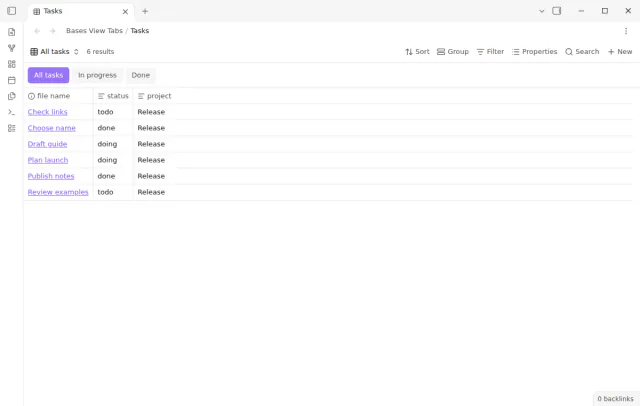
Change between the saved views of a Base in one click from a tab strip under its toolbar.
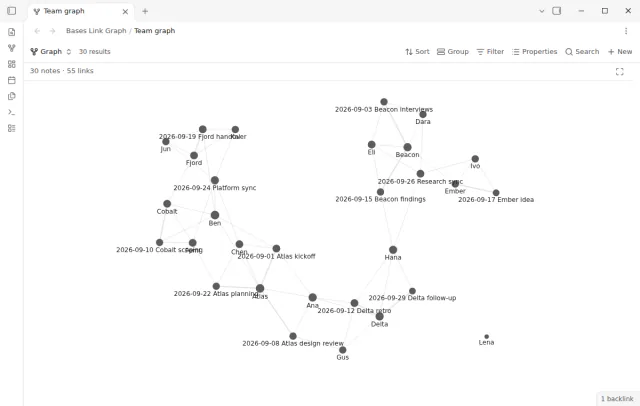
See the notes and links from a filtered base as a graph.
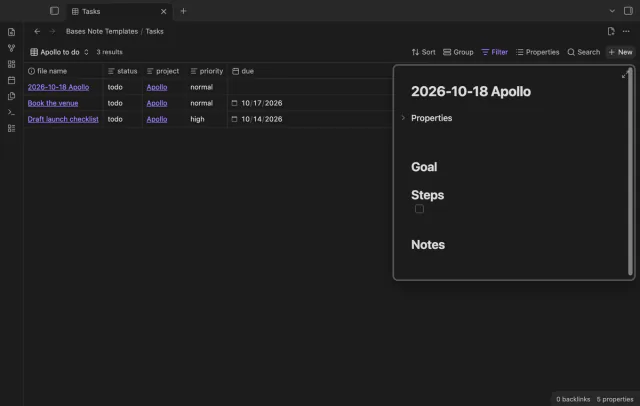
Create notes in Bases with a template and filter values.
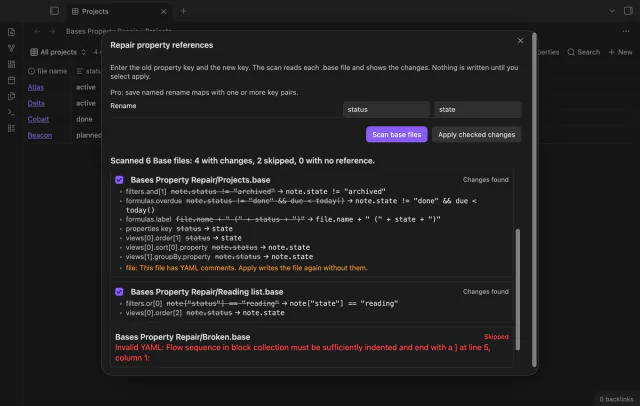
Preview and repair property references in Bases.
Pay $15 one time on GitHub Sponsors to turn on Pro in all 134 NoteMods plugins, including all NoteMods Bases workflow plugins. Nothing renews. The $15 Founding one-time price ends on December 31, 2026.