Academic and PDF research vault workflows

Organize papers, jump straight to cited PDF pages, reuse TeX macros, and export clean PDFs with frontmatter properties intact.

Browse all Obsidian Bases plugins Obsidian callout types reference

Every plugin below is open source under MIT and free to install from the Obsidian community directory.

plugins
11
downloads
2,814
with pro
10
updated
2026-11-29

Directory facts fetched from community.obsidian.md/users/theluckystrike.

How this workflow fits together

Academic vaults mix PDF papers, math notation, citations, and long literature notes. Small friction adds up when footnotes fail inside callouts or PDF exports drop note metadata. This workflow brings together eleven directory-listed NoteMods plugins built for reading papers, checking sources, and publishing notes.

Step by step setup

  1. Browse papers visually and jump to cited pages

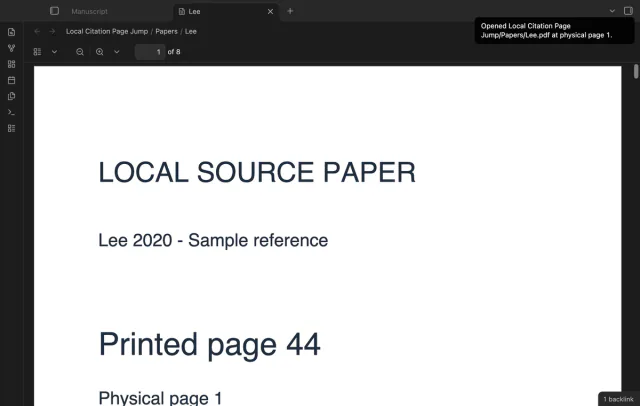
    Turn on PDF Cover Cards to display a page from each linked PDF on your Bases cards. Use Local Citation Page Jump to open a vault PDF straight at the page named in an existing citation.

  2. Capture quotes, cropped figures, and PDF comments

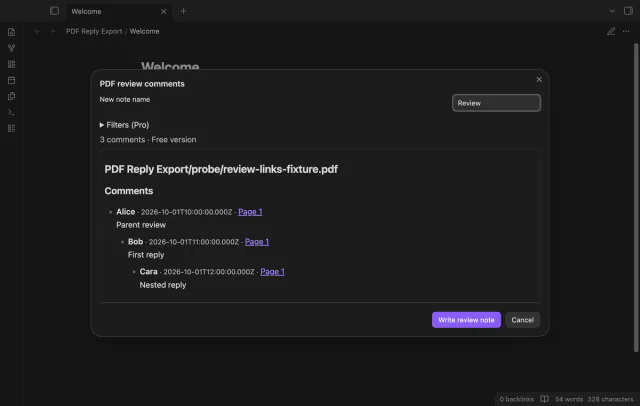
    Save PDF figure regions as PNG files and refresh them from source pages with PDF Crop Refresh. Combine related quote callouts without losing source links using PDF Quote Join, and pull native PDF comments into Markdown with PDF Reply Export.

  3. Write clean math, footnotes, and cross-references

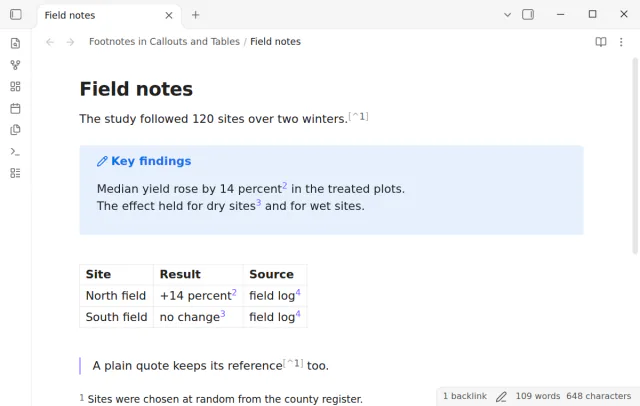
    Store your LaTeX macros in one vault file with Shared TeX Preamble so every note stays consistent. Enable Footnotes in Callouts and Tables for clickable Live Preview footnotes and Pandoc Crossref Preview for figure and equation checks.

  4. Audit citations and export finished notes

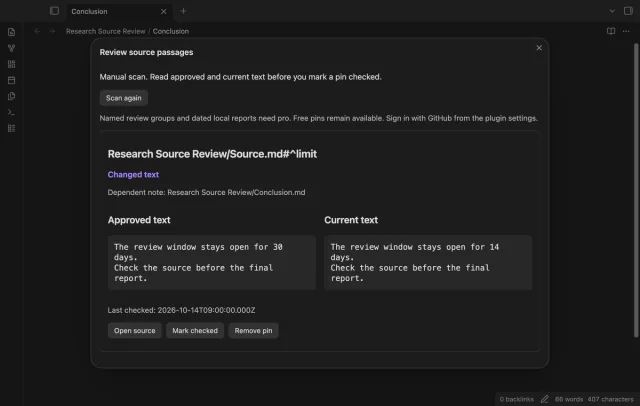
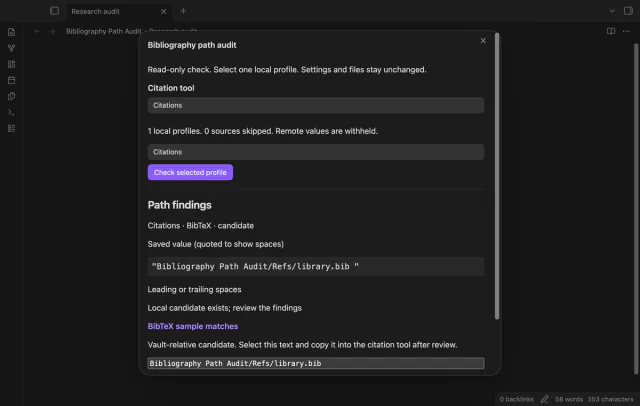
    Check bibliography file paths with Bibliography Path Audit and compare approved quotes against current text using Research Source Review. Export reference metadata to a local RIS file with Note RIS Export, and print note properties on PDF headers with Properties in PDF Export.

Plugins in this workflow

11 directory-listed plugins with live download counts. Select any plugin to view free features, Pro features, and its install link.

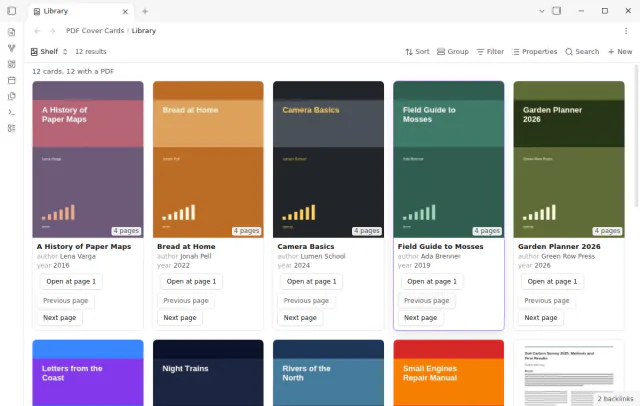
A Library base with book covers, authors and years.

PDF Cover Cards

Show the first PDF page as a cover in your base.
v1.5.4 · 549 downloads

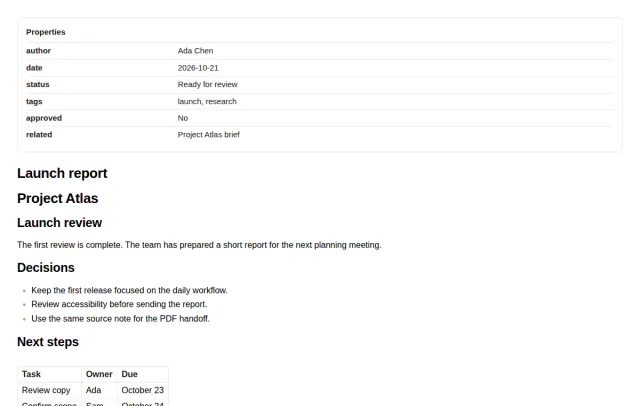
The core PDF print preview shows a formatted properties header above the note.

Properties in PDF Export

Author, date, status and tags print as a readable header when you export a note to PDF.
v1.2.5 · 313 downloads

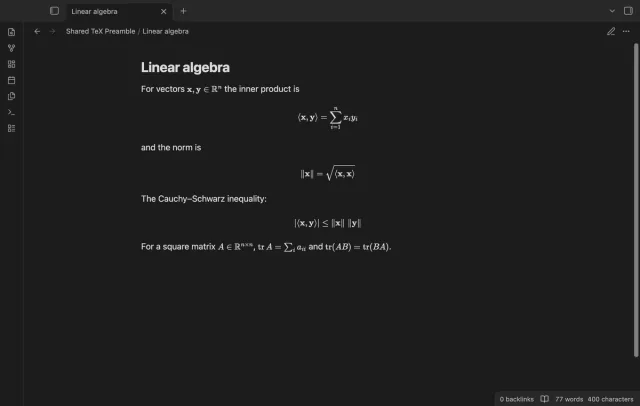
A linear algebra note shows formulas drawn with shared macros.

Shared TeX Preamble

Define your math commands once, then use them in your notes.
v1.1.3 · 410 downloads

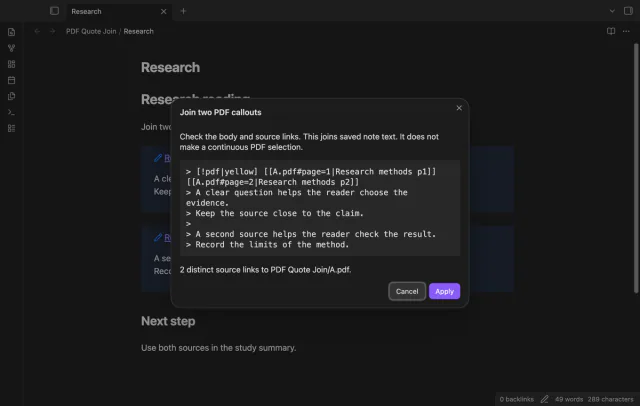
The join preview shows two saved quote bodies and their distinct PDF page links.

PDF Quote Join

Preview and join adjacent PDF quote callouts.
v1.1.3 · 80 downloads

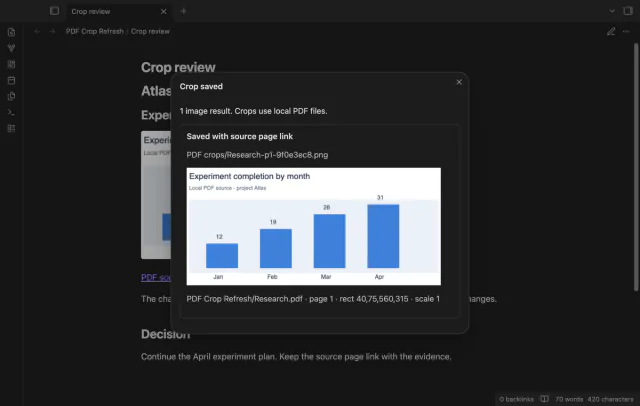
A saved chart crop appears with its PDF path and rectangle coordinates.

PDF Crop Refresh

Save PDF crops as PNG files and refresh them.
v1.1.3 · 97 downloads

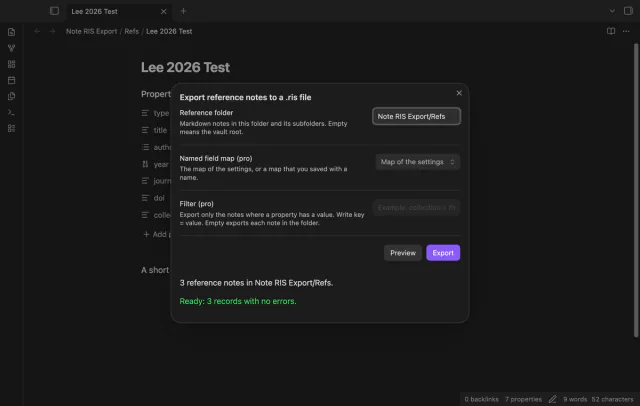
The export window with three reference notes in the Refs folder and no errors.

Note RIS Export

Map citation properties, check the preview, and save a RIS file.

v1.1.3 · 76 downloads

One payment covers every NoteMods Pro plugin

Pay $15 one time on GitHub Sponsors to turn on Pro in all 134 NoteMods plugins, including all PDF and academic research plugins. Nothing renews. The $15 Founding one-time price ends on December 31, 2026.